13180 products were found matching your search for enhance in 15 shops:
-
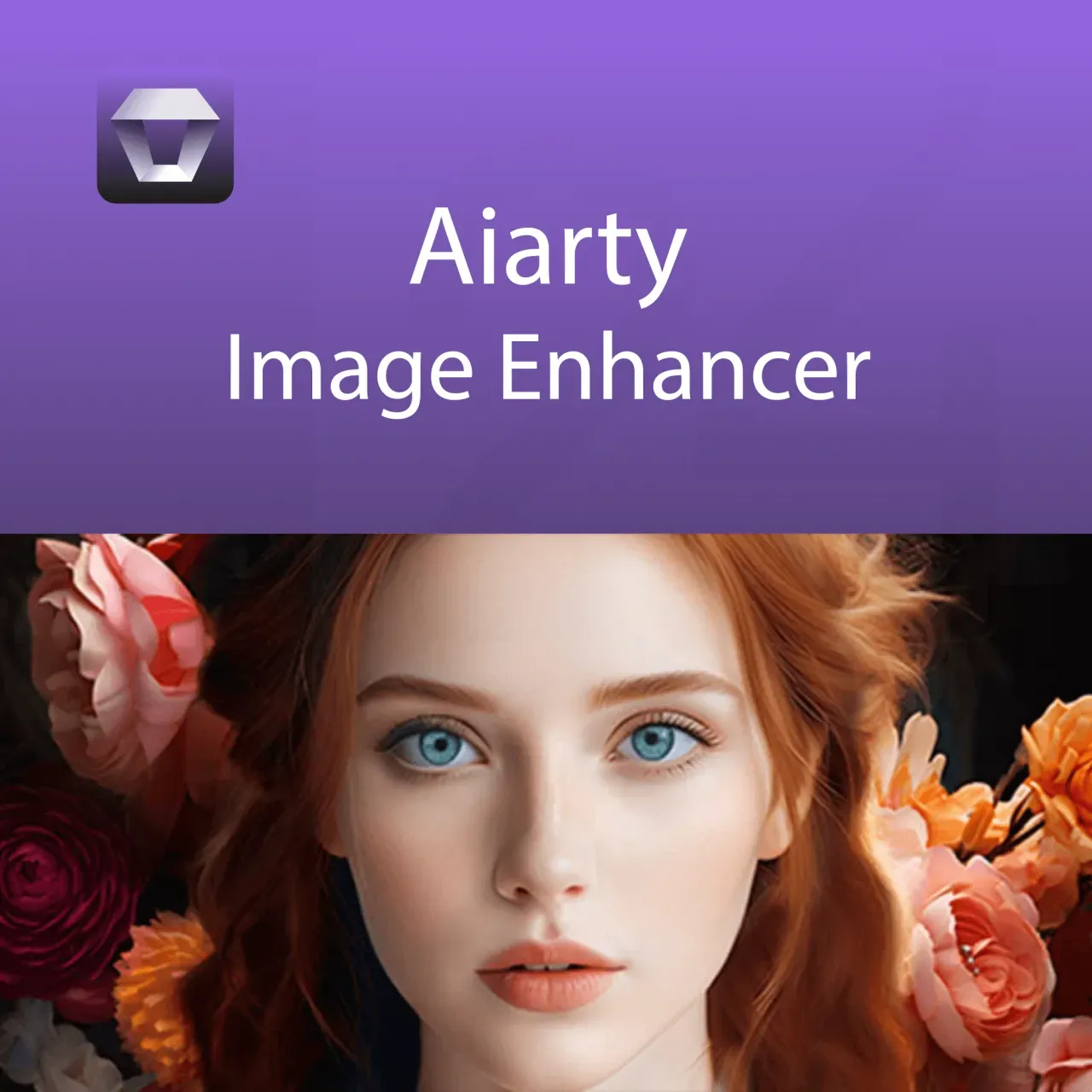
Aiarty Image Enhancer
Vendor: Blitzhandel24.de GB Price: 40.17 £Aiarty Image Enhancer - The ultimate solution for image optimization and enhancement In today's digital world, the quality of images plays a crucial role. Whether you want to edit professional photographs, create digital artwork or simply capture your memories in the best possible quality, Aiarty Image Enh ancer gives you all the tools you need to take your images to the next level. This innovative software uses the latest advances in artificial intelligence to automatically analyze and enhance images so you can effortlessly achieve professional results. Advantages of Aiarty Image Enhancer Aiarty Image Enhancer is a powerful image editing software specifically designed to optimize the quality of photos and digital images. With an intuitive user interface and advanced features, this software is aimed at both beginners and professionals looking for a quick and effective way to enhance their images. By integrating state-of-the-art algorithms and machine learning, Aiarty Image Enhancer can bring out details in images, correct colors and remove distracting noise for flawless and stunning results. Advanced features of the Aiarty Image Enhancer AI-powered image enhancement: The software uses artificial intelligence to automatically analyze your images and make the optimal settings for brightness, contrast, color saturation and sharpness. Detail enhancement: Aiarty Image Enhancer can restore fine details in images that may have been lost in the original capture, resulting in a sharper and clearer image. Color correction and enhancement : With one click, you can optimize the color balance of your images to create realistic and vivid hues that surpass the original image. Noise reduction: Advanced noise reduction technology effectively reduces image noise, especially when shooting in low light conditions or at high ISO settings. Automatic exposure compensation: The software automatically adjusts the exposure of your images to compensate for over- or underexposed areas and achieve a balanced, natural result. Face detection: Aiarty Image Enhancer can recognize and enhance faces in images to soften skin tones and bring out details such as eyes and hair. Batch processing: Optimize multiple images simultaneously by using the batch processing function. This saves time and enables consistent processing of large volumes of images. Presets and adjustments: The software offers a variety of preset image styles and effects that you can apply with just one click. In addition, you can save your own customizations and apply them to future projects. Support for different image formats: Aiarty Image Enhancer supports a wide range of image formats including JPEG, PNG, TIFF, BMP and RAW for maximum editing flexibility. Reasons to choose the Aiarty Image Enhancer Aiarty Image Enhancer stands out from other image editing software for its ease of use and high quality results. Here are some reasons why this software is the best choice for your image editing needs: Ease of Use: The intuitive interface makes image editing easy even for beginners, while advanced users have the ability to make deeper adjustments. Fast results: Powerful AI technology means you can achieve stunning results in no time without having to spend hours tweaking settings. Versatility : Whether you're editing landscapes, portraits, product photos or artwork, Aiarty Image Enhancer has the right tools for every type of image. Cost-effective : Compared to other high-end image editing software solutions, Aiarty Image Enhancer offers excellent value for money without compromising on quality. Regular updates: The developers behind Aiarty Image Enhancer are constantly working to improve the software and add new features to ensure you always have the best tools at your disposal. Supported formats for the Aiarty Image Enhancer Supported input formats .jpg, .jpeg, .jp2, .j2k, .jpf, .jpm, .jpg2, .j2c, .jpc, .jpx, .mj2, .png, .tif, .tiff, .webp, .bmp, .avif, and RAW formats (.dng, .cr3, .cr2, .crw, .nef, .nrw, .arq, .arw, .sr2, .srf, .raf, .rw2, .orf, .ori, .pef, .ptx, .3fr, .fff, .iiq, .cap, .eip, .rwl, .srw, .erf, .mos, .mef, .mrw, .mdc, .dcr, .kdc, .dcs, .drf, .k25, .bay, .pxn, .r3d, and .rwz) Supported output formats .jpg, .png (8-bit, 16-bit) System requirements for the Aiarty Image Enhancer System requirements Component Minimum system requirements Windows Supported operating system Microsoft Windows 10, 11 (x64) or higher Processor (CPU) Any Intel or AMD processor with 64-bit support Memory (RAM) 8 GB (Recommended: 16 GB or more) Mac Supported operating system macOS Catalina 10.15 - macOS Sonoma 14.6 or higher Processor (CPU) Any Intel processor Memory (RAM) 4 GB Hard disk space (HDD) 512 GB Graphics card (GPU) Each
-

Charlotte Tilbury Concealer Foundation Contour Liquid Smooth Enhances Facial Contours Plump Makeup Long-lasting Makeup With Box
Vendor: Aliexpress.com Price: 12.79 £Charlotte Tilbury Concealer Foundation Contour Liquid Smooth Enhances Facial Contours Plump Makeup Long-lasting Makeup With Box
-

FR-TEC Racing Enhance Kit (PS5)
Vendor: Thegamecollection.net Price: 16.95 £Kit designed for SimRace games, improving the precision and performance of the PS5 DualSense™. Features Silicon protective cover for the DualSense controller. 2 concave thumb grips to increment precision, increase the angle of movement and improve grip. 2 high-density foam rings to improve thumbstick precision (position them between the controller and the thumbstick). 2 triggers for R2 and L2 buttons, with two operating modes: long range for accuracy and short range for rapid fire. 2 caps to raise the contact height and improve grip on R1 and L1 buttons. 1 tool for removing the R1 and L1 buttons from the PS5 DualSense controller.
-
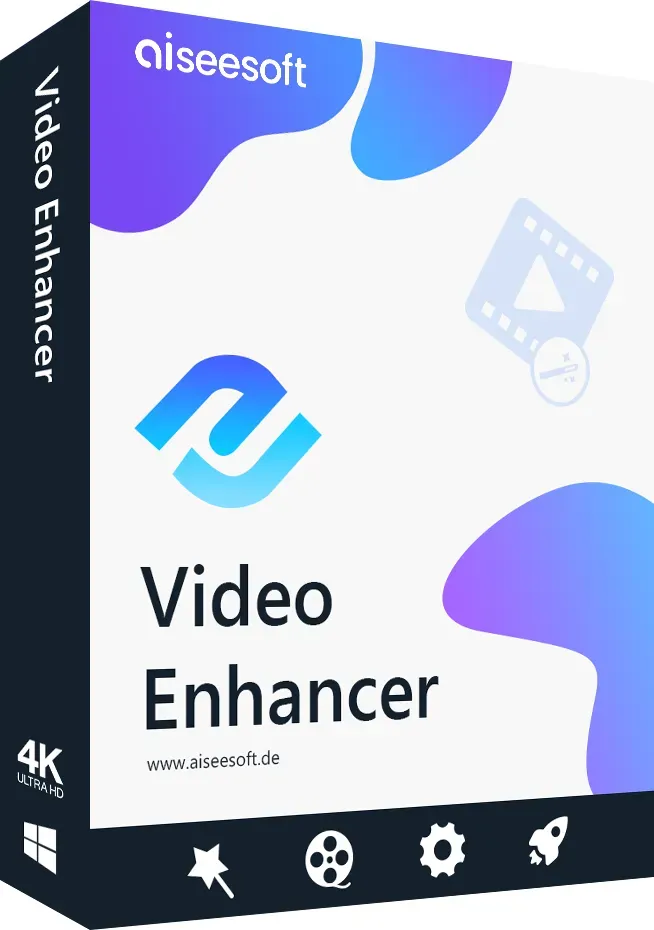
Aiseesoft Video Enhancer
Vendor: Blitzhandel24.de GB Price: 21.90 £video enhancer Aiseesoft Video Enhancer is an excellent video enhancement software. It allows you to improve video quality, rotate video, adjust video effects, trim video length and image size, and add watermarks to your video. No.1 Video Enhancement Software This professional software can convert videos to various formats and improve the quality of your videos. This Video Optimizer offers three important video optimization functions: upscaling resolution, optimizing brightness and contrast, removing noise. Upscaling video resolution This video enhancement software can upscale the video resolution, especially if you want to get an HD video from a low resolution SD video. With the help of this powerful software, you would find that it is as clear as on your smartphone. Optimize brightness and contrast In addition to the basic editing functions, the software offers a quick and easy way to optimize the video effect. With just a single click, Video Enhancer helps you get the best video effects. Remove image noise Sometimes we find some old movies or DVD videos with a few color stains. With this software you can easily remove the image noise. The function will simplify the whole process. You only need one click to do it all. Stabilize After Effects video - New The latest update brought you the brand new feature - video stabilization. When you shoot video with a handheld camera, you may occasionally shake your camera and get shaky video, especially if you hit an emergency. If you edit the video effects after recording the video, you can use this stabilization software to fix the shaky problem. The image is stabilized and appears more comfortable. Rotate & Flip Sometimes we get videos that are shot. The Video Enhancer software has provided a handy function for rotating videos. You can't worry about video with strange angles. You can also mirror your video. The function could be quite interesting, all actors are changed from one direction to another. Basic functions Cutting Split a video into different parts, merge some video clips into one file. Adjust effect Adjust the brightness, contrast, saturation, hue and volume of the output video. Cutting Crop the image size, remove black borders so that it fits your screen. Watermark Add a text or image watermark to your video. How to use Video Enhancer 1. Open Aiseesoft Video Enhancer and import video files Click the "Add File" button to import video files into the program from which you want to optimize the video quality. 2. Optimize video quality Click "Improve" on the toolbar and highlight the three options. These allow you to upscale resolution, optimize brightness and contrast, and remove noise. 3. Rotate video Click Rotate and you can rotate your video 90 degrees clockwise, 90 degrees counterclockwise, flip horizontally or vertically. 4. Adjust effects Click "Effect" and adjust the volume, brightness, contrast, saturation and hue of the video. 5. Cutting the image area If black bars around the video are felt to be disturbing, you can use the "Trim" function. 6. Insert watermark Click "Watermark" button and you can add text and image watermarks to your video. 7. Cut video length Click on the "Cut" button in the toolbar. You can split your video into several sections. 8. select output format and start conversion Select an output format from the "Profile" list and an output folder, click the "Convert" button at the bottom right. System requirements Operating system: Windows 7, Windows 8, Windows Vista, Windows XPRequired memory:: min. 1000 MBRequired hard disk space: min. 1500 MBRecommended screen resolution: min. 1024x768 Mac Video Enhancer Aiseesoft Mac Video Enhancer is a professional application to improve video quality. It also allows you to trim video length, crop image size, rotate or flip video. The fantastic video enhancement software The Video Enhancement Tool gains a good reputation for three points: Upscaling resolution, optimizing brightness and contrast, and removing image noise. Upscaling video resolution With this function you can enhance SD video with low resolution to HD and even 4K video. You can then enjoy a high quality video. Optimize brightness and contrast automatically This Video Enhancer software makes it possible to automatically optimize the brightness and contrast of the video, which will illuminate the dark video images. Reduce image noise Noise in videos is an annoying evil. Now you can reduce and remove noise with one click. So you can get a clear video. Stabilize shaky video - New After the update, the Video Enhancer now has a new function for video stabilization. If you get shaky video, you can use this Video Enhancer on your Mac to fix the shaky problem and make your video more stable. This is very useful for videos shot...
-

Maria Nila Curlicue Cream Enhances and Defines Curls and Waves 100mL
Vendor: Sweetcare.com Price: 23.42 £ (+5.28 £)A hair-care product. Transform your curls with Curlicue Cream – the nourishing cream that enhances and defines curls while protecting against humidity. Formulated with chamomile extracts to prevent frizz and split ends, this cream adds moisture and hold for beautifully defined curls. Enhances and defines curls and waves.
-
AYBL Enhance Shorts - red, red
Vendor: Global.jdsports.com Price: 28.00 £ (+3.99 £)Bring that AYBL energy to your workout. These women's Enhance Shorts land in bold red. Smooth, stretchy and seamless, these compressive shorts have a soft jersey knit, subtle scrunch detail to the glutes. The low waist and super-short inseam lets you flow naturally. Finished with an AYBL logo on the hip. Machine washable. Our model is 5'6 and wears a size S.Note: AYBL recommends one size up if you want a less compressive fit or have bigger glutes.
-
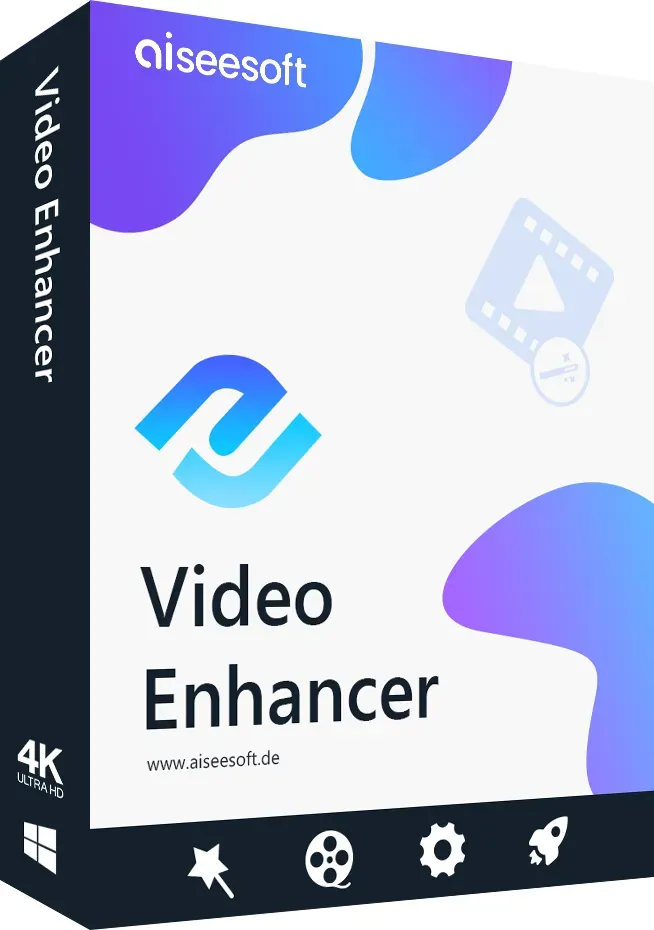
Aiseesoft Video Enhancer
Vendor: Blitzhandel24.de GB Price: 21.90 £video enhancer Aiseesoft Video Enhancer is an excellent video enhancement software. It allows you to improve video quality, rotate video, adjust video effects, trim video length and image size, and add watermarks to your video. No.1 Video Enhancement Software This professional software can convert videos to various formats and improve the quality of your videos. This Video Optimizer offers three important video optimization functions: upscaling resolution, optimizing brightness and contrast, removing noise. Upscaling video resolution This video enhancement software can upscale the video resolution, especially if you want to get an HD video from a low resolution SD video. With the help of this powerful software, you would find that it is as clear as on your smartphone. Optimize brightness and contrast In addition to the basic editing functions, the software offers a quick and easy way to optimize the video effect. With just a single click, Video Enhancer helps you get the best video effects. Remove image noise Sometimes we find some old movies or DVD videos with a few color stains. With this software you can easily remove the image noise. The function will simplify the whole process. You only need one click to do it all. Stabilize After Effects video - New The latest update brought you the brand new feature - video stabilization. When you shoot video with a handheld camera, you may occasionally shake your camera and get shaky video, especially if you hit an emergency. If you edit the video effects after recording the video, you can use this stabilization software to fix the shaky problem. The image is stabilized and appears more comfortable. Rotate & Flip Sometimes we get videos that are shot. The Video Enhancer software has provided a handy function for rotating videos. You can't worry about video with strange angles. You can also mirror your video. The function could be quite interesting, all actors are changed from one direction to another. Basic functions Cutting Split a video into different parts, merge some video clips into one file. Adjust effect Adjust the brightness, contrast, saturation, hue and volume of the output video. Cutting Crop the image size, remove black borders so that it fits your screen. Watermark Add a text or image watermark to your video. How to use Video Enhancer 1. Open Aiseesoft Video Enhancer and import video files Click the "Add File" button to import video files into the program from which you want to optimize the video quality. 2. Optimize video quality Click "Improve" on the toolbar and highlight the three options. These allow you to upscale resolution, optimize brightness and contrast, and remove noise. 3. Rotate video Click Rotate and you can rotate your video 90 degrees clockwise, 90 degrees counterclockwise, flip horizontally or vertically. 4. Adjust effects Click "Effect" and adjust the volume, brightness, contrast, saturation and hue of the video. 5. Cutting the image area If black bars around the video are felt to be disturbing, you can use the "Trim" function. 6. Insert watermark Click "Watermark" button and you can add text and image watermarks to your video. 7. Cut video length Click on the "Cut" button in the toolbar. You can split your video into several sections. 8. select output format and start conversion Select an output format from the "Profile" list and an output folder, click the "Convert" button at the bottom right. System requirements Operating system: Windows 7, Windows 8, Windows Vista, Windows XPRequired memory:: min. 1000 MBRequired hard disk space: min. 1500 MBRecommended screen resolution: min. 1024x768 Mac Video Enhancer Aiseesoft Mac Video Enhancer is a professional application to improve video quality. It also allows you to trim video length, crop image size, rotate or flip video. The fantastic video enhancement software The Video Enhancement Tool gains a good reputation for three points: Upscaling resolution, optimizing brightness and contrast, and removing image noise. Upscaling video resolution With this function you can enhance SD video with low resolution to HD and even 4K video. You can then enjoy a high quality video. Optimize brightness and contrast automatically This Video Enhancer software makes it possible to automatically optimize the brightness and contrast of the video, which will illuminate the dark video images. Reduce image noise Noise in videos is an annoying evil. Now you can reduce and remove noise with one click. So you can get a clear video. Stabilize shaky video - New After the update, the Video Enhancer now has a new function for video stabilization. If you get shaky video, you can use this Video Enhancer on your Mac to fix the shaky problem and make your video more stable. This is very useful for videos shot...
-

SPTADENT Enhance precision in dental procedures with the Dental Defogging Orthodontic Mirror LED set. Essential odontologia equipment
Vendor: Aliexpress.com Price: 24.59 £Enhance precision in dental procedures with the Dental Defogging Orthodontic Mirror LED set. Essential odontologia equipment
-
AYBL Enhance Shorts - red, red
Vendor: Global.jdsports.com Price: 28.00 £ (+3.99 £)Bring that AYBL energy to your workout. These women's Enhance Shorts land in bold red. Smooth, stretchy and seamless, these compressive shorts have a soft jersey knit, subtle scrunch detail to the glutes. The low waist and super-short inseam lets you flow naturally. Finished with an AYBL logo on the hip. Machine washable. Our model is 5'6 and wears a size S.Note: AYBL recommends one size up if you want a less compressive fit or have bigger glutes.
-

Aiarty Video Enhancer
Vendor: Blitzhandel24.de GB Price: 91.35 £Aiarty Video Enhancer - Enhance videos with AI, remove noise and upscale to 4K Aiarty Video Enh ancer is a modern AI video enhancer software that can be used to visibly enhance old, noisy or low-resolution clips. Whether low-res videos, grainy recordings, material with noise or blurring: the application uses advanced AI models to reconstruct details, stabilize edges and increase image quality up to HD or true 4K upscaling. As the processing takes place locally on your PC, no cloud uploads are necessary - ideal if you want to combine data protection and speed. Particularly practical: efficient GPU utilization for faster calculations, a turbo mode for more speed and a step mode if you want to process high-resolution projects in stages in a controlled manner. Aiarty Video Enhancer is therefore suitable for content creators, archiving, social media, e-commerce and anyone who wants to enhance, upscale and optimize videos professionally . License overview License type License term Usable Devices Annual license 1 Year 1 Device Permanently valid license (Lifetime) Unlimited Up to 3 Devices Important functions at a glance Video Denoise Removes distracting noise and film grain so that the picture appears smoother, cleaner and much clearer. Deblur Reduces blurring and improves edges - particularly helpful with older recordings or shaky scenes. Texture Detail Strengthens details and textures so that upscaling looks more natural and less "soft-focused". Slow Motion Creates smoother slow motion through better intermediate image calculation - ideal for sports, action and product shots. Audio Denoise Reduces background noise and improves the intelligibility of speech - useful for interviews, vlogs and old clips. Color & HDR Optimizes colors , contrast and dynamics for a more modern, vibrant image - with HDR character if desired. State-of-the-art AI technology for video denoising & deblurring Precise AI analysis Every single frame is analyzed by the AI. Movements, edges and fine structures are retained, while disruptive noise is specifically removed. Optimized for real-life scenarios Ideal for smartphone videos, action cams, drone footage or older clips with visible loss of quality. Professional results The optimized videos appear smoother, sharper and of higher quality - perfect for social media, presentations or archive material . Supported formats & codecs Category Supported formats / codecs Input formats AVI, FLV, MP4, MKV, MOV, WEBM, WMV, TS, M2TS, MTS, M4V, 3GP, 3G2, RM, RMVB, MPEG, MXF, OGV, VOB, ASF, DIVX, F4V Output formats MP4, MOV Output codecs H.264, H.265 (HEVC), ProRes, AV1 Chroma formats YUV 4:2:0, 4:2:2, 4:4:4 ( depending on codec and profile) System requirements for Aiarty Video Enhancer Platform Component Requirement Windows Operating system Microsoft Windows 10 (x64) Version 1809 or higher (CPU) - Version 1903 or higher (GPU) Processor (CPU) x86-64 platform (Intel64 or AMD64) Memory (RAM) 8 GB or more (recommended: 16 GB or more) macOS Operating system macOS 13.0 or newer Processor (Intel) Any Intel processor Processor (Apple Silicon) Apple Silicon processors (M series) Memory (RAM) 8 GB or more Graphics & storage Dedicated graphics card with at least 4 GB VRAM Hard disk space: 512 GB or more
-

AG Enhance precision in dental procedures with the Dental Defogging Orthodontic Mirror LED set. Essential odontologia equipment
Vendor: Aliexpress.com Price: 23.69 £Enhance precision in dental procedures with the Dental Defogging Orthodontic Mirror LED set. Essential odontologia equipment
-
AYBL Enhance Shorts - red, red
Vendor: Global.jdsports.com Price: 28.00 £ (+3.99 £)Bring that AYBL energy to your workout. These women's Enhance Shorts land in bold red. Smooth, stretchy and seamless, these compressive shorts have a soft jersey knit, subtle scrunch detail to the glutes. The low waist and super-short inseam lets you flow naturally. Finished with an AYBL logo on the hip. Machine washable. Our model is 5'6 and wears a size S.Note: AYBL recommends one size up if you want a less compressive fit or have bigger glutes.
-

DVDFab Photo Enhancer AI
Vendor: Blitzhandel24.de GB Price: 42.37 £DVDFab Photo Enhancer AI Optimize your photos with cutting-edge AI technology. With Photo Enhancer AI, you can sharpen blurry shots, smooth out noisy images, colorize black-and-white photos, and make low-resolution images clearer—all thanks to deep neural networks trained on millions of professional examples. Image Upscaling Transform low-resolution or pixelated photos into high-resolution versions without losing any details. Noise Reduction While Preserving Details Reduces unwanted image noise while preserving the texture and fine details of your photos. Sharpening & Color Enhancement Blurry photos become clearer, and black-and-white photos gain realistic colors and contrast. AI Features of DVDFab Photo Enhancer AI Feature Description Enlarge Photos can be upscaled by up to 40 times without losing quality. Waifu 2D/3D anime images can be upscaled while retaining all details and sharpness. Noise Reduction Noise is reduced so your images appear clearer and more detailed. Sharpening Blurry photos are enhanced; edges are defined, and details are highlighted. Colorization Black-and-white photos are automatically converted to color without losing image quality. Cartoonize Images can be edited with cartoon effects to achieve a fun, creative look. Discover the power of Photo Enhancer AI Upscaling Upscale your photos up to 40 times without any loss of quality—details remain clear and vivid. Anime Upscaling (Waifu) Anime and 2D/3D images are upscaled while retaining razor-sharp contours and vivid colors. Noise Reduction Eliminate image noise caused by low light or high ISO settings while preserving the details in your photos. Sharpening Blurry images are corrected, edges are emphasized, and details are brought to life. Colorization Black-and-white photos are automatically converted to realistic colors. Cartoon Effects Transform your photos into creative pop art or cartoon images in the blink of an eye. Photo Enhancer AI – Quick Start Guide Step 1 Launch the software and load the desired module—wait until the AI models are ready. → Step 2 Open your images using the “Open Images” button or drag and drop them directly into the program window. → Step 3 Check the preview and adjust the settings to optimize the result to your liking. → Step 4 Save the final photos to permanently preserve the AI optimizations. Discover all DVDFab products now Explore the entire UniFab / DVDFab product line for Blu-ray and video editing at Windows. Discover all DVDFab products now System Requirements Operating System Windows 10 (64-bit only) RAM 8 GB RAM or more Processor (Intel) Intel CPU from 2015 onward (4th generation) Processor (AMD) AMD CPU from 2016 onward Graphics Card (Nvidia) Nvidia 750Ti (GPU Compute 3.5) or higher with at least 2 GB of VRAM Graphics card (AMD) GCN 1.0, e.g., HD 7750
-

NONE Enhance Your Ride with 110mm Pro Scooter Wheels Stunt Scooter Wheels featuring Aluminum Alloy Hub and Superior Elasticity
Vendor: Aliexpress.com Price: 10.89 £Enhance Your Ride with 110mm Pro Scooter Wheels Stunt Scooter Wheels featuring Aluminum Alloy Hub and Superior Elasticity
-
AYBL Enhance Shorts - red, red
Vendor: Global.jdsports.com Price: 28.00 £ (+3.99 £)Bring that AYBL energy to your workout. These women's Enhance Shorts land in bold red. Smooth, stretchy and seamless, these compressive shorts have a soft jersey knit, subtle scrunch detail to the glutes. The low waist and super-short inseam lets you flow naturally. Finished with an AYBL logo on the hip. Machine washable. Our model is 5'6 and wears a size S.Note: AYBL recommends one size up if you want a less compressive fit or have bigger glutes.
-

DVDFab Video Enhancer AI
Vendor: Blitzhandel24.de GB Price: 77.46 £DVDFab Video Enhancer AI – Take Your Videos to the Next Level Transform old SD videos into stunning HD or 4K footage. Remove video noise, enhance colors and details, and enjoy optimized playback on your devices. Automatic Video Enhancement AI automatically analyzes your old videos, removes blurriness, optimizes brightness and saturation, and produces vivid, detailed results. HD & 4K Upscaling Upscale your videos from SD to HD or even 4K. Enjoy crystal-clear images that are sharper than the original footage. Effective Noise Reduction Eliminate distracting image noise and grain from compressed videos while maintaining high output quality. Sharpness & Details The intelligent algorithms emphasize fine textures and contours to significantly enhance the visual depth of your footage. AI Model Analysis The built-in AI models automatically analyze videos to achieve the best possible image quality for different video types. User-Friendly An intuitive interface enables quick editing, even for beginners, without complicated presets. With DVDFab Video Enhancer AI, you get a powerful solution to restore old footage and transform it into brilliant HD or 4K videos. Take advantage of the full power of AI at Windows with a 2-year license. Key Features of DVDFab Video Enhancer AI Feature Description Increase Resolution Low-resolution videos can be upscaled to a higher output resolution using AI—up to 4K, depending on the source material. Noise Reduction Image noise, grain, and visible artifacts can be reduced. Improve Sharpness and Details AI can optimize contours, details, and the overall sharpness of the image. Optimize Colors and Brightness Brightness, saturation, and color rendering can be automatically improved. Automatic AI analysis The software analyzes the video footage and applies appropriate optimizations. Hardware acceleration ensures efficient processing. Step-by-Step: Using DVDFab Video Enhancer AI Step 1: Download and install the software Visit the official DVDFab website and download the latest version. Follow the installation instructions to set up the software on your computer. ↓ Step 2: Import Videos Simply drag and drop your video files into the software or use the import feature to add them. ↓ Step 3: Select Enhancement Options Customize your videos using the available AI enhancement options. Select the appropriate AI model and the desired resolution based on your needs. ↓ Step 4: Start processing Start the automatic analysis and enhancement process. The AI evaluates the footage and optimizes image quality and details. ↓ Step 5: Export and save Save your edited videos in the desired format and select a save location on your Device. Strengths and Notes Category Details Quality Enhancement Thanks to modern AI technology, the software automatically enhances video resolution and intelligently optimizes image details. User-Friendliness The intuitive interface makes it easy to use, even if you have little technical knowledge. AI-Driven Automation Many processes run automatically, saving you time so you can focus on other tasks. Cost The advanced AI technology comes at a price, which means the software isn’t among the most affordable solutions on the market. Processing Time Depending on the length and resolution, processing may take some time. Patience is recommended. System Requirements A high-performance system is required to use the software efficiently. Older computers may reach their limits. Discover all DVDFab products now Explore the entire UniFab / DVDFab product line for Blu-ray and video editing at Windows. Discover all DVDFab products now System Requirements Component Requirement Operating System Windows Windows 11 and 10 (64-bit) RAM Recommended: 16 GB RAM or more Optimal: 32 GB RAM
-

YTingHY Hip Enhance Shorts Butt Lifter Padded Underwear Bum Hip Pads Cushion Booty Boyshort Shapewear Body Shaper Fajas Colombian Girdle
Vendor: Aliexpress.com Price: 10.09 £Hip Enhance Shorts Butt Lifter Padded Underwear Bum Hip Pads Cushion Booty Boyshort Shapewear Body Shaper Fajas Colombian Girdle
-
AYBL Enhance Shorts - red, red
Vendor: Global.jdsports.com Price: 28.00 £ (+3.99 £)Bring that AYBL energy to your workout. These women's Enhance Shorts land in bold red. Smooth, stretchy and seamless, these compressive shorts have a soft jersey knit, subtle scrunch detail to the glutes. The low waist and super-short inseam lets you flow naturally. Finished with an AYBL logo on the hip. Machine washable. Our model is 5'6 and wears a size S.Note: AYBL recommends one size up if you want a less compressive fit or have bigger glutes.
-

Aiarty Video Enhancer
Vendor: Blitzhandel24.de GB Price: 91.35 £Aiarty Video Enhancer - Enhance videos with AI, remove noise and upscale to 4K Aiarty Video Enh ancer is a modern AI video enhancer software that can be used to visibly enhance old, noisy or low-resolution clips. Whether low-res videos, grainy recordings, material with noise or blurring: the application uses advanced AI models to reconstruct details, stabilize edges and increase image quality up to HD or true 4K upscaling. As the processing takes place locally on your PC, no cloud uploads are necessary - ideal if you want to combine data protection and speed. Particularly practical: efficient GPU utilization for faster calculations, a turbo mode for more speed and a step mode if you want to process high-resolution projects in stages in a controlled manner. Aiarty Video Enhancer is therefore suitable for content creators, archiving, social media, e-commerce and anyone who wants to enhance, upscale and optimize videos professionally . License overview License type License term Usable Devices Annual license 1 Year 1 Device Permanently valid license (Lifetime) Unlimited Up to 3 Devices Important functions at a glance Video Denoise Removes distracting noise and film grain so that the picture appears smoother, cleaner and much clearer. Deblur Reduces blurring and improves edges - particularly helpful with older recordings or shaky scenes. Texture Detail Strengthens details and textures so that upscaling looks more natural and less "soft-focused". Slow Motion Creates smoother slow motion through better intermediate image calculation - ideal for sports, action and product shots. Audio Denoise Reduces background noise and improves the intelligibility of speech - useful for interviews, vlogs and old clips. Color & HDR Optimizes colors , contrast and dynamics for a more modern, vibrant image - with HDR character if desired. State-of-the-art AI technology for video denoising & deblurring Precise AI analysis Every single frame is analyzed by the AI. Movements, edges and fine structures are retained, while disruptive noise is specifically removed. Optimized for real-life scenarios Ideal for smartphone videos, action cams, drone footage or older clips with visible loss of quality. Professional results The optimized videos appear smoother, sharper and of higher quality - perfect for social media, presentations or archive material . Supported formats & codecs Category Supported formats / codecs Input formats AVI, FLV, MP4, MKV, MOV, WEBM, WMV, TS, M2TS, MTS, M4V, 3GP, 3G2, RM, RMVB, MPEG, MXF, OGV, VOB, ASF, DIVX, F4V Output formats MP4, MOV Output codecs H.264, H.265 (HEVC), ProRes, AV1 Chroma formats YUV 4:2:0, 4:2:2, 4:4:4 ( depending on codec and profile) System requirements for Aiarty Video Enhancer Platform Component Requirement Windows Operating system Microsoft Windows 10 (x64) Version 1809 or higher (CPU) - Version 1903 or higher (GPU) Processor (CPU) x86-64 platform (Intel64 or AMD64) Memory (RAM) 8 GB or more (recommended: 16 GB or more) macOS Operating system macOS 13.0 or newer Processor (Intel) Any Intel processor Processor (Apple Silicon) Apple Silicon processors (M series) Memory (RAM) 8 GB or more Graphics & storage Dedicated graphics card with at least 4 GB VRAM Hard disk space: 512 GB or more
-

DIXSG Signal Enhance 5G 4G LTE 3G GSM 433Mhz Lora Omni External WiFi Antenna High Gain 15DBi Wall Fixed Antenna With SMA RPSMA Male
Vendor: Aliexpress.com Price: 12.39 £Signal Enhance 5G 4G LTE 3G GSM 433Mhz Lora Omni External WiFi Antenna High Gain 15DBi Wall Fixed Antenna With SMA RPSMA Male
13180 results in 0.468 seconds
Related search terms
© Copyright 2026 shopping.eu