81 products were found matching your search for nuance in 5 shops:
-

Nuance Dragon Legal 16
Vendor: Blitzhandel24.de GB Price: 767.61 £Nuance Dragon Legal v16 Powerful speech recognition software for legal professionals Nuance Dragon Legal v16 is powerful speech recognition software designed to help attorneys and other legal professionals work faster and more efficiently. It is designed specifically for legal professionals to improve the precision and accuracy of speech recognition and simplify document creation. The software supports multiple languages and enables automatic dictation and correction. In addition, Dragon Legal v16 offers a built-in control function that can control the computer according to your own preferences, and has several add-ons and plugins that provide additional features. Comparison chart The main advantages of Nuance Dragon Legal v16 are: Nuance Dragon Legal v15 Nuance Dragon Legal v16 Precision and accuracy of speech recognition Limited Improved Automatic formatting of legal text No Yes Quick and easy document creation No Yes Multiple language support No Yes Automatic dictation of documents, emails and web pages No Yes Microsoft Office and Windows support Limited Yes Integrated dictation and correction features No Yes Compatibility with voice-to-text applications No Yes Advanced computer control commands No Yes Availability of multiple add-ons and plug-ins No Yes Discover the new features of Nuance Dragon Legal v16 With version 16, Nuance increases productivity with an impressive suite of features that reduces costs for individuals and large organizations. Dragon Legal v16 offers improved speech recognition precision and accuracy, a built-in control feature that lets you control your computer the way you want, and multiple add-ons and plug-ins that provide additional functionality. Dragon Legal v16 uses the latest speech recognition software to help you create documents and provide automatic dictation and proofreading. It supports multiple languages and can help you complete your tasks even faster and more efficiently. In addition, Dragon Legal v16 has a command and control function that lets you control the computer in real time, as well as a built-in control function that lets you control the computer with your voice. Dragon Legal v16 also offers a number of add-ons and plug-ins that give you additional features such as SmartFormat Rules and AutoFormat options. Dragon Legal v16 also lets you interact seamlessly with CAD/RMS systems via voice. With Dragon Legal v16, you can get your work done faster and more efficiently while saving money. Focus on your work while Dragon Legal takes care of the tedious paperwork Powerful and adaptable speech recognition software accurately captures and formats legal documents by voice, whether you're working in the office or on the road. The reliable transcription features and useful configurations can be easily shared across your law firm or legal department to increase efficiency. Powerful Speech Recognition Software for Windows 11 and Windows 10 Dragon Legal v16 is an outstanding speech recognition software optimized specifically for use on Windows 11. The software offers both front-end and back-end support for real-time speech-to-text and transcription of audio files. Despite being optimized for Windows 11, the software is backward compatible with Windows 10. With its power and flexibility, Dragon Legal v16 is the ideal choice for anyone who needs reliable speech recognition software. Versatile speech recognition software for individual and enterprise applications Dragon Legal is a versatile speech recognition software that can be used by both individuals and larger teams. As a market leader in law firms, the solution offers many advantages for creating documentation. Whether you work as a sole proprietor or are part of a large company, Dragon Legal is the ideal choice to benefit from the many advantages of speech recognition. Peak performance in speed and accuracy of speech recognition Dragon Legal offers top-notch speech recognition specifically designed to meet the needs of legal professionals. The software includes extensive legal vocabulary and is up to three times faster than traditional typing. You can dictate and format contracts, briefs, and other texts right out of the box with 99% recognition accuracy. With Dragon Legal, you can speed up your workflow and be more productive. Increase efficiency and cost-effectiveness for routine tasks With Dragon Legal v16, you can quickly and efficiently complete routine tasks that were once considered inefficient. The software saves you valuable time and significantly increases your company's productivity. By automating routine tasks, you can use your resources more efficiently and focus on ...
-

Nuance Power Advanced PDF 2.1
Vendor: Primelicense.com Price: 2.59 £Nuance Power PDF Advanced – Official Lifetime License from Trusted Certified Reseller Get a lifetime license for Nuance Power PDF Advanced from PrimeLicense — a Microsoft and Adobe certified software reseller with a 4.9/5 customer rating on Trustpilot, Google, and Trusted Shops. Your order is protected by Trusted Shops Buyer Protection (up to €2,500) and processed through our secure checkout. Plus, every purchase comes with a 30-day money-back guarantee, so you can shop with confidence. What You’ll Get Full lifetime license for Nuance Power PDF Advanced 2.1 Official installer file for secure setup with a step-by-step user guide Free customer support for installation and activation assistance Note for Mac Users: Nuance Power PDF Advanced 2.1 is currently available for Windows systems only. If you are using macOS, we recommend exploring alternative PDF editors like Adobe Acrobat Pro for Mac or PDFChef by Movavi. How It Works: Buy, Download, and Activate Nuance Software in 3 Easy Steps Buy the license key on PrimeLicense and receive it instantly via email, along with full setup instructions. Download the software from the official Nuance website using the link and guide provided. Activate the software with your purchased license key — and start using it right away. Nuance Power PDF Advanced – All-in-One PDF Tool Nuance Power Advanced PDF 2.1 - is an easy-to-use software that lets you create, edit, convert, and secure your PDF documents without any hassle. With Nuance, you can: Quickly edit your PDFs without needing complicated tools Keep your important documents safe with password protection and redaction Easily convert files to and from Microsoft Office formats Compare document versions with just a few clicks Create and fill out forms in minutes Organize legal documents with tools like Bates numbering and digital signatures Nuance Power Advanced PDF 2.1 vs Adobe Acrobat 2020 Feature Nuance Power PDF Advanced 2.1 Adobe Acrobat Pro 2020 (One-Time Purchase) License Type Lifetime license Lifetime license Security Features Yes - easily protect documents with passwords, redaction, and digital signatures Yes - strong document protection, but more complex to use Legal Document Support Full tools for lawyers (Bates stamping, redaction, secure signing) Full support, but with a steeper difficulty level Installation Quick and lightweight - easy on your computer Heavy installation — takes more time and space Value for Money Excellent - lower price, full features Good, but more expensive for similar features Nuance Power PDF Advanced 2.1 delivers the same professional features as Adobe Acrobat Pro 2020 — without the bulk or the high price. It installs fast, runs light, and gives you lifetime access with a single payment. You get full control over your documents: redaction, digital signatures, password protection, Bates numbering, and more. It’s built for legal professionals, business users, and anyone who wants serious PDF functionality — minus the complexity...
-
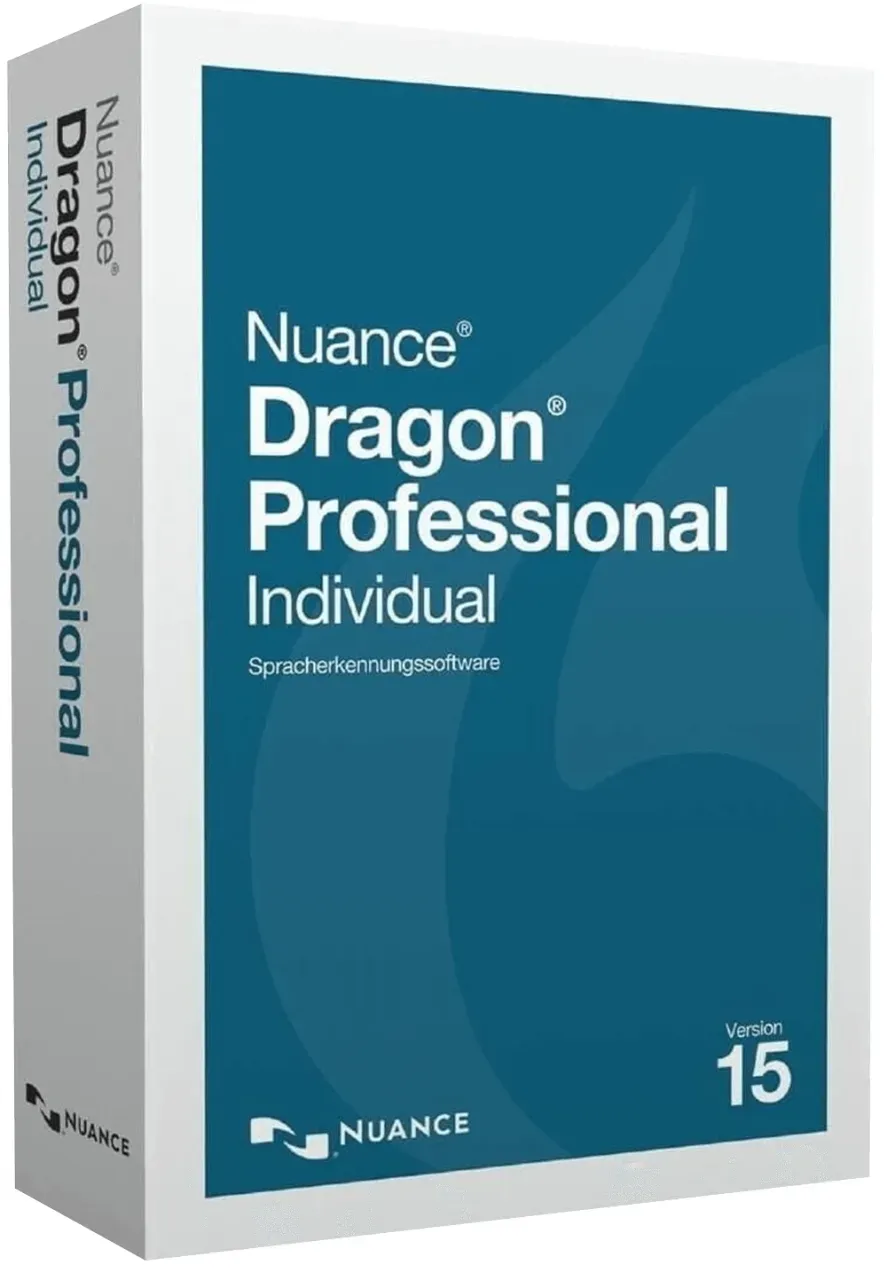
Nuance Dragon Professional Individual v15
Vendor: Blitzhandel24.de GB Price: 276.32 £The Nuance Dragon Professional Individual 15 software is a very good choice if you are looking for a professional dictation program or would like to buy a speech recognition program. Nuance Dragon Professional Individual 15 has comprehensive functions that allow you to conveniently dictate texts and save time. Benefit from the latest version of the program: Nuance Dragon Professional 15 is even more accurate than the previous version Nuance Dragon NaturallySpeaking 13 it offers more functions and, thanks to its smart technology, is particularly easy to use and can learn automatically. What is Nuance Dragon Professional Individual 15? The Nuance Dragon Professional Individual 15 software is a modern, professional dictation program with many different functions that can also implement commands using speech recognition. Thanks to deep learning , it can adapt very well to the user's habits and can be used even more accurately and practically. Blind people or people with severe visual impairments can also use Nuance Dragon Professional 15 to surf the internet, write emails or edit text files more easily. Who should buy Nuance Dragon Professional Individual? The main beneficiaries of Nuance Dragon Professional Individual are companies, self-employed people and employees who are entrusted with the documentation, creation or editing of texts of all kinds. Thanks to the help of speech recognition and dictation functions with which the software works, you can save a lot of time and money in your day-to-day work if you buy Nuance Dragon Professional. Whether on the move or at your desk, Nuance Dragon Professional Individual 15 software can be used to record texts, transcribe interviews and oral reports and edit various types of files easily and practically. This is not only interesting for lawyers, doctors or journalists , but also for people with teaching professions, scientists or in the commercial sector , among others. People with visual impairments can also use the software to read digitized texts aloud or to navigate through documents and websites. Personalized program commands can also save time in everyday office life, for example by automatically adding a sender under an e-mail using the "Insert signature" command. In short: If you have to write a lot in your everyday (professional) life and want to save time (as speaking is usually much faster than typing and is also more practical in many situations), it is worth buying Nuance Dragon Professional. Compared to the basic version Nuance Dragon Home, you can benefit from more functions and create several user profiles. What can Nuance Dragon Professional Individual 15 software do? If you are considering whether it is worth buying Nuance Dragon Professional Individual for you or your company, here is an overview of the most important functions of the speech recognition and dictation software: Transcribe dictated texts in real time - from emails to books Use voice commands to navigate through websites and social networks, conduct research and use various functions Edit and format documents quickly and conveniently using voice control Fill out digital forms by voice command Create your own voice commands to insert graphics, text modules or abbreviations Define automated formatting for dates, times and much more Various individual user profiles can be created With the cloud-based Dragon Anywhere app, you can dictate, edit, save and share reports and other texts on mobile devices (with both Android and iOS operating systems) and seamlessly continue editing on other devices Can be used wirelessly with a Bluetooth headset or the microphone built into your laptop, computer or mobile device Available for German, English, French, Dutch, Spanish and Italian Improvements in formatting and recognition, even less post-processing effort Dragon now recognizes phone numbers, email addresses and place names even if you speak them "naturally". This reduces the amount of post-editing required. These include: "three two two five" -> "3225" "two point five million" -> "2.5 million" "zero five" -> "0.5" "three quarters of five" -> "4:45" "eight euro fifty" -> "8,50€" "Markus punkt Meier at Nuance punkt com" -> "markus.meier@nuance.com" Overall better processing of Roman numerals How does Nuance Dragon Professional Individual 15 differ from previous versions? Thanks to its latest speech recognition engine and deep learning technology, Nuance Dragon Professional Individual 15 can learn very quickly and automatically during each subsequent dictation and achieves a very high text accuracy of 99% for minimal correction effort. That's 10 percent more than the previous version. Even background noises and accents are no problem for the modern dictation and speech recognition software. As you speak, your PC, smartphone or tablet can record the text and transcribe it in real time thanks to improved functions for touch-Devices with iOS or Android operating systems...
-

Villeroy & Boch Afina Espresso Cup & Saucer
Vendor: Hartsofstur.com Price: 29.61 £ (+0.35 £)This Villeroy & Boch Afina Espresso Cup & Saucer promises espresso lovers an unforgettable coffee experience with perfect development of every flavour and nuance of the espresso. Made from premium porcelain the 2 piece cup and saucer is suitable for use in the microwave for warming the contents and is dishwasher safe for easy and convenient cleaning. Capacity 50ml. Dimensions: 6(H) x 11.5(W) x 11.5(D)cm.
-
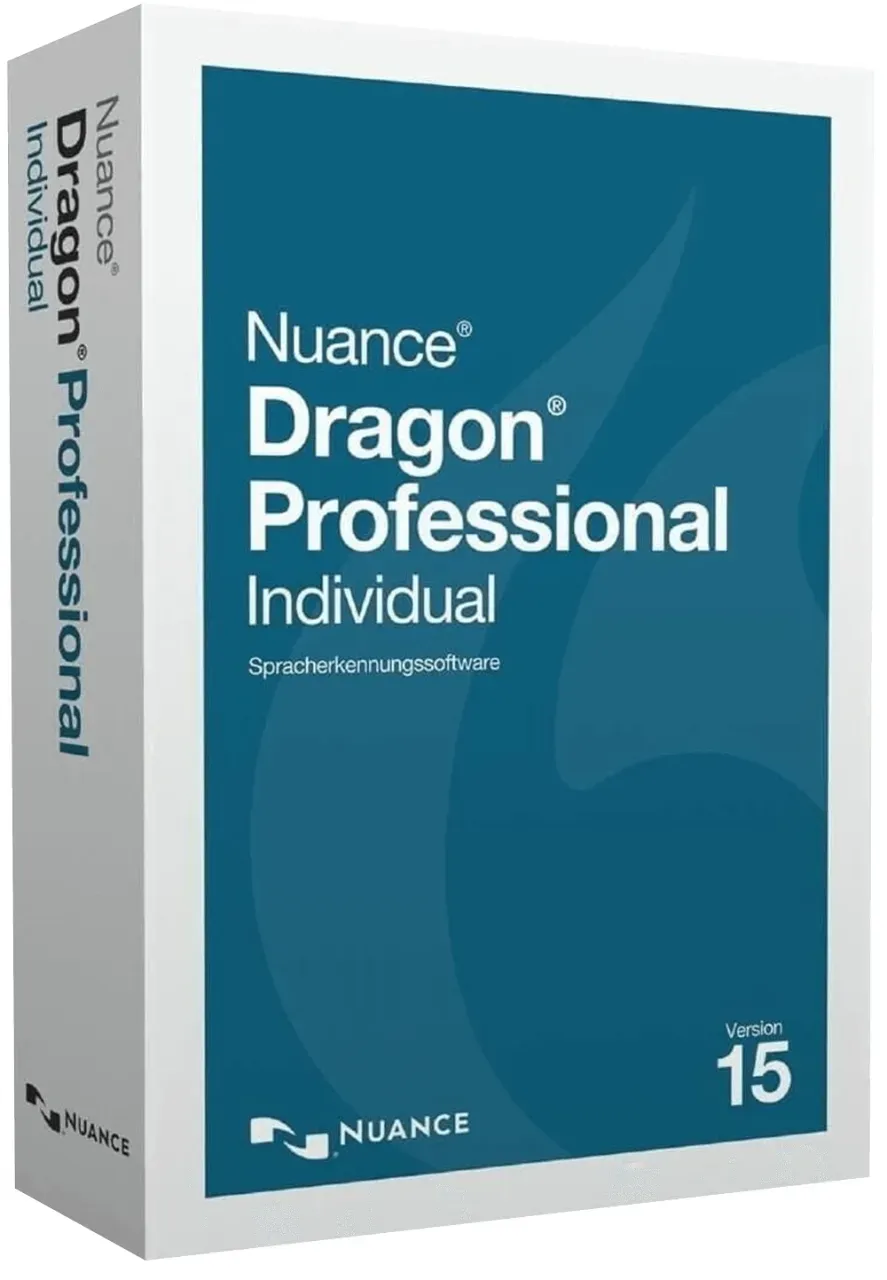
Nuance Dragon Professional Individual v15
Vendor: Blitzhandel24.de GB Price: 276.32 £The Nuance Dragon Professional Individual 15 software is a very good choice if you are looking for a professional dictation program or would like to buy a speech recognition program. Nuance Dragon Professional Individual 15 has comprehensive functions that allow you to conveniently dictate texts and save time. Benefit from the latest version of the program: Nuance Dragon Professional 15 is even more accurate than the previous version Nuance Dragon NaturallySpeaking 13 it offers more functions and, thanks to its smart technology, is particularly easy to use and can learn automatically. What is Nuance Dragon Professional Individual 15? The Nuance Dragon Professional Individual 15 software is a modern, professional dictation program with many different functions that can also implement commands using speech recognition. Thanks to deep learning , it can adapt very well to the user's habits and can be used even more accurately and practically. Blind people or people with severe visual impairments can also use Nuance Dragon Professional 15 to surf the internet, write emails or edit text files more easily. Who should buy Nuance Dragon Professional Individual? The main beneficiaries of Nuance Dragon Professional Individual are companies, self-employed people and employees who are entrusted with the documentation, creation or editing of texts of all kinds. Thanks to the help of speech recognition and dictation functions with which the software works, you can save a lot of time and money in your day-to-day work if you buy Nuance Dragon Professional. Whether on the move or at your desk, Nuance Dragon Professional Individual 15 software can be used to record texts, transcribe interviews and oral reports and edit various types of files easily and practically. This is not only interesting for lawyers, doctors or journalists , but also for people with teaching professions, scientists or in the commercial sector , among others. People with visual impairments can also use the software to read digitized texts aloud or to navigate through documents and websites. Personalized program commands can also save time in everyday office life, for example by automatically adding a sender under an e-mail using the "Insert signature" command. In short: If you have to write a lot in your everyday (professional) life and want to save time (as speaking is usually much faster than typing and is also more practical in many situations), it is worth buying Nuance Dragon Professional. Compared to the basic version Nuance Dragon Home, you can benefit from more functions and create several user profiles. What can Nuance Dragon Professional Individual 15 software do? If you are considering whether it is worth buying Nuance Dragon Professional Individual for you or your company, here is an overview of the most important functions of the speech recognition and dictation software: Transcribe dictated texts in real time - from emails to books Use voice commands to navigate through websites and social networks, conduct research and use various functions Edit and format documents quickly and conveniently using voice control Fill out digital forms by voice command Create your own voice commands to insert graphics, text modules or abbreviations Define automated formatting for dates, times and much more Various individual user profiles can be created With the cloud-based Dragon Anywhere app, you can dictate, edit, save and share reports and other texts on mobile devices (with both Android and iOS operating systems) and seamlessly continue editing on other devices Can be used wirelessly with a Bluetooth headset or the microphone built into your laptop, computer or mobile device Available for German, English, French, Dutch, Spanish and Italian Improvements in formatting and recognition, even less post-processing effort Dragon now recognizes phone numbers, email addresses and place names even if you speak them "naturally". This reduces the amount of post-editing required. These include: "three two two five" -> "3225" "two point five million" -> "2.5 million" "zero five" -> "0.5" "three quarters of five" -> "4:45" "eight euro fifty" -> "8,50€" "Markus punkt Meier at Nuance punkt com" -> "markus.meier@nuance.com" Overall better processing of Roman numerals How does Nuance Dragon Professional Individual 15 differ from previous versions? Thanks to its latest speech recognition engine and deep learning technology, Nuance Dragon Professional Individual 15 can learn very quickly and automatically during each subsequent dictation and achieves a very high text accuracy of 99% for minimal correction effort. That's 10 percent more than the previous version. Even background noises and accents are no problem for the modern dictation and speech recognition software. As you speak, your PC, smartphone or tablet can record the text and transcribe it in real time thanks to improved functions for touch-Devices with iOS or Android operating systems...
-

Villeroy & Boch Afina Coffee Cup & Saucer
Vendor: Hartsofstur.com Price: 31.41 £ (+0.35 £)This Villeroy & Boch Afina Coffee Cup & Saucer Set brings out all the flavours and nuances of your coffee and makes each sip an unforgettable moment to savour.. Made from premium porcelain this coffee cup and saucer is suitable for use in the microwave for warming the contents and is dishwasher safe for easy and convenient cleaning. Capacity 150ml. Dimensions: 7.5(H) x 14(W) x 14(D)cm.
-

Nuance Dragon NaturallySpeaking 13 Premium
Vendor: Blitzhandel24.de GB Price: 95.01 £Nuance Dragon NaturallySpeaking 13 Premium The latest version of Nuance's speech recognition software, Dragon Naturally Speaking 13, has new features that allow the popular software to convert spoken language into text even faster and more accurately, allows users to move wirelessly and freely while dictating, and offers other practical extras such as the automatic insertion of frequently used phrases or graphics. Learn more about what else the speech processing program has to offer. What is Nuance Dragon NaturallySpeaking 13 Premium? Nuance Dragon NaturallySpeaking 13 Premium is a Nuance speech program with high quality standards. You can automatically transcribe texts spoken with the program from letter dictation to scientific reports while speaking. The Dragon NaturallySpeaking series is one of the most widely sold speech recognition software on the market, with each release setting new standards in the field. The latest version, Nuance Dragon 13, is no exception and offers users significant improvements over previous versions. Dragon NaturallySpeaking 13 Premium, for example, has a lower error rate thanks to improved speech recognition and can also be used to record text using wireless microphones such as Bluetooth microphones or PC microphones. You can dictate texts to the program in German as well as in English or French. It is then possible to have Dragon NaturallySpeaking 13 Premium dictated texts read aloud to you via the software to make corrections. Who should buy Nuance Dragon NaturallySpeaking 13 Premium? Do you want to write interviews or spoken presentations, dictate letters, essays or reports, simply prefer to speak rather than type or operate your computer by voice command? - Then Nuance Dragon NaturallySpeaking 13 Premium is the right solution for you. In many professions, dictation is part of everyday life - in this case, the work is faster because it automatically performs the step to transcribe the spoken word. But in principle, Dragon NaturallySpeaking 13 Premium is suitable for anyone who wants to save time - because it has been proven that text can be spoken faster than typing. There are many possible applications - not only for professional groups such as doctors, lawyers or journalists who have to write frequently spoken texts, but also for anyone else who spends time writing on the PC. For blind or visually impaired people, Nuance Dragon NaturallySpeaking 13 can also make using your PC or Mac much easier thanks to its voice commands. What can Nuance Dragon NaturallySpeaking 13 Premium do? Compared to its predecessor versions, Nuance Dragon NaturallySpeaking 13 Premium has several new features. For example, users no longer need a headset to speak text with Nuance Dragon 13, but can also use a Bluetooth microphone or the microphone built into the laptop, for example. Compared to the previous version, Nuance Dragon 13 is also 13% more accurate in speech recognition, easier to set up and intuitive to use. Automatically, Nuance Dragon NaturallySpeaking 13 selects the ideal speech models for your PC resources and is also faster and easier to learn. Frequently used (technical) terms or graphics can be easily inserted by voice command. Likewise, Nuance Dragon NaturallySpeaking 13 Premium lets you write email and control web browsers, making it easier for people with vision impairments to navigate the Internet. It is not necessary to train the program for the user, but individual settings can make working with the program even more efficient, convenient and fast. Why should I buy Nuance Dragon NaturallySpeaking 13 Premium? Dictating and speaking into texts is usually much faster than typing. That's why speech recognition software is particularly useful if you work frequently with a computer and often need to write longer spoken texts. Compared to many other speech recognition programs, Nuance Dragon 13 does not require training of the program to deliver very good text recognition results. If you already have a previous version of Nuance Dragon NaturallySpeaking, an affordable update is also available. In a price-performance comparison, Dragon NaturallySpeaking 13 Premium is a very good program for beginners who want to learn how to work with speech recognition and already enjoy the many benefits of good speech recognition software. What are the alternatives to Nuance Dragon NaturallySpeaking 13 Premium? In addition to the Nuance Dragon NaturallySpeaking 13 software, we have other Nuance speech recognition software in our product line that are tailored to meet different needs. For example, in addition to NaturallySpeaking 13 Premium, Dragon NaturallySpeaking Home Edition and Dragon ProfessionalIndividual Software are also available. The Dragon Home Edition, like the Premium version, offers up to 99% recognition accuracy, so there is little or no need to make corrections to the written text after dictation. However, it is not possible to create...
-

Riedel Veloce Set of 2 Pinot Noir / Nebbiolo Wine Glasses
Vendor: Hartsofstur.com Price: 50.00 £The Pinot Noir glass from the Riedel Veloce collection, is perfect for light-bodied red wines with high acidity and moderate tannin. These glasses highlights the rich fruit-forward characters and tempers the high acidity of the wine. The balloon-shaped bowl captures all the nuances of the wine's aroma. Part of the Riedel Veloce range, an impressive development based on state-of-the-art technology from Riedel’s own factory. The series uses the latest manufacturing technology to create products that feel handmade but offer the precision of machine production. With a lighter and finer profile, the glasses are ideal for new world wines and feature a 100mm diameter base inscribed with the designated grape variety. Each glass from this set boasts a 763ml capacity. Machine made and therefore dishwasher safe. Each Glass : Height 24.7cm, Widest 11.3cm
-
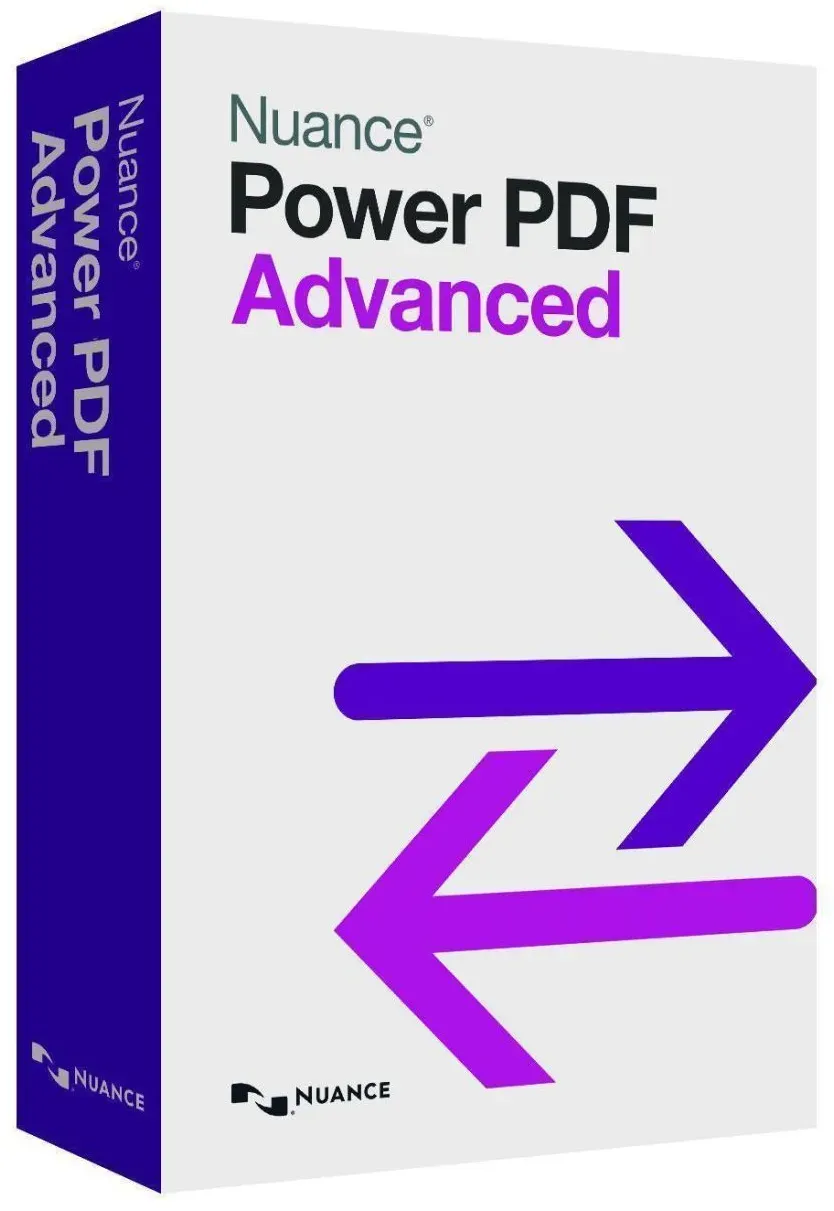
Nuance Power PDF Advanced 1.2 Full Version
Vendor: Blitzhandel24.de GB Price: 21.90 £Nuance Power PDF Advanced the extensive range of functions for efficient collaboration enables secure distribution of PDF files to colleagues and customers. Power PDF is easy to install and customize to your needs. With Power PDF Advanced and its powerful capabilities for creating, converting, and combining standards-compliant PDF files, organizations have their PDF workflows under control and meet the needs of every department. Power PDF Advanced is smart, easy-to-use software that gives business users practical tools for creating, converting, and securely distributing PDF files. functions: Smooth implementation Customizable functionality* Useful license programs First class support Creation and conversion Create PDF files from virtually any PC application Never type documents again! Data retrieval from forms Conversion of legal documents User-defined stamps* Cooperation and processing Page by page document comparison Distribute multiple files - file compression becomes superfluous Comprehensive text editing directly in PDF format Dictation tool for notes Clever search functions Conformity test* Access and security Working in the Cloud Scanning and marking in one step Support for DMS* Improved document security Support for Digital Rights Management System requirements: Operating systems: Windows 10 32-bit or 64-bit edition, Windows 8 32-bit or 64-bit edition, Windows 8.1 32-bit or 64-bit edition, Windows 7 SP1 32-bit or 64-bit edition Computer with Intel® Pentium® 4 or equivalent or higher processor Internet Explorer 8 or higher 512 MB main memory (RAM), 1 GB recommended 700 MB free hard disk space required for application files, additional hard disk space required for temporary installation files and additional user interface languages Microsoft .NET Framework 4.0 must be installed. Scope of delivery: Original license key for Nuance Power PDF Advanced 1.2 full version Verified Highspeed Downloadlink to get the software fast & secure VAT invoice Instructions for easy installation Legal: With the final judgment of the Federal Court of Justice of 11.12.2014 with the file number: IZR 8/1 /3 we do not violate the rights of third parties with our offer & Therefore we do not violate any principles, the software is a single user license from a volume contract takeover, a registration to an ID is therefore not possible. You can activate the product, use it without restrictions and also receive updates etc., but not register it.
-

Riedel Winewings Pinot Noir / Nebbiolo Wine Glass
Vendor: Hartsofstur.com Price: 28.00 £ (+0.35 £)The Riedel Winewings Pinot Noir/ Nebbiolo Wine Glass is is perfect for light-bodied red wines with high acidity and moderate tannin. This glass highlights the rich fruit-forward characters, tempers the high acidity of the wine, and captures all the nuances of the wine's aroma. 950ml capacity. Dishwasher safe. Height 25cm, Widest 11.5cm
-
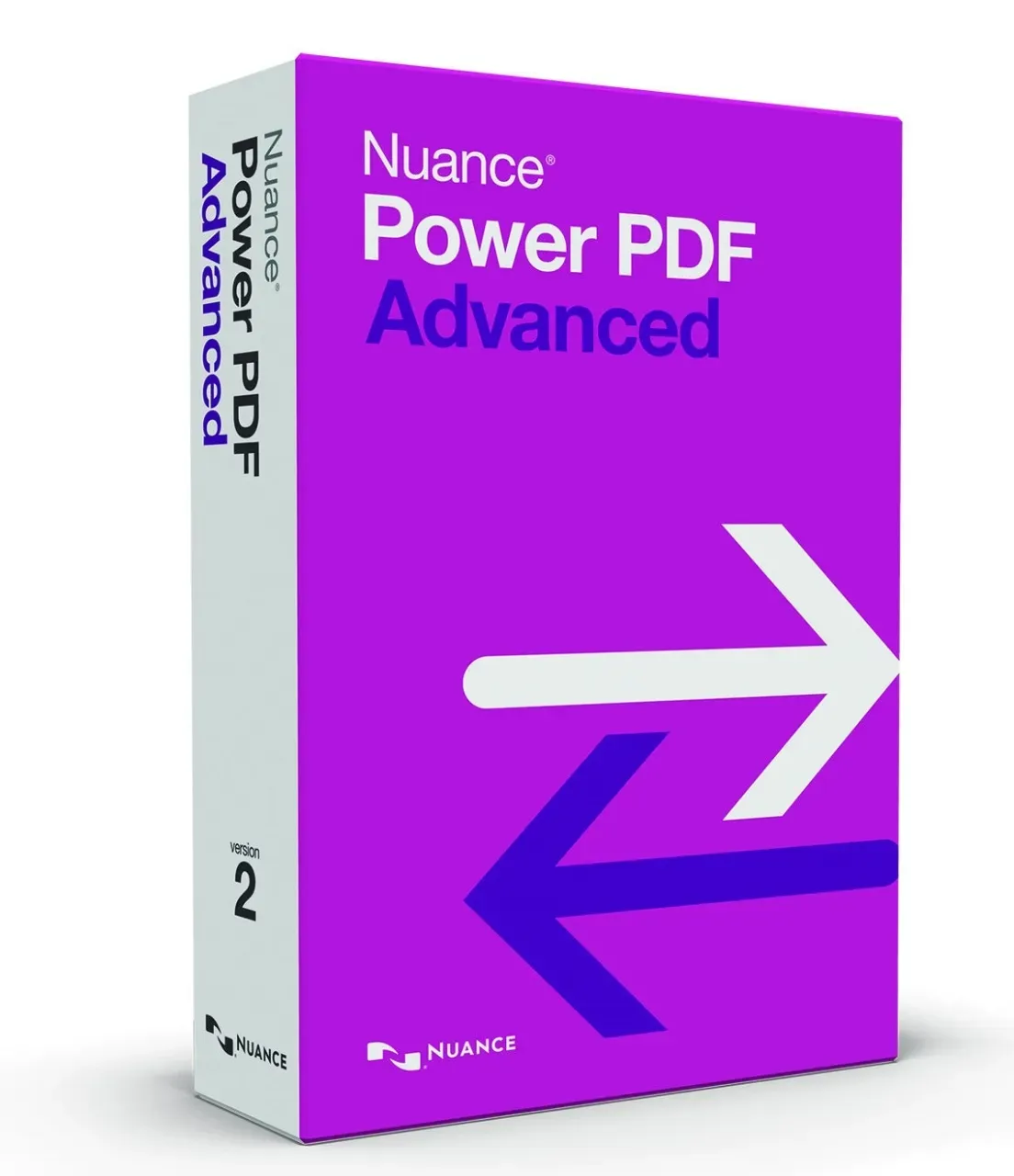
Nuance Power PDF Advanced 2.0 Full Version
Vendor: Blitzhandel24.de GB Price: 80.38 £Working with PDF files has been standard in many companies for years. This makes it all the more important to be able to switch between multiple file formats quickly and efficiently. The Nuance Power PDF Advanced 2.0 full version makes it possible to effectively convert the documents at hand and adapt to the existing work tasks in the company. This makes it easy to effectively keep the numerous files apart and edit them as desired. Advanced PDF creation for experts Nuance Power PDF Advanced 2.0 full version is recommended by many experts, which is why more and more companies are turning to its practical features. Thanks to the intuitive application, you can easily create your own PDFs and edit existing documents . This makes it much easier to work on operational productivity and ensure that layout and content are preserved during conversion. The goal of Nuance Power PDF Advanced 2.0 full version is to make creation much easier and navigation as convenient as possible. With just one click, you have it in your hands to edit the existing documents and convert them into a flawless PDF . In this way, you simply decide for yourself which applications are important from your point of view and how you can integrate the software into your everyday work. Simple interface for maximum usability The user interface of this practical system also makes things noticeably easier. The simple division and presentation of the functions enables you to find your way around the application quickly and easily, even without extensive expertise. Practical functions in any PDF format A look at the numerous functions of the application makes it clear how easy it is to work with the Nuance Power PDF Advanced 2.0 full version. Not only can you work alone, but you can also collaborate with colleagues and co-workers to ensure efficient conversion. In addition, you can expect the following applications to help you get the job done: Accurate conversion of all file formats Links to other programs such as Nuance Dragon Integration of automated workflows and strategies Optimal encryption of important documents with passwords Efficient revision of existing documents directly in the program The Nuance Power PDF Advanced 2.0 full version therefore impresses with many in-depth solutions and exciting applications for your everyday business. For example, you have the possibility to bring the numerous documents from different file formats into the desired structure. From your point of view, this makes it much easier to exchange information with your team in a uniform manner and to enable smooth access. Therefore, it is best to test the software yourself. Maximum security for working with your documents Another very important aspect of the modern Nuance Power PDF Advanced 2.0 full version is the high level of document security . This is achieved with the help of the integrated password protection , but also by linking it to effective access permissions. The automated redaction feature also lets you remove confidential content to prevent further distribution. The Nuance Power PDF Advanced 2.0 full version lets you manage the necessary permissions as you see fit, with no additional overhead. The fast conversion also makes it a good choice for working with clients who like to use consistent file formats. The newly created files can then be used barrier-free and, above all, securely. There are no restrictions at any time during use, allowing you to convert even large volumes of documents and content. This means that you will be able to work with consistent formats in the future. These are the benefits you can expect with Nuance Power PDF Based on the many features already mentioned, you can expect a number of benefits with the Nuance Power PDF Advanced 2.0 full version. These include significantly increased efficiency, allowing you to open any file with just one click. Conversion is similarly easy. In addition, with the convenient Nuance Power PDF Advanced 2.0 full version, you can also count on the following benefits: Unified management and access control Increased efficiency for revisions Access all files without barriers Automate frequently recurring tasks Effective conversion of central documents At this point, PDF has become one of the most important and widely used formats around. With this in mind, Nuance Power PDF Advanced 2.0 full version is sure to make your workflows more efficient and, most importantly, more practical. This ensures that you and the members of your team can remain efficient without any problems. Simple rights management for each user If you also want to ensure a clear division of specific permissions, this is also possible at any time within the Nuance Power PDF Advanced 2.0 full version. In this way, you define from the outset who can access which document groups. This applies to the creation of new PDFs as well as to the editing of texts and layouts. Should new personnel be trained in the company, the authorizations can ...
-

Riedel Hand Made Fatto a Mano Old World Pinot Noir Wine Glass Violet
Vendor: Hartsofstur.com Price: 7.92 £The Riedel Hand Made Fatto a Mano Old World Pinot Noir Wine Glass in Violet, is perfect for light-bodied red wines with high acidity and moderate tannin. This glass highlights the rich fruit-forward characters and tempers the high acidity of the wine. The tulip-shaped bowl captures all the nuances of the wine's aroma. The perfect glass for enjoying the following wines: Musigny, St. Laurent, Pinot Noir Old World, Romanée Saint Vivant, Echézeaux, Chambolle Musigny, Gamay, Vougeot, Burgundy (red), Santenay, Nuits Saint Georges, Volnay, Moulin à vent, Pommard, Vosne-Romanée. 705ml capacity. Dishwasher safe. Made from Crystal.
-
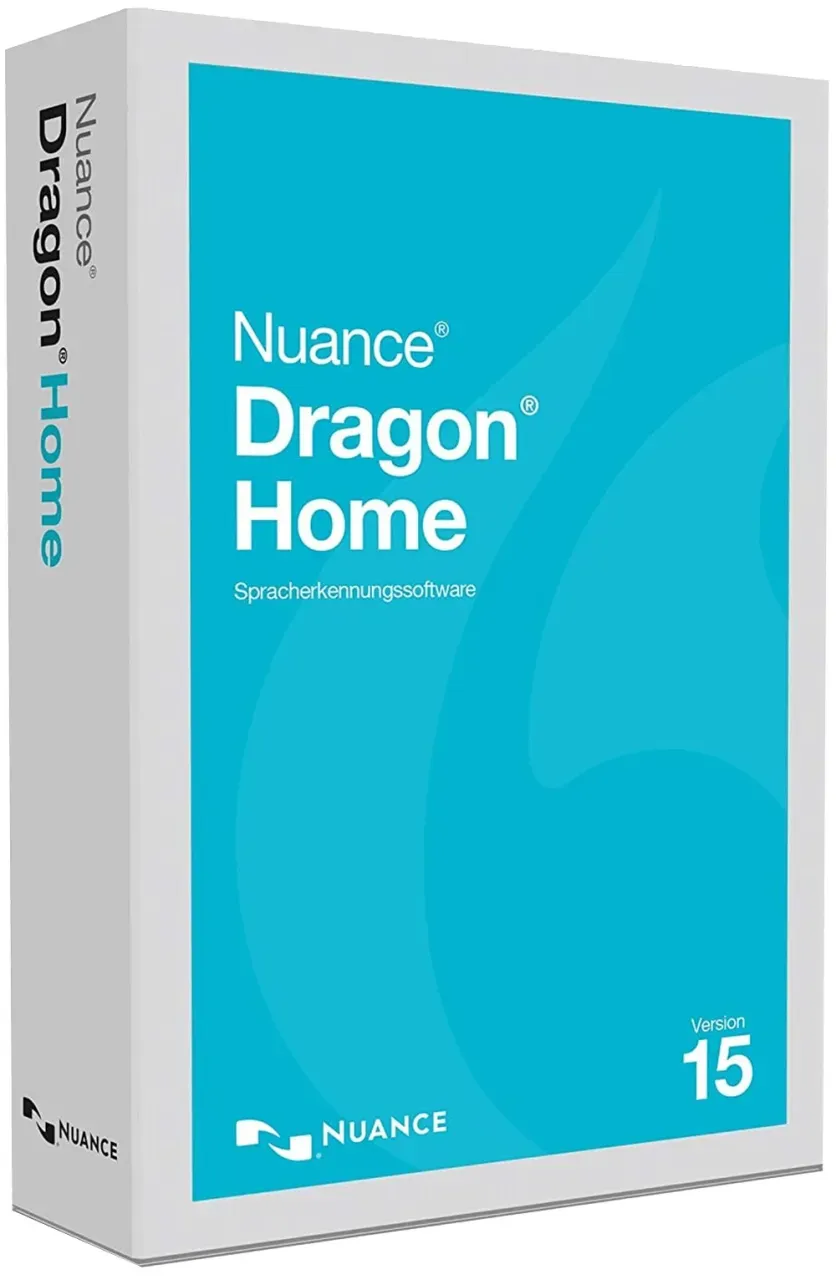
Nuance Dragon Home 15 Full Version
Vendor: Blitzhandel24.de GB Price: 131.56 £ (+4.31 £)Accurate conversions from text to speech are one of the most important requirements in today's working world. That's why, with Nuance Dragon Home 15 full version, you'll have a complete and modern solution that can be used on your computer. Thanks to the software's high-quality and modern technology, you'll be in the best position when it comes to speech recognition, and you can count on an extremely smooth implementation. Precise conversion of speech thanks to Deep Learning Thanks to the unique Deep Learning technology, you can expect an intuitive and versatile solution with the Nuance Dragon Home 15 full version. The software adapts perfectly to your accent, allowing you to be understood more accurately over time. This is true not only for speaking simple commands, but also for dictating important business documents and much more. This means you can rely on accurate input of your voice commands. In this way, you benefit from an accuracy of around 99%, which means that all details can be grasped intelligibly even if there is a lot of noise in the environment. This is beneficial for day-to-day business operations to increase productivity and provide the speech recognition you need with the Nuance Dragon Home 15 full version. This, combined with the streamlined user interface, means that spoken text can be automatically transcribed. Speed, effectiveness and maximum efficiency Another advantage is the efficient operation of Nuance Dragon Home 15 full version. In this regard, you don't have to worry about complex menus or functions that are difficult to keep apart. Each of the applications is clearly named and can be selected with just one click. Also, the subsequent speed during the transfer allows you to work extremely quickly and easily without having to worry about delays. To use Nuance Dragon Home 15 full version, simply switch to playback mode and start speaking your texts. This will also let you edit efficiently and effectively, to compensate for minor inaccuracies and carry out the final touches. In this respect, you'll benefit from efficient and high-quality operation, allowing you to adjust each text block as needed. The most important functions in practical everyday use Apart from the applications and functions already presented, the Nuance Dragon Home 15 full version will of course provide you with many other exciting contents. For example, you'll benefit from superior accuracy during use, and you'll be able to create important documents without the hassle of typing via mouse and keyboard. The following functions also fit in smoothly with the numerous advantages and make the Nuance Dragon Home 15 full version practical: Dictate full text and content Automatic reading aloud of documents Creation of tables and lists Easy editing of dictated content Optimized application for touch devices Integration of countless languages and dialects The many ways you can use your Nuance Dragon Home 15 full version make it much easier to create documents in the style you want. Errors in grammar, spelling, or style will no longer be your problem in this regard, giving you the confidence of quick turnaround. The ease of use of the Nuance Dragon Home 15 full version also makes it possible for you to perform specialist tasks by voice . The difference between the Dragon versions Dragon for Windows Dragon Home Dragon Professional Up to 99% accuracy from the start ✔ ✔ Create, format, and edit documents by speaking ✔ ✔ Write emails and browse the internet using simple voice commands ✔ ✔ Utilizes Deep Learning technology that continuously adapts to your voice ✔ ✔ Listen to dictated texts ✔ ✔ Optimized for touchscreen devices ✔ ✔ Convert dictations into editable text ✔ ✔ Automatically convert audio recordings into text ✔ ✔ Create and edit tables in Microsoft Excel with full text control ✘ ✔ Create custom voice commands to insert standard texts ✘ ✔ Import and export industry-specific word lists ✘ ✔ Synchronize personal settings with the Dragon Anywhere mobile app ✘ ✔ Compatible with Nuance PowerMic for improved user experience ✘ ✔ Dictate in English (regardless of the installed language) ✘ ✔ Upgrades available ✘ ✔ Integration of digital audio sources ✘ ✔ Network-based license management and volume licensing discounts ✘ ✔ More efficiency thanks to effective voice input The many practical features of the Nuance Dragon Home 15 full version show how easy it is to use voice control for greater convenience. It's a great way to boost productivity and get through your to-do lists faster. In addition to dictating documents, the wide range of functions also includes composing and sending e-mails. This also lets you stay in control when it comes to business communication. So why not try out the Nuance Dragon Home 15 full version for yourself and see for yourself? A good choice for business applications The built-in learnability of new content makes it much easier to learn new words when using the Nuance Dragon ...
-

Scottish Fine Soaps Soap in a Carton - Whisky Manhattan 100g
Vendor: Beautyflash.co.uk Price: 6.99 £ (+2.95 £)Intensely masculine. An intense masculine accord opening with aromatic whisky notes, citrus nuances and warm radiant spices leading to a heart of delicate floral notes supported by a base of woods, benzoin and amber. Now presented in a luxurious recyclable carton. Ingredients Sodium Palmate, Sodium Cocoate, Aqua (Water), Glycerin, Parfum (Fragrance), Titanium Dioxide, Tetrasodium Etidronate, Sodium Chloride, Tetrasodium EDTA, Whisky Extract, Sodium Gluconate, Linalool, Coumarin
-

Nuance Dragon NaturallySpeaking Legal Individual 15
Vendor: Blitzhandel24.de GB Price: 577.53 £Speech recognition is one of the most important areas when it comes to efficient and digital transcription of documents. With Nuance Dragon Legal Individual 15 , you have it in your hands to benefit from a constantly learning application and significantly expand the recognition of important content. The context-driven applications enable you to quickly and automatically transcribe new documents as you need them by voice. The most modern speech recognition for your everyday work For your daily work, it is of enormous importance to be able to enter short notes as well as full-fledged documents using your own speech. With this in mind, the advanced dictation feature is at the heart of Nuance Dragon Legal Individual 15, enabling you to work with a wide range of file formats and make the right decisions. The simple setup also takes the pressure off you and ensures that nothing gets in the way of smooth operation of the speech recognition system. Nuance Dragon Legal Individual 15 also works well in conjunction with online research and transcriptions from the browser. Without the need for a mouse and keyboard , it enables you to summarize important facts and create business documents. Precise and accurate dictation directly from your PC makes it much easier to communicate clearly and understandably and avoid annoying typos in your document from the start. Intelligent, modern and highly adaptive One of the handy features around Nuance Dragon Legal Individual 15 is Deep Learning technology . It allows for additional customization of dictation based on your voice coloration, making it easy to accommodate even dialects and other pronunciations . In this way, the software adapts as quickly as possible based on your individual requirements, allowing you to speed up dictation. All necessary settings can be viewed at will. This convenient application will therefore become an important part of your company's document management system, enabling you to use the software without advanced knowledge. All functions are clear after the first use, eliminating long training periods. In this way, Nuance Dragon Legal Individual 15 becomes an excellent addition to help small and large businesses streamline their speech input. These are the areas where Nuance Dragon Legal Individual 15 is critical Many businesses deal with a lot of similar business documents and text, but until now have not taken advantage of the voice input features. Nuance Dragon Legal Individual 15 can therefore be used to optimise numerous processes in day-to-day operations, even though in most cases the potential has not yet been exploited. The software is therefore suitable for the following industries: Law firms and tax offices Agencies and mediators Management consultants and administrators Doctors and nursing homes Production management and accounting The quick and easy integration of important phrases makes Nuance Dragon Legal Individual 15 a good choice for increasing efficiency. All functions of the interface can be extensively personalised and tailored to your needs at this point. Thanks to the high level of recognition accuracy provided as part of optional additional training, you can immediately adapt Nuance Dragon Legal Individual 15 to your language type and increase its effectiveness. 99% accuracy for reliable transcriptions Even without the additional language training, however, you benefit from 99% accuracy, with even technical terms and foreign words being transcribed with ease. With Nuance Dragon Legal Individual 15 software, the quality you need is paramount to getting the many office tasks done much faster. You don't have to speak slowly and sluggishly as with other dictation systems, but can interact at a normal pace. Immediately after transcription, the final result is available for you to review. This allows you to quickly correct possible errors, which the tool naturally remembers. This gives you the power to improve the performance of Nuance Dragon Legal Individual 15 software with each application and to specialise the application based on your industry. So good ideas and important approaches no longer fall by the wayside in the future. More comfort with the right hardware In principle, the classic microphones on the PC or laptop are sufficient to use the software. However, for an even clearer voice image, solutions such as the Nuance Headset are also suitable. The headset adapts in the best possible way to the Nuance Dragon Legal Individual 15 program and simplifies the execution of precise speech input. Over time, this lets you benefit from much easier coordination to no longer have to bend directly to the particular speech inlets of your device. For use with Nuance Dragon Legal Individual 15 software, the Bluetooth wireless headset is therefore an excellent choice. Save time and improve efficiency with every new creation Nuance Wireless Headset's many convenient features make it easy to recreate important documents and save a trem...
-

Control Senso Condoms x12
Vendor: Cosmetic2go.com Price: 6.05 £Pleasure arises from a combination of sensations that must be experienced in small nuances. Finissimo Senso, with its reduced thickness, is the thin condom designed for those looking for more sensitivity during intercourse.
-
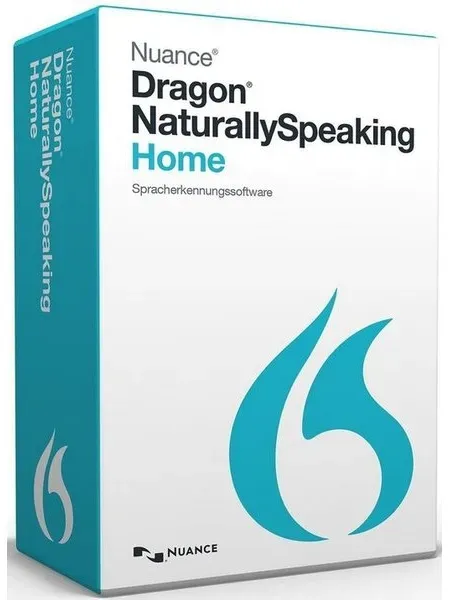
Nuance Dragon NaturallySpeaking 13 Home
Vendor: Blitzhandel24.de GB Price: 58.45 £More and more work and application areas live on reliable and continuously functioning speech recognition. Nuance Dragon Naturally Speaking 13 is at this point an efficient and at the same time modern software with which users can adjust to a clear and above all effective speech recognition. Directly on the PC, the desired content can be conveniently composed by voice input without the need of mouse and keyboard. The best tool for speech recognition In a direct comparison with the numerous free tools and offers, Nuance Dragon Naturally Speaking 13 comes off excellently. This is mainly due to the constant development of new features that further enhance the speech understanding capabilities of the application. The enormous accuracy within the speech recognition enables error-free recording and processing. Thus, dictated texts will also be free of errors in the future and enable efficient work. In addition to accuracy, the number of active users is also steadily increasing. In the context of the rapidly advancing digitalization, programs such as Nuance Dragon Naturally Speaking 13 are becoming more and more important. The fewer simple errors there are in texts, the more frequently such speech recognition tools are used, even in professional companies. For this reason, it is worthwhile for companies to purchase Nuance Dragon Naturally Speaking 13. Efficiency, accuracy and professionalism This will save you the time you need, regardless of your device, allowing you to focus on the many other requirements at work. For most people, speaking content works much easier and more importantly faster than writing, which means you too can expand your efficiency. Specific commands for writing down your spoken content are not required at this point. This makes it even easier for you to focus on the content at hand and make the decisions you want. For advertising copy as well as letters, essays, book proposals, evaluations and testimonials, and other business documents of all kinds, Nuance Dragon Naturally Speaking 13 gives you the variety you need while you work. Thanks to the precise speech input, you will quickly have the spoken document in front of you in written form. Numerous functions for smooth working Therefore, a look at the many features and applications shows how efficient and effective working with Nuance Dragon Naturally Speaking 13 can be. The combination of accuracy and speed makes the software a real asset when it comes to converting speech into text quickly and securely. The other features are also important in this regard: Quick and easy installation 13% higher accuracy than its predecessor Intuitive and modern user interface Automatic learning function of the program Linkability with many browsers on the web Speak via PC microphone without the need for a headset Nuance Dragon Naturally Speaking 13 is designed to make it easy for you to speak new content and simplify your workday. With most devices, the built-in microphones on the PC or laptop are already sufficient to speak the desired content and convert it into text. For the desired accuracy, you do not have to be directly next to the device at this point. Even smaller distances do not endanger the quality. A good solution for business processes Nuance Dragon Naturally Speaking 13 has already proven itself extensively in many cases, both for private use and for corporate use. Law firms, agencies and open-plan offices in particular thrive on being able to transmit content quickly and without loss. For your business, too, applications like Nuance Dragon Naturally Speaking 13 are an excellent choice for quickly speaking and noting important facts. Thanks to the comprehensive compatibility with your office software, you can also use existing microphones. Not only are the wired versions suitable, but also the wireless Bluetooth devices. Nuance Dragon Naturally Speaking 13 is designed with convenience and simplicity in mind, so it's always easy to use. Maximum intelligibility - without recognition training One of the most important features is the ease and speed of understanding. Thanks to the continuous learning process, the software adapts to your speech type in the best possible way, so you don't have to worry about costly up-front training. As a result, Nuance Dragon Naturally Speaking 13 ensures reliable and effective delivery from the very first use. Combined with the simply designed and easy-to-use interface, you'll know at a glance which features you need now and which will only be important to you later. More speed in daily administration With such a wide range of different applications, you can test modern speech recognition as much as you like. Even without long training periods, you and your staff will quickly become familiar with the extended functions and contexts. Many workers appreciate the c...
-
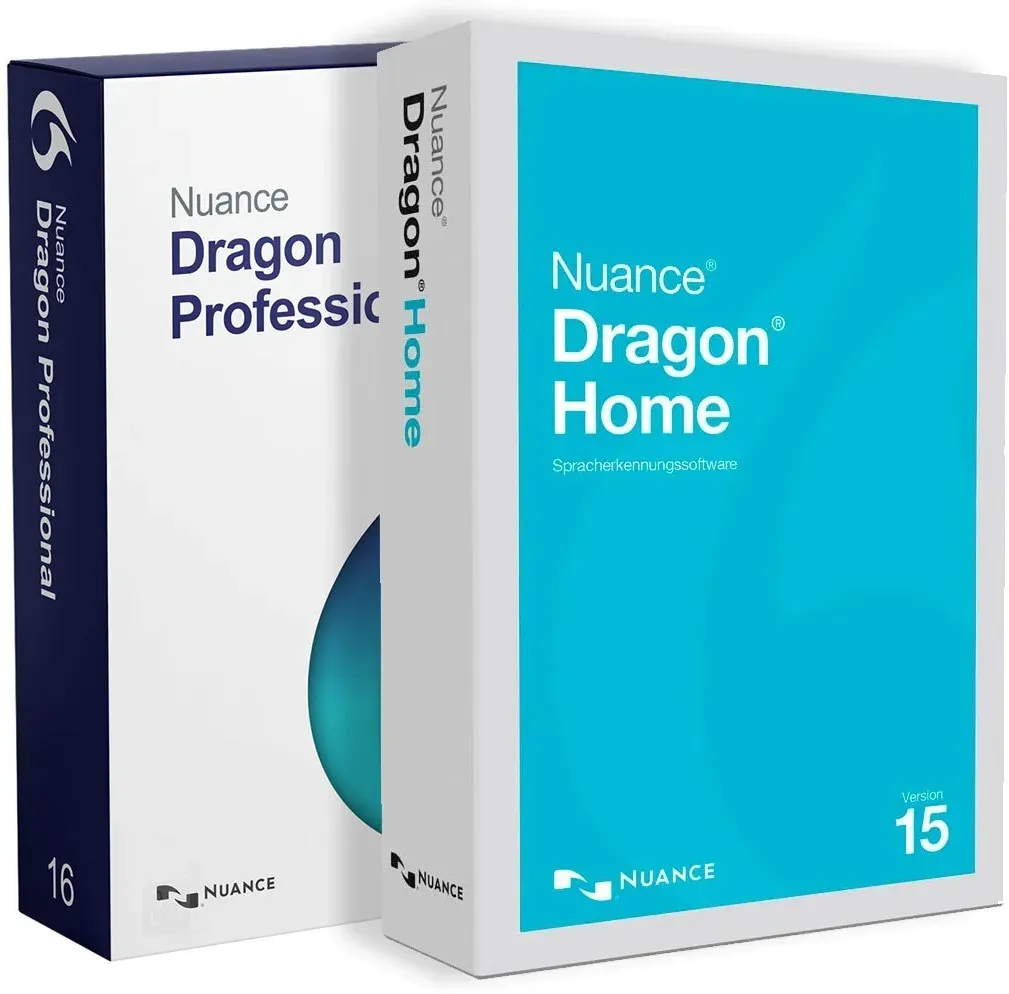
Nuance Dragon Professional Individual 16 Upgrade + Dragon Home 15
Vendor: Blitzhandel24.de GB Price: 365.51 £Nuance Dragon Professional Individual 16 Upgrade and Dragon Home 15 Please note that only one of the two software licenses can be used. You have the choice of either activating and using Nuance Dragon Home 15 or you can install and activate Nuance Dragon Home 15 and then upgrade to Nuance Dragon Professional Individual 16. The Dragon Home 15 version is available in the following languages: English, French, German. The Dragon Professional 16 version can be used in the following languages: German, English, French, Italian, Dutch, Spanish. Nuance Dragon Professional 16 is an advanced speech recognition software that allows users to easily record dictation and convert it to text. With support for over 20 languages, Dragon Professional 16 offers a user-friendly and intuitive interface that allows for quick setup. Users can enter their dictations directly into a document, saving time. The software is characterized by outstanding accuracy, which increases user productivity and precision. Dragon Professional 16 features include support for multiple dialects, an enhanced user experience, multi-user support, advanced integrations and the ability to dictate text on mobile devices. Comparison table: Features Nuance Dragon Professional 15 Nuance Dragon Professional 16 Voice control Controlling applications by voice Control applications with your voice, create macros Text-to-speech Converting text to natural-sounding speech Conversion of text to natural-sounding speech, creation of audio recordings Web extensions Filling out web forms with voice Filling out web forms by voice, automatic insertion of punctuation marks User interface Customization of the user interface for a single voice Customization of the user interface for multiple voices Dictating in English Regardless of the selected language version, dictation in English is always included Regardless of the language version selected, dictation in English is always included Updates Automatic installation of updates Automatic installation of updates, activation of functions for individual users Customization of terminology Creation of user-defined dictionaries and customization of terminology Create custom dictionaries and customize terminology, create custom dictionaries for multiple users Nuance Dragon Professional Individual 16 Upgrade offers a range of new features that make the product even more powerful: Improved voice control, allowing users to control applications with their voice and create macros. Improved text-to-speech capabilities, allowing users to convert text to natural-sounding speech and create audio recordings. Advanced web enhancements, allow users to fill out web forms with their voice and automatically insert punctuation. Customizable user interface, allows users to customize the user interface for one or more voices. Automatic updates, allows automatic installation of updates and activation of features for individual users. Advanced terminology customization, allows users to create custom dictionaries and customize terminology, including custom dictionaries for multiple users. Nuance Dragon Professional 16 is a powerful and easy-to-use speech recognition software for individuals, businesses and organizations. It is ideal for lawyers, law enforcement officers, social workers and other professional users who need reliable and efficient speech recognition. The software is also suitable for organizations that need a powerful solution for capturing and editing documents. Users can dictate on mobile devices, providing a unique dictation and editing experience. Efficient text-to-speech conversions with Nuance Dragon Home 15 Full Version Nuance Dragon Home 15 Full Version is the optimal solution for accurate text-to-speech conversions in today's workplace. At a time when efficiency and productivity are critical, this software solution provides the tools to optimize workflows and increase efficiency. Precise conversion thanks to deep learning technology One of the outstanding features of the Nuance Dragon Home 15 full version is its innovative deep learning technology. This enables precise conversion of speech and adapts to individual accents. With an accuracy of up to 99%, the software ensures reliable recognition even in noisy environments or with strong background noise. Whether dictating business documents or speaking commands, the Nuance Dragon Home 15 full version offers a reliable solution. Ease of use and efficiency The software not only impresses with its accuracy, but also with its ease of use and efficiency. The intuitive user interface allows you to use all the functions of the software simply and easily. With just one click, you can switch between the different applications and record your texts quickly and easily. The spoken content is transferred in real time so that you can start editing your texts immediately. A wide range of functions for everyday work The full version of Nuance Dragon Home 15 offers a wide range of functions to m...
-
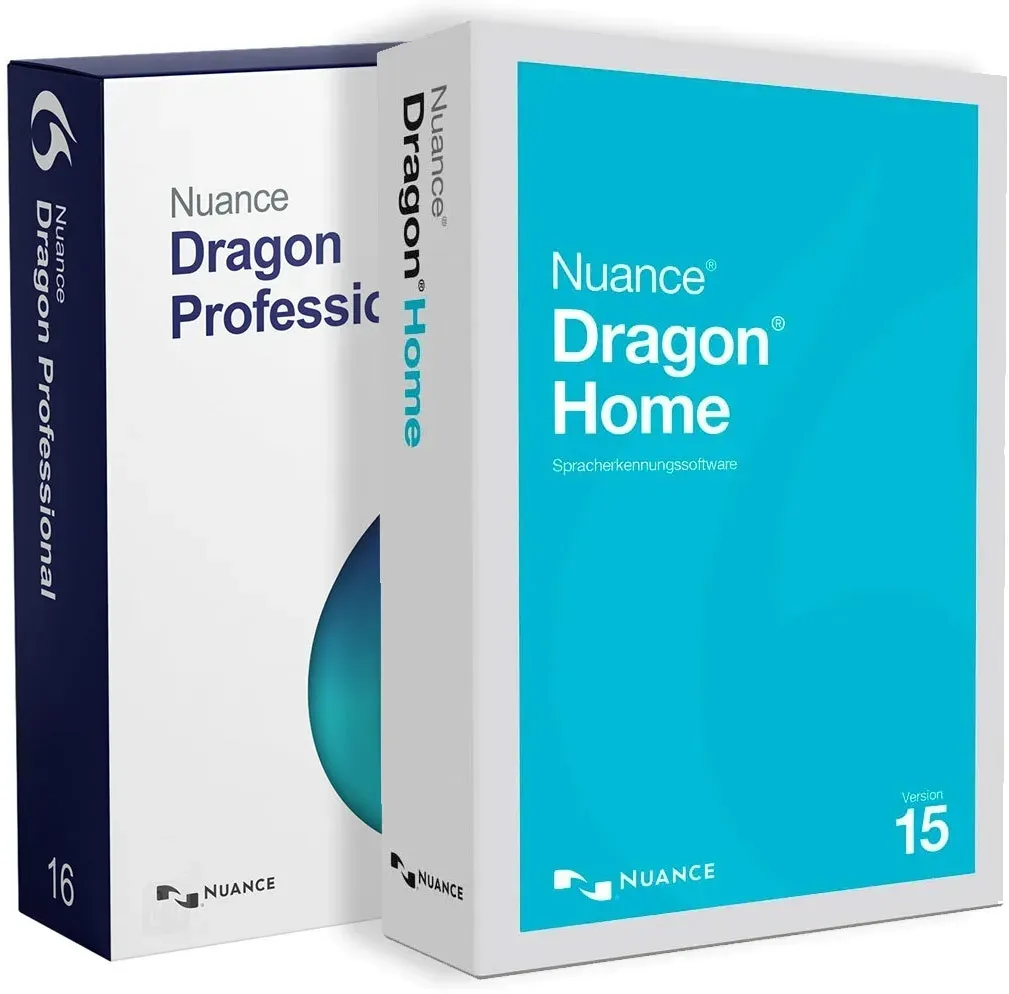
Nuance Dragon Professional Individual 16 Upgrade + Dragon Home 15
Vendor: Blitzhandel24.de GB Price: 365.51 £Nuance Dragon Professional Individual 16 Upgrade and Dragon Home 15 Please note that only one of the two software licenses can be used. You have the choice of either activating and using Nuance Dragon Home 15 or you can install and activate Nuance Dragon Home 15 and then upgrade to Nuance Dragon Professional Individual 16. The Dragon Home 15 version is available in the following languages: English, French, German. The Dragon Professional 16 version can be used in the following languages: German, English, French, Italian, Dutch, Spanish. Nuance Dragon Professional 16 is an advanced speech recognition software that allows users to easily record dictation and convert it to text. With support for over 20 languages, Dragon Professional 16 offers a user-friendly and intuitive interface that allows for quick setup. Users can enter their dictations directly into a document, saving time. The software is characterized by outstanding accuracy, which increases user productivity and precision. Dragon Professional 16 features include support for multiple dialects, an enhanced user experience, multi-user support, advanced integrations and the ability to dictate text on mobile devices. Comparison table: Features Nuance Dragon Professional 15 Nuance Dragon Professional 16 Voice control Controlling applications by voice Control applications with your voice, create macros Text-to-speech Converting text to natural-sounding speech Conversion of text to natural-sounding speech, creation of audio recordings Web extensions Filling out web forms with voice Filling out web forms by voice, automatic insertion of punctuation marks User interface Customization of the user interface for a single voice Customization of the user interface for multiple voices Dictating in English Regardless of the selected language version, dictation in English is always included Regardless of the language version selected, dictation in English is always included Updates Automatic installation of updates Automatic installation of updates, activation of functions for individual users Customization of terminology Creation of user-defined dictionaries and customization of terminology Create custom dictionaries and customize terminology, create custom dictionaries for multiple users Nuance Dragon Professional Individual 16 Upgrade offers a range of new features that make the product even more powerful: Improved voice control, allowing users to control applications with their voice and create macros. Improved text-to-speech capabilities, allowing users to convert text to natural-sounding speech and create audio recordings. Advanced web enhancements, allow users to fill out web forms with their voice and automatically insert punctuation. Customizable user interface, allows users to customize the user interface for one or more voices. Automatic updates, allows automatic installation of updates and activation of features for individual users. Advanced terminology customization, allows users to create custom dictionaries and customize terminology, including custom dictionaries for multiple users. Nuance Dragon Professional 16 is a powerful and easy-to-use speech recognition software for individuals, businesses and organizations. It is ideal for lawyers, law enforcement officers, social workers and other professional users who need reliable and efficient speech recognition. The software is also suitable for organizations that need a powerful solution for capturing and editing documents. Users can dictate on mobile devices, providing a unique dictation and editing experience. Efficient text-to-speech conversions with Nuance Dragon Home 15 Full Version Nuance Dragon Home 15 Full Version is the optimal solution for accurate text-to-speech conversions in today's workplace. At a time when efficiency and productivity are critical, this software solution provides the tools to optimize workflows and increase efficiency. Precise conversion thanks to deep learning technology One of the outstanding features of the Nuance Dragon Home 15 full version is its innovative deep learning technology. This enables precise conversion of speech and adapts to individual accents. With an accuracy of up to 99%, the software ensures reliable recognition even in noisy environments or with strong background noise. Whether dictating business documents or speaking commands, the Nuance Dragon Home 15 full version offers a reliable solution. Ease of use and efficiency The software not only impresses with its accuracy, but also with its ease of use and efficiency. The intuitive user interface allows you to use all the functions of the software simply and easily. With just one click, you can switch between the different applications and record your texts quickly and easily. The spoken content is transferred in real time so that you can start editing your texts immediately. A wide range of functions for everyday work The full version of Nuance Dragon Home 15 offers a wide range of functions to m...
-

Nuance Dragon Professional 16
Vendor: Blitzhandel24.de GB Price: 643.33 £Owners of a Dragon Professional Individual 15 and Dragon Home 15 version are entitled to upgrade (the version must be installed on the computer) Professional speech recognition software Nuance Dragon Professional 16 is a professional speech recognition software that enables users to record natural-sounding dictations and convert them into text. Dragon Professional 16 supports more than 20 languages and offers a user-friendly and intuitive interface that makes setup quick and easy. Dragon Professional 16 allows users to type their dictations directly into a document, saving them time, and the software delivers excellent accuracy, enabling users to increase productivity and precision. Other features of Dragon Professional 16 include support for different dialects, an improved user experience, multi-user support, enhanced integration and the ability to dictate text on mobile devices. Comparison table The differences between Nuance Dragon Professional 15 and Nuance Dragon Professional 16 Nuance Dragon Professional 15 Nuance Dragon Professional 16 Voice control Enables voice control of applications Enables voice control of applications and the creation of macros Text-to-speech Enables conversion of text to natural-sounding speech Enables the conversion of text to natural-sounding speech and the creation of audio recordings Web extensions Enables web forms to be filled out using voice Allows you to fill in web forms using your voice and automatically insert commas and other punctuation marks User interface Allows you to customize the user interface for a single voice Allows the user interface to be customized for multiple voices Dictation in English Regardless of the selected language version, dictation in English is always included Regardless of the selected language version, dictation in English is always included Updates Enables automatic installation of updates Enables the automatic installation of updates and the activation of functions for individual users Customization of terminology Enables the creation of user-defined dictionaries and the customization of terminology Enables the creation of user-defined dictionaries and the customization of terminology, as well as the creation of user-defined dictionaries for multiple users Nuance Dragon Professional 16 offers a range of new features that make the product even more powerful. Improved voice control, allowing users to control applications with their voice and create macros. Improved text-to-speech capabilities that allow users to convert text to natural-sounding speech and create audio recordings. Advanced web enhancements that allow users to fill out web forms with their voice and automatically insert commas and other punctuation. Customizable user interface that allows users to customize their user interface for a single or multiple voices. Automatic updates that allow users to automatically install updates and enable features for individual users. Advanced terminology customization that allows users to create custom dictionaries and customize terminology. Advanced learning features that allow users to adapt Dragon Home to their voice and the words they use and learn new words. Enhanced audio processing that allows users to filter sounds, use noise-canceling features and improve audio quality. Ease of use that allows users to progress quickly and an intuitive user interface Powerful and easy-to-use speech recognition software for all users Nuance Dragon Professional 16 is suitable for individuals, businesses and organizations that need powerful and easy-to-use speech recognition software. It is a suitable choice for lawyers, law enforcement officers, social workers and other professional users looking for reliable and efficient speech recognition. It is also a good choice for organizations that need a powerful solution for document capture and editing. In addition, it is a good choice for users who want to dictate on mobile devices.Nuance Dragon Professional 16 helps you be productive in the enterprise. It helps users capture and edit documents quickly and easily and offers a number of benefits, including: - Faster document capture Dragon Professional can capture text from conversations and audio recordings, speeding up the capture process. - Improved productivity With speech recognition software, users can complete more tasks, write faster and spend more time being creative. - Mobile dictation Users can dictate on mobile devices, giving them a unique dictation and editing experience. - Automation With Dragon Professional, users can automate common tasks, allowing them to work faster and more efficiently. How does Nuance Dragon Professional Individual 16 differ from previous versions? Nuance Dragon Professional Individual 16 offers improved and more accurate speech recognition technology than its predecessors. It has improved support for professional dialogs ...
81 results in 0.735 seconds
Related search terms
© Copyright 2026 shopping.eu