51 products were found matching your search for videostudio in 12 shops:
-
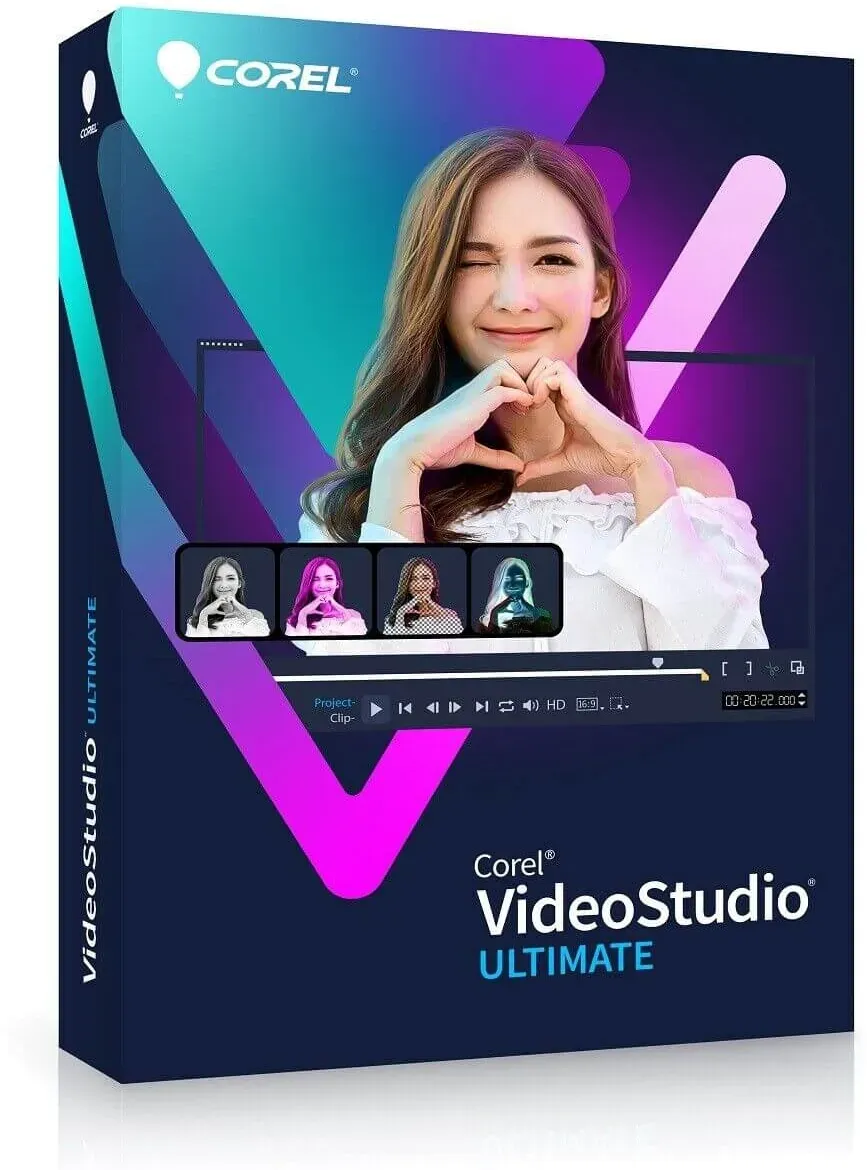
Corel VideoStudio 2023 Ultimate
Vendor: Blitzhandel24.de GB Price: 29.21 £Create unique movies with our powerful video editing program Turn the unforgettable moments of your life into stunning movies with our advanced video editing program. Discover the versatile tools, premium effects, and smart features that ensure optimal performance and help you create stunning movies. Unleash your creativity and impress your audience with your unique masterpieces. Create your best videos with our easy-to-use video editing software - VideoStudio Ultimate. Use exclusive premium effects from industry leaders and advanced editing tools like color grading, video masking and 3D titling to achieve unique transformations. The latest audio cues, speech-to-text conversion, and face detection technology save time and help you edit and subtitle videos faster. With a full suite of powerful features, you can create videos that not only impress, but inspire. Bring your creativity to life and create unique videos that will captivate your viewers. VideoStudio: Learn more about what's possible Discover the rich capabilities of VideoStudio - an easy-to-learn video editing program with powerful tools and great effects. Import your own clips or capture the screen and capture video from multiple cameras with built-in tools. Go beyond basic edits and experiment with customizable filters, transitions, and high-quality effects that take your videos to the next level. Export your projects to popular formats, upload them directly to YouTube, or burn them to disc with a custom menu. Discover how easy it is to create stunning movies and unleash your creativity with VideoStudio. Create great movies with our easy-to-use video editing software VideoStudio offers an exceptional combination of an easy-to-understand interface, beginner-friendly tools, and handy tutorials to create great movies. But that's not all - we've added groundbreaking creative features to our program that make video editing even more fun. Use our tools to bring your artistic vision to life and create stunning movies. Whether you're a beginner or a seasoned pro, VideoStudio gives you everything you need to unleash your creativity and make great movies. What's new in VideoStudio 2023 Creative title design and animation with VideoStudio VideoStudio offers a wide range of features for editing titles and creating stunning title animations. The new In/Middle/Out options let you assign different title effects e to different phases of a title animation, making your titles even more interesting. The ability to merge and edit titles lets you specify different movements for each component of the title and quickly check them in a preview. Also take advantage of new title effects such as parallax titles, which drag text elements and characters at speed, or kinetic titles, which apply different speeds to the text, to create a wide variety of title animations. Discover the endless possibilities of creative titling with VideoStudio. Optimal soundtracks for your video with VideoStudio VideoStudio offers a wide range of audio enhancement options. Manually or automatically set audio cues on the music clip and adjust your video's timeline to match these cues to adjust the duration of each clip and match your videos to the beat of the music. Choose the right soundtrack for your video from over 500 new songs in the Scorefitter music library and enjoy professional-quality sound. With VideoStudio, it's never been easier to create optimal soundtracks for your videos. New formats supported: Decode/encode AOMedia Video 1 (AV1) With VideoStudio 2023 Ultimate, you can now decode and encode AV1 between different chips, including Intel, AMD, and nVidia. AV1 hardware acceleration is also supported: Intel 11th Generation: decoding acceleration Intel Arc: encoding and decoding acceleration In addition, VideoStudio has been optimized to handle 8K video to accommodate the growing number of devices that support 8K recording. You can now import and edit 8K videos Why choose VideoStudio? Editing video can be just as fulfilling as shooting it yourself! VideoStudio is extremely user-friendly and suitable for any skill level. In addition, it offers a variety of useful learning resources. Not only is it easy to use, it's also fun! Thanks to the built-in templates, you can quickly mimic popular video styles, and with the trendy AR stickers and face effects, you can add a humorous touch to your videos. You can also create animated GIFs with the GIF creator. VideoStudio supports your creativity and encourages you to be experimental. High-quality filters and color grading offer endless possibilities for artistic design, and mask creation lets you influence the mood in your movies. Let your imagination run wild! System requirements Operating system: Windows 11, Windows 10, Windows 8, 64-bit only Processor: Core i3 or AMD A4 series for standard videos. Intel Core i7 or AMD Athlon A10 for HD and UHD videos &n...
-

Corel VideoStudio 2022 Ultimate
Vendor: Primelicense.com Price: 6.89 £Corel VideoStudio Ultimate 2022 & 2023 – Official Lifetime License from Trusted Certified Reseller Secure a lifetime license for Corel VideoStudio Ultimate 2022 or 2023 from PrimeLicense — a Microsoft and Adobe certified software reseller boasting a 4.9/5 customer rating on Trustpilot, Google, and Trusted Shops. Your purchase is safeguarded by Trusted Shops Buyer Protection (up to €2,500) and processed through our secure checkout. Plus, every order includes a 30-day money-back guarantee, ensuring a confident shopping experience. What You’ll Get When you purchase Corel VideoStudio Ultimate 2022 or 2023 from PrimeLicense, you’ll receive: Full lifetime license for Corel VideoStudio Ultimate 2022 or 2023 (choose your version) Official installer for secure, swift setup Step-by-step activation instructions Free customer support for installation and troubleshooting How It Works: Buy, Download, and Activate Corel VideoStudio Ultimate in 3 Easy Steps Step 1: Purchase Your Preferred VersionSelect between Corel VideoStudio Ultimate 2022 or 2023 and receive your license key instantly via email, along with setup instructions. Step 2: Download and InstallDownload the software from the official Corel VideoStudio website using the provided link and guide. Step 3: Activate and Start EditingEnter your license key during installation or within the software's activation menu to unlock the full version permanently. Product Overview Corel VideoStudio Ultimate is a powerful yet easy-to-use video editing software designed for creators at every level. Whether you’re editing home videos, YouTube content, or business promos, VideoStudio helps you craft polished, professional-looking results. Multi-track timeline for precise editing Drag-and-drop effects, transitions, and animated titles Advanced tools like color grading, motion tracking, and video masking Multi-camera support and 360° video editing Audio enhancements including ducking and waveform editing The 2023 version adds 8K video support, AV1 codec, improved title creation, and audio cue editing for even more creative control and performance. If you're looking for a feature-rich editor without the complexity of pro software, VideoStudio Ultimate is the perfect fit. Corel VideoStudio Ultimate 2022 vs. 2023 Feature VideoStudio Ultimate 2022 VideoStudio Ultimate 2023 AV1 Codec Support No Yes 8K Video Editing No Yes Enhanced Title Editing No Yes Audio Cues No Yes Performance Improvements Standard Enhanced Recommendation: Choose VideoStudio Ultimate 2022 for a comprehensive set of features at a more affordable price. Choose VideoStudio Ultimate 2023 if you require the latest enhancements and support for newer formats. Why Buy from PrimeLicense? FAQ What if I can’t activate my subscription? Our support team is always here to help! Just send us your issue and screenshots—our experts will assist promptly. How do licenses come at such a low price? At PrimeLicense, we specialize in pre-owned software licenses. These are...
-

Corel VideoStudio Pro 2023
Vendor: Primelicense.com Price: 55.90 £Corel VideoStudio is a feature-packed and intuitive consumer video editing program with fun ways to create stop motion, edit faces, make GIFs, generate speech-to-text captions, and more. Corel VideoStudio key functionality: Capture. Import your own clips, record your screen, or capture multi-camera videos with built-in tools. Edit. Make quick corrections with basic tools, play with color, add creative filters, titles, and transitions. Share. Export your projects to popular formats and devices, share online, or burn to disc with a custom menu. Key new features of VideoStudio Pro 2023: Title editing features and effects Title motion options. With new Enter/Middle/Exit title motions, assign different title effects to the various stages of the title animation. Title effects. Make your animated titles look unique and impressive with new title effects: Parallax Titles leverage speed to create a dragging effect on text and characters; Kinetic Titles apply variable speed with acceleration on text to create diverse title animations. Transition effectsGet mesmerizing 3D-like effect with new Parallax Transitions that deliver layers with varying speeds attached to the foreground and background movements. Extra song selectionsMore than 500 new songs are added to the ScoreFitter music library. Rendering performanceThe Intel OneVPL and Deep Link Hyper Encode integration has been leveraged to optimize performance and make the CPU and multiple GPUs work much more efficiently. 8K Video DecodeWith a rapidly increasing number and variety of devices supporting 8K recording, VideoStudio has been optimized for 8K to enable you to import 8K videos for further editing. UI enhancementsWith multiple enhancements made to select features and general usability, leverage customization options and achieve incredible results more quickly and efficiently!
-
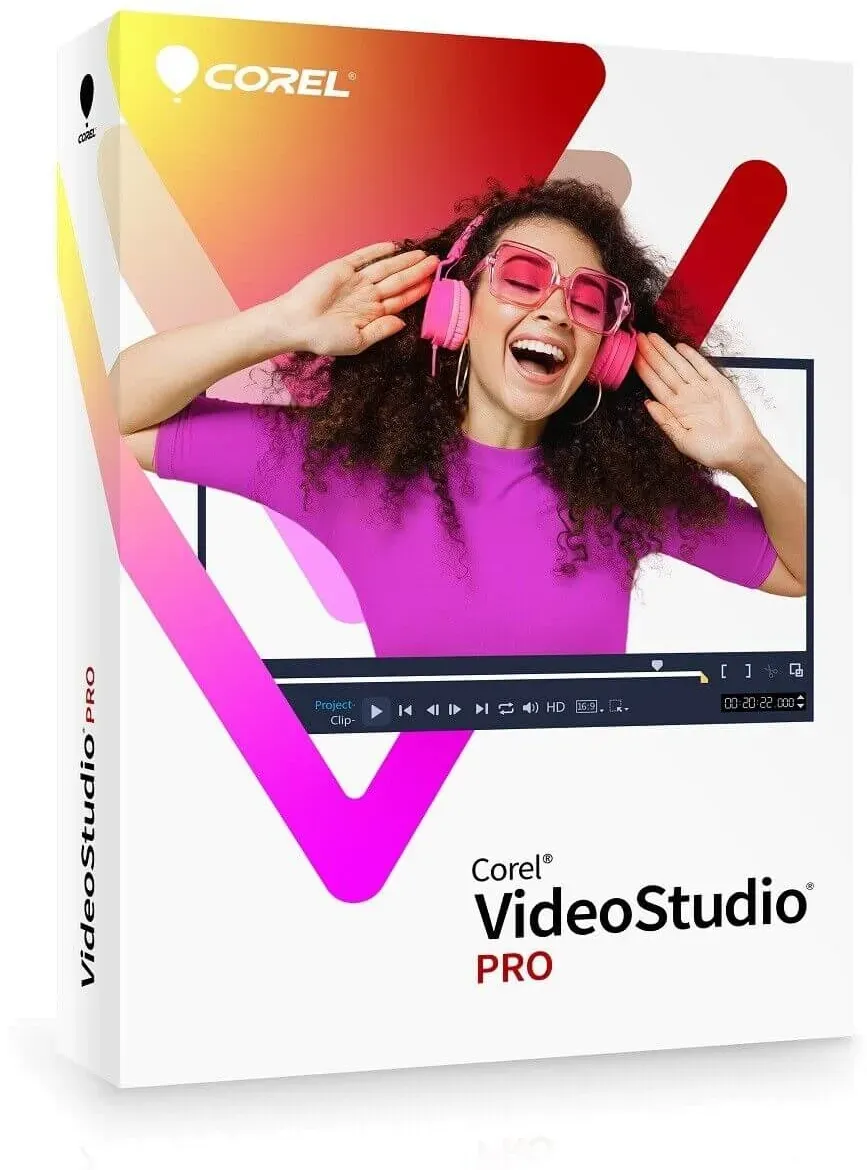
Corel VideoStudio 2023 Pro
Vendor: Blitzhandel24.de GB Price: 21.90 £Video editing with fun and ease! Corel VideoStudio Pro makes video editing fun and easy! Explore drag-and-drop creativity with hundreds of effects, titles and transitions, have fun with animated AR stickers and the GIF creator, save time with Instant Project Templates and the Speech-to-Text converter - use the full range of handy features to create your best videos yet! What can I do with VideoStudio? Create stunning movies with easy-to-learn and fun video editing software packed with powerful tools and cool effects. VideoStudio has enhanced its remarkable combination of beginner-friendly tools, tutorials, and user interface with breakthrough creativity to make video editing really fun! First the basics With simple trimming tools like "Slide" and "Slip", you can easily perform basic editing steps and keep only the best parts for appealing results. Drag and drop Easily edit video on the timeline by dragging and dropping footage, then add creative graphics, overlays, animated titles, and transitions. Correct imperfections Enhance colors, make white balance and lens corrections, and remove flaws to turn your footage into a successful production. Apply effects Apply creative filters, face effects, animated AR stickers, or newly added title and transition effects to make your video more interesting and fun! Discover powerful tools Show more perspectives by combining clips filmed from different angles with multi-camera capture and editing tools, create GIFs, enhance panoramas with 360° editing, add animation and speed effects for a dynamic end result, and more. What's new in VideoStudio 2023? Title editing features and effects Title motion options Use the new Enter/Middle/Exit title moves to assign different title effects to different stages of title animation. Take compound title editing a step further with the new Compound Title Edit feature: Set a different move for each component of the title and preview the result. Title effects Give your animated titles a unique and stunning look with new title effects: Parallax titles use speed to create a trailing effect for text and characters. Kinetic titles apply variable speed with acceleration to text to create different title animations. Transition effects Achieve fascinating 3D-like effects with the new Parallax transitions that deliver layers with different speeds for foreground and background motion. Give your video an even more modern aesthetic with the new Instant Color Change and Split transition effects and enhance the overall look of your movie. Additional song selection With more than 500 new songs in the ScoreFitter music library, your movie reel will never feel limited! Listen, select, pair and enjoy! Rendering Performance Intel OneVPL and Deep Link Hyper Encode integration has been used to optimize performance and make the CPU and multiple GPUs work much more efficiently. 8K video decoding As the number and variety of devices supporting 8K recording is rapidly increasing, VideoStudio has been optimized for 8K so you can import 8K video for further editing. Other enhancements Save time and enjoy a streamlined editing process with significantly improved performance and numerous user interface improvements. UI Enhancements With numerous improvements to select features and overall usability, you can take advantage of customization options and achieve incredible results faster and more efficiently! Features that give your video editing software wings Get exactly the results you want with VideoStudio's wide range of practical, innovative tools and features. Enjoy a fun, feature-rich video editor that lets you create just about anything with ease! Capture and edit video with multiple cameras MultiCam capture and screen recording Capture webcam video and record your screen at the same time, or record two screens at once, all with MultiCam Capture 2.0 Lite. Capture video and audio with a single click and edit them seamlessly with multi-camera editing. MultiCam Video Editing Show every side of yourself! Combine, sync, and edit footage from multiple cameras, then choose the angle you want to show when your video plays back. Add picture-in-picture effects to showcase your best angles simultaneously, and edit further on the timeline. Combine up to 4 angles with VideoStudio Pro (6 angles in Ultimate) Split-screen templates Explore split-screen templates to combine multiple videos on screen. Start your split-screen projects with ready-to-use templates to recreate popular styles, multiply the number of video highlights shown simultaneously, and engage your viewers. System requirements Operating system: Windows 11, Windows 10, Windows 8, 64-bit only Processor: Core i3 or AMD A4 series for standard video. Intel Core i7 or AMD Athlon A10 for HD and UHD videos Memory: 4 GB or more, 8+ GB is highly recommended for HD and UHD videos Graphics card: Minimum screen resolution: 1366 x 76...
-

Corel VideoStudio Pro 2023
Vendor: Primelicense.com Price: 5.59 £Corel VideoStudio is a feature-packed and intuitive consumer video editing program with fun ways to create stop motion, edit faces, make GIFs, generate speech-to-text captions, and more. Corel VideoStudio key functionality: Capture. Import your own clips, record your screen, or capture multi-camera videos with built-in tools. Edit. Make quick corrections with basic tools, play with color, add creative filters, titles, and transitions. Share. Export your projects to popular formats and devices, share online, or burn to disc with a custom menu. Key new features of VideoStudio Pro 2023: Title editing features and effects Title motion options. With new Enter/Middle/Exit title motions, assign different title effects to the various stages of the title animation. Title effects. Make your animated titles look unique and impressive with new title effects: Parallax Titles leverage speed to create a dragging effect on text and characters; Kinetic Titles apply variable speed with acceleration on text to create diverse title animations. Transition effectsGet mesmerizing 3D-like effect with new Parallax Transitions that deliver layers with varying speeds attached to the foreground and background movements. Extra song selectionsMore than 500 new songs are added to the ScoreFitter music library. Rendering performanceThe Intel OneVPL and Deep Link Hyper Encode integration has been leveraged to optimize performance and make the CPU and multiple GPUs work much more efficiently. 8K Video DecodeWith a rapidly increasing number and variety of devices supporting 8K recording, VideoStudio has been optimized for 8K to enable you to import 8K videos for further editing. UI enhancementsWith multiple enhancements made to select features and general usability, leverage customization options and achieve incredible results more quickly and efficiently!
-

Corel VideoStudio Pro 2021
Vendor: Blitzhandel24.co.uk Price: 21.90 £Video editing programme Quickly turn your best moments and experiences into unique movies with intuitive tools, creative effects, smart features and optimised performance. Put your life in the spotlight. The NEW VideoStudio Pro 2021 makes video editing easier and more fun! In addition to drag-and-drop filters, effects, titles and transitions, the programme now also offers AR stickers. Use intuitive tools and instant project templates to create unique films that will impress and inspire your viewers. What are the possibilities of VideoStudio? Easily create stunning movies with the powerful tools and exclusive effects in this easy-to-learn video editing programme. Record Import your own clips, capture the screen or use the built-in tools to capture video from multiple cameras to create your most exciting movies yet! Edit Access a comprehensive selection of basic tools, make quick corrections, apply creative filters and discover many more powerful features that are easy to learn and u...
-
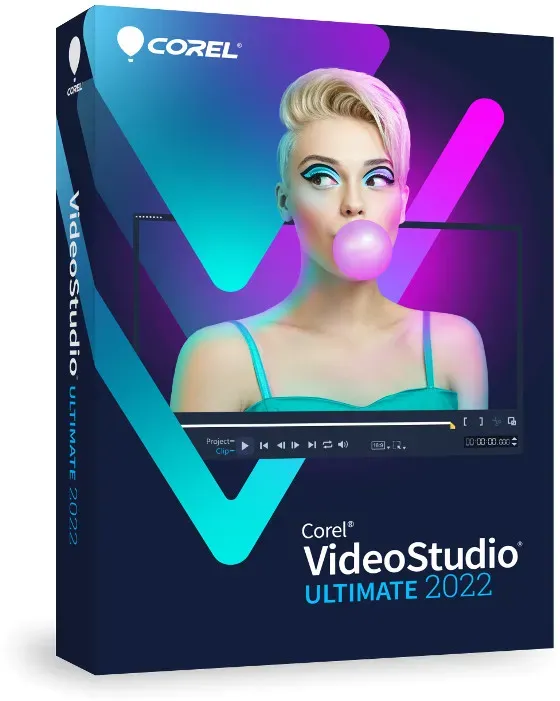
Corel VideoStudio 2022 Ultimate
Vendor: Blitzhandel24.de GB Price: 27.75 £The new VideoStudio Ultimate 2022 video editing program Turn your best moments and life experiences into unique movies with smart tools, an expanded collection of high-quality effects, powerful color correction, video masking and optimized performance. What can I do with Corel VideoStudio 2022 Ultimate? Create stunning movies with easy-to-learn and fun video editing software packed with powerful tools and exclusive effects. Capture Import your own clips, record your screen, or capture multi-camera video with built-in tools to create your most impressive productions yet! Edit Go beyond the basics of editing with advanced features like color correction and video masking, play with hundreds of customizable filters, and apply high-quality effects. Share Export your projects to popular formats to share online and watch on multiple devices, upload directly to YouTube, or burn to disc with a custom menu. Everything you need to create great movies is provided by Corel VideoStudio 2022 Ultimate: VideoStudio has enhanced its remarkable combination of beginner-friendly tools, tutorials and user interface with breakthrough creativity to make video editing truly fun! The basics first Edit your videos with basic tools that effortlessly combine your photos and videos to give them the finishing touches and export them as an engaging and appealing production. Drag and drop Transform your footage into a smooth and sophisticated movie by adding graphic elements, animated titles, and transitions. You can even turn your titles into realistic handwriting on screen or apply animated pen effects. Correct and enhance Enhance colors and use color correction to quickly change the color scheme of your entire video, apply lens corrections, explore motion blur tools, and stabilize shaky footage - be amazed at the results! Apply effects Apply high-quality effects, new animated AR stickers, and facial effects, creatively blend overlays, and add morph or seamless transitions as well as dynamic and 3D titles to make your video even more impressive and fun! Explore advanced tools Use video masking to create cinematic effects, save time with face detection technology, use dynamic split-screen templates and multi-camera editing to show multiple perspectives, create GIFs, enhance panoramic footage with 360° video editing, add animation and speed effects for a dynamic, motion-rich result, and more. What's new in VideoStudio 2022? Face effects Make everyone in your video look their best with new face effects! With simple controls, you can lighten or smooth skin, adjust face width, and even eye size to refine facial features. Play with these popular editing tools and manually adjust layers depending on how much impact you want to make. Easily polish up lifestyle videos, create glamorous Instagram and TikTok clips, or even silly clips to share with friends! Speech-to-text converter Save time creating subtitles by converting speech to text in your video with a new tool designed for easy subtitle creation. With the new VideoStudio, you can even edit recorded subtitles, export them, and then import them into YouTube, TikTok, or another platform. Use automatic subtitling to keep your viewers engaged when the language in your video contains specific terminology or product names, or when the quality of the original narration isn't perfect. Animated AR stickers Add instant fun and flair to your next project with the new animated AR stickers! These face-tracking stickers are great for masking faces, emphasizing emotions, and creating playful moments. They can even be applied to multiple faces and later edited for position and size. Use AR stickers to emphasize reactions and add personality to gaming videos, reaction videos, online challenges, and other projects. VideoStudio 2022 makes it even easier to explore, categorize, and organize both static and animated AR stickers into collections. GIF creat or GIF Creator lets you turn a snippet from your video into a short, looped clip in GIF format to express emotion and share highlights, towering moments, and even repulsive content across all online platforms. GIFs are the best way to showcase your unique images in a snap! ULTIMATE Face Indexing ONLY Save time and streamline the editing process with the newly added Face Indexing feature, which analyzes video using face recognition to automatically identify and extract footage for each person in your video. With this feature, available only in the Ultimate version, you no longer have to spend hours manually sifting through video footage to select scenes with specific people - Face Indexing does it for you quickly and easily! Camera motion transitions Creatively customize your videos to enhance them with the new motion blur camera transitions. Mimic stunning transitions from your favorite movies, create transitions that blend scenes together, adjust them to look more natural or dramatic - it's up to you to decide how best to showcase your footage. Other new...
-

Corel VideoStudio 2023 Ultimate
Vendor: Primelicense.com Price: 8.59 £Corel VideoStudio is a feature-packed and intuitive consumer video editing program with fun ways to create stop motion, edit faces, make GIFs, generate speech-to-text captions, and more. Corel VideoStudio key functionality: Capture. Import your own clips, record your screen, or capture multi-camera videos with built-in tools. Edit. Make quick corrections with basic tools, play with color, add creative filters, titles, and transitions. Share. Export your projects to popular formats and devices, share online, or burn to disc with a custom menu. Key new features of VideoStudio Ultimate 2023 : Title motion options. With new Enter/Middle/Exit title motions, assign different title effects to the various stages of the title animation. Title effects. Make your animated titles look unique and impressive with new title effects: Parallax Titles leverage speed to create a dragging effect on text and characters Kinetic Titles apply variable speed with acceleration on text to create diverse title animations. Transition effectsGet mesmerizing 3D-like effect with new Parallax Transitions that deliver layers with varying speeds attached to the foreground and background movements. Extra song selectionsMore than 500 new songs are added to the ScoreFitter music library. Rendering performanceThe Intel OneVPL and Deep Link Hyper Encode integration has been leveraged to optimize performance and make the CPU and multiple GPUs work much more efficiently. 8K Video DecodeWith a rapidly increasing number and variety of devices supporting 8K recording, VideoStudio has been optimized for 8K to enable you to import 8K videos for further editing. UI enhancementsWith multiple enhancements made to select features and general usability, leverage customization options and achieve incredible results more quickly and efficiently! Key new Ultimate features: Color GradingOnly in Ultimate, access complete Color Grading tools to set the mood of every scene. Easily shift colors, and fine-tune your changes with a variety of video scopes and intuitive controls. Brighten landscapes, introduce accent colors, and augment ambience in every production. Mask CreatorMask Creator is a powerful video editing tool designed for everything from basic fixes to Hollywood-level enhancements. Video masking delivers the power to replace generic screens, apply effects to masked areas only, clone and overlay objects, remove distractions from your clips, reveal text, and so much more—all to achieve truly remarkable transformations. Face IndexingSave hours of time manually searching through video content by using Face Indexing that analyzes video using facial recognition. It automatically identifies and extracts footage for each person in your video. Audio CuesSynergize your sound and picture! Set audio cue points on your music clip manually or automatically and match the timeline of your video to these markers to adjust each clip duration and make your video match the beats. AOMedia Video 1 (AV1) Decode...
-

Corel VideoStudio Pro 2022
Vendor: Primelicense.com Price: 51.90 £Corel VideoStudio Pro 2022 & 2023 – Official Lifetime License from Trusted Certified Reseller Secure a lifetime license for Corel VideoStudio Pro 2022 or 2023 from PrimeLicense — a Microsoft and Adobe certified software reseller boasting a 4.9/5 customer rating on Trustpilot, Google, and Trusted Shops. Your purchase is safeguarded by Trusted Shops Buyer Protection (up to €2,500) and processed through our secure checkout. Plus, every order includes a 30-day money-back guarantee, ensuring a confident shopping experience. What You’ll Get When you purchase Corel VideoStudio Pro 2022 or 2023 from PrimeLicense, you’ll receive: Full lifetime license for Corel VideoStudio Pro 2022 or 2023 (choose your version) Official installer for secure, swift setup Step-by-step activation instructions Free customer support for installation and troubleshooting How It Works: Buy, Download, and Activate Corel VideoStudio Pro in 3 Easy Steps Step 1: Purchase Your Preferred VersionSelect between Corel VideoStudio Pro 2022 or 2023 and receive your license key instantly via email, along with comprehensive setup instructions. Step 2: Download and InstallDownload the software from the official Corel VideoStudio website using the provided link and guide. Step 3: Activate and Start EditingEnter your license key during installation or within the software's activation menu to unlock the full version permanently. Product Overview Corel VideoStudio Pro is an all-in-one video editing solution designed for everyday creators who want professional-looking results without a steep learning curve. Whether you're making content for YouTube, creating family movies, or crafting marketing videos, VideoStudio Pro offers the perfect balance of simplicity and power. With either 2022 or 2023, you'll enjoy: Intuitive Timeline & Storyboard Modes – Choose your editing view depending on your skill level or workflow. Drag-and-Drop Simplicity – Easily trim, cut, merge clips, add transitions, or drop in effects. Enhanced Color Correction – Fine-tune lighting, tone, hue, and saturation with precision. Creative Tools – Access fun features like Face Effects, GIF Creator, and AR Stickers for engaging, modern content. Speed Controls & Motion Effects – Slow down or speed up scenes, and apply pan and zoom for cinematic motion. Corel VideoStudio Pro 2022 vs. 2023 Feature VideoStudio Pro 2022 VideoStudio Pro 2023 Animated AR Stickers Yes Yes GIF Creator Yes Yes Face Effects Yes Yes Enhanced Title Editing No Yes Performance Improvements Standard Enhanced Recommendation: Choose VideoStudio Pro 2022 for a comprehensive set of features at a more affordable price. Choose VideoStudio Pro 2023 if you desire the latest enhancements and improved performance. Why Buy from PrimeLicense? FAQ What if I can’t activate my subscription? Our support team is always here to help! Just send us your issue and screenshots—our experts will assist promptly. How do licenses come at such a low price? At PrimeLicense, we specialize in...
-
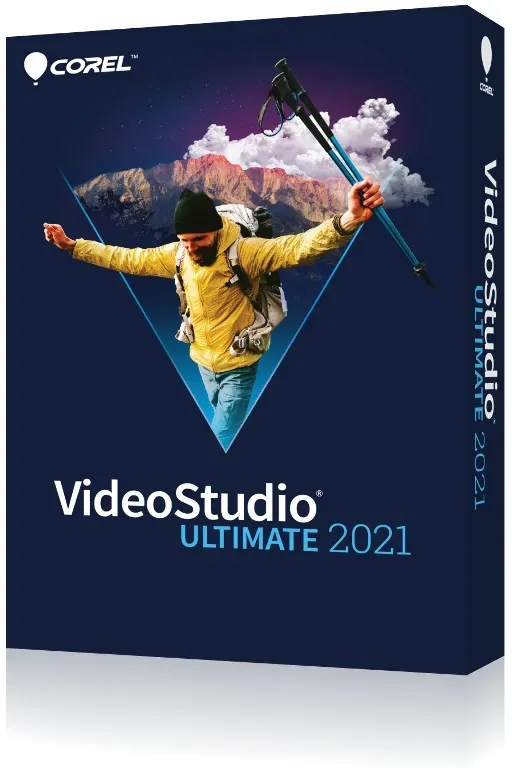
Corel VideoStudio 2021 Ultimate
Vendor: Blitzhandel24.de GB Price: 25.55 £Video editing programme Rely on intelligent tools, an expanded collection of premium effects, powerful colour grading, video masks and enhanced performance to turn your best moments and experiences into unique movies. Set the scene for your life. The NEW VideoStudio Ultimate 2021 makes video editing easier and more fun. It includes drag-and-drop graphics, titles and transitions, as well as high-quality effects from industry leaders. Discover exclusive editing tools like colour grading, video masking, advanced video stabilisation, dynamic split screen editing and more. Use intuitive tools and instant project templates to create unique movies that will impress and delight your viewers. What are the possibilities of VideoStudio? Easily create stunning movies with the powerful tools and exclusive effects in this easy-to-learn video editing programme. Record Import your own clips, capture the screen or use the built-in tools to capture video from multiple cameras to create your most exciting movies yet! Edit Go beyond basic editing with advanced features like colour grading and video masking, experiment with over 2,000 customisable filters and apply premium effects. Share Export your projects to popular formats to share online and view on multiple devices, upload directly to YouTube or burn to disc with a custom menu. Everything you need to create great movies: VideoStudio's exceptional combination of a beginner-friendly interface with easy-to-follow tools and practical tutorials has been enhanced with groundbreaking creative features that make video editing even more fun! Basic Editing Edit your videos with basic tools that let you effortlessly combine your photos and videos, then export them as engaging and interesting movie productions. Drag and drop features Turn your footage into sophisticated movies by adding graphic elements, animated titles and transitions. For example, convert titles to realistic handwriting or apply animated pen effects. Correct and optimise Boost colours and use colour grading to shift the colour scheme of the whole video, perform lens corrections, experiment with motion blur and stabilise shaky shots - surprise yourself with the results! Apply effects Apply fun effects and filters, blend creative overlays and add morph or seamless transitions, as well as dynamic and 3D titles to create stunning and entertaining videos . Advanced tools Use video masks to create cinematic effects, present multiple perspectives with split-screen effects and multi-camera shots, optimise panoramic shots with 360° video editing features, or add animation and speed effects. What's new in VideoStudio 2021 Instant project templates Save time and effort by mimicking popular video styles in minutes! Recreate trending viral videos or edit engaging social media posts with new instant templates and add themed intros, convert portrait to landscape videos, copy marketing templates and more. Unleash your creative potential by combining ready-to-use templates and effects with your own customisations to achieve unique results. AR Stickers Create original effects that deepen emotions and bring playful moments to your videos with the new AR Stickers. These face-recognising stickers are ideal for enhancing reactions and making gaming videos, reaction videos or tutorials more personal! More premium effects Produce unique creative transformations with NewBlueFX's streamlined effects packages and proDAD's 100+ new VitaScene effects. Go beyond basic edits with an expanded collection of exclusive premium effects from branch leaders! Enhanced video stabilisation With proDAD Mercalli's streamlined video stabilisation tool, you can stabilise hand-shot and shaky video faster and more efficiently than ever before in real time. Quickly turn shaky, handheld video and choppy action shots into usable footage! Improved performance Benefit from a faster and smoother editing workflow thanks to extensive performance enhancements throughout the product. VideoStudio 2021 is optimised for the latest video hardware acceleration technologies from Intel, AMD and nVidia, significantly speeding up preview edits and rendering of popular file formats. Increased performance, improved rendering and our most responsive user interface - VideoStudio 2021 is our best video editor yet. Enhanced tools and features Ultimate onlyOptimised video mask creation Optimised split screen editing Optimised motion adjustment controls New automatic motion blur A video editor with unprecedented features Get the results you want every time with VideoStudio's comprehensive selection of innovative tools and features. Take advantage of a full-featured video editor that makes it easy to complete projects of all kinds. Get creative with colour Colour correction Use intuitive controls to correct...
-

Corel VideoStudio Pro 2022
Vendor: Primelicense.com Price: 5.19 £Corel VideoStudio Pro 2022 & 2023 – Official Lifetime License from Trusted Certified Reseller Secure a lifetime license for Corel VideoStudio Pro 2022 or 2023 from PrimeLicense — a Microsoft and Adobe certified software reseller boasting a 4.9/5 customer rating on Trustpilot, Google, and Trusted Shops. Your purchase is safeguarded by Trusted Shops Buyer Protection (up to €2,500) and processed through our secure checkout. Plus, every order includes a 30-day money-back guarantee, ensuring a confident shopping experience. What You’ll Get When you purchase Corel VideoStudio Pro 2022 or 2023 from PrimeLicense, you’ll receive: Full lifetime license for Corel VideoStudio Pro 2022 or 2023 (choose your version) Official installer for secure, swift setup Step-by-step activation instructions Free customer support for installation and troubleshooting How It Works: Buy, Download, and Activate Corel VideoStudio Pro in 3 Easy Steps Step 1: Purchase Your Preferred VersionSelect between Corel VideoStudio Pro 2022 or 2023 and receive your license key instantly via email, along with comprehensive setup instructions. Step 2: Download and InstallDownload the software from the official Corel VideoStudio website using the provided link and guide. Step 3: Activate and Start EditingEnter your license key during installation or within the software's activation menu to unlock the full version permanently. Product Overview Corel VideoStudio Pro is an all-in-one video editing solution designed for everyday creators who want professional-looking results without a steep learning curve. Whether you're making content for YouTube, creating family movies, or crafting marketing videos, VideoStudio Pro offers the perfect balance of simplicity and power. With either 2022 or 2023, you'll enjoy: Intuitive Timeline & Storyboard Modes – Choose your editing view depending on your skill level or workflow. Drag-and-Drop Simplicity – Easily trim, cut, merge clips, add transitions, or drop in effects. Enhanced Color Correction – Fine-tune lighting, tone, hue, and saturation with precision. Creative Tools – Access fun features like Face Effects, GIF Creator, and AR Stickers for engaging, modern content. Speed Controls & Motion Effects – Slow down or speed up scenes, and apply pan and zoom for cinematic motion. Corel VideoStudio Pro 2022 vs. 2023 Feature VideoStudio Pro 2022 VideoStudio Pro 2023 Animated AR Stickers Yes Yes GIF Creator Yes Yes Face Effects Yes Yes Enhanced Title Editing No Yes Performance Improvements Standard Enhanced Recommendation: Choose VideoStudio Pro 2022 for a comprehensive set of features at a more affordable price. Choose VideoStudio Pro 2023 if you desire the latest enhancements and improved performance. Why Buy from PrimeLicense? FAQ What if I can’t activate my subscription? Our support team is always here to help! Just send us your issue and screenshots—our experts will assist promptly. How do licenses come at such a low price? At PrimeLicense, we specialize in...
-

Corel VideoStudio 2023 Pro
Vendor: Blitzhandel24.co.uk Price: 21.90 £Video editing with fun and ease! Corel VideoStudio Pro makes video editing fun and easy! Explore drag-and-drop creativity with hundreds of effects, titles and transitions, have fun with animated AR stickers and the GIF creator, save time with Instant Project Templates and the Speech-to-Text converter - use the full range of handy features to create your best videos yet! What can I do with VideoStudio? Create stunning movies with easy-to-learn and fun video editing software packed with powerful tools and cool effects. VideoStudio has enhanced its remarkable combination of beginner-friendly tools, tutorials, and user interface with breakthrough creativity to make video editing really fun! First the basics With simple trimming tools like Slide and Slip, you can easily perform basic editing steps and keep only the best parts for appealing results. Drag and drop Easily edit video on the timeline by dragging and dropping footage, then add creative graphics, overlays, animated titles,...
-
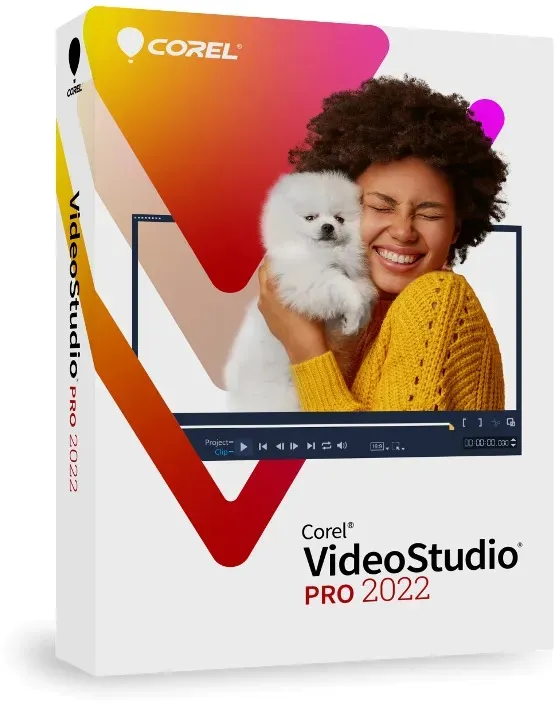
Corel VideoStudio 2022 Pro
Vendor: Blitzhandel24.de GB Price: 21.90 £New video editing program Corel VideoStudio Pro 2022 Quickly turn your best moments into unique movies and experiences. Benefit from intuitive tools, creative effects, smart features and optimized performance. What does Corel VideoStudio 2022 Pro offer? Effortlessly create stunning movies with the powerful tools and unique effects in this easy-to-learn video editor. Record Import your clips, capture the screen, or use the built-in tools to capture video from multiple cameras to create your most exciting movies! Edit Access a comprehensive selection of basic tools, make quick corrections, apply creative filters, and discover many more powerful features that are easy to learn and use. Share Export your projects to popular formats to share online and view on multiple devices, upload directly to YouTube, or burn to disc with a custom menu. Everything you need to create great movies: VideoStudio's unique combination of an easy-to-understand interface with beginner-friendly tools and handy tutorials has been enhanced with innovative creative features that make video editing even more fun! Basic editing Use the basic tools to edit your videos and select the best shots to create interesting videos. Drag and drop Edit your videos by simply dragging your clips first and then creative graphics, overlays, animated titles, and transitions onto a timeline. Correct mistakes Enhance colors, perform white balance and lens corrections, and fix minor errors to turn your movies into stylish productions. Apply effects Make your videos more interesting and exciting by applying creative effects, overlays, new AR-animated stickers, face effects, and transitions with camera movements! Advanced tools Use multi-camera capture and editing tools to combine clips shot from different angles. Create GIFS, enhance panoramic shots with 360° video editing tools, or add animation and speed effects to your videos. Corel VideoStudio 2022 innovations Face Effects New face effects make the stars of your videos look great! With simple controls, you can lighten or smooth your skin, or adjust the width of your face and the size of your eyes to perfect your facial features. You can experiment with these popular editing tools to your heart's content and manually adjust the settings depending on how much of an effect you want to achieve. This tool is not only great for perfecting lifestyle videos, but also for creating Instagram and TikTok videos or funny clips! Convert speech to text Quickly and easily convert speech to text with a new time-saving tool for creating subtitles for movies. The new VideoStudio lets you edit and export recorded subtitles for use on YouTube, TikTok, or any other platform. Subtitles are useful when, for example, the spoken text contains certain technical terms and product names, the quality of the original commentary is insufficient, or the language is unclear. AR-animated stickers The new AR-animated stickers bring fun to your upcoming projects! These facial recognition stickers are ideal for hiding faces, enhancing emotions or creating playful moments. The stickers can also be applied to multiple surfaces, and the position and size can be adjusted later. In addition, AR stickers can be used to highlight reactions and add a personal touch to game videos, reaction videos, online challenges, tutorials, or other projects. In VideoStudio 2022, static and animated AR stickers can now be more easily searched, sorted, and combined into collections. GIF creation feature With the new GIF creation feature, you can capture a snippet of your video and turn it into a short clip that repeats to effortlessly share highlights, exciting moments, or funny content across all online platforms. There's nothing better than showcasing your best shots in a snapshot! Camera motion transitions With the new motion blur camera motion transitions, you can make creative adjustments that will make your videos look stunning! Mimic stunning transitions from your favorite movies, create transitions that blend scenes together, adjust them to make them look more natural or dramatic - you decide how to best showcase your footage and make it look more cinematic. Other new and improved features in Corel VideoStudio 2022 Pro include New variable-speed nonlinear keyframing Use nonlinear keyframing to save time and make speed adjustments to your video easily and intuitively. Experiment with specific scenes using preset speed templates - run them at bullet speed or show every detail in slow motion. Even save your custom speed presets when you want to use them again. Improved audio waveform editing With improved audio waveform editing, you can effortlessly tweak the audio in your project to get the best possible sound. It's now easier than ever to use and discover the full suite of related tools, with a more user-friendly interface where high and low sound waves appear clearly as they appear in the Preview window, and audio-related tools can be quickly found in...
-

Corel VideoStudio 2022 Pro
Vendor: Blitzhandel24.co.uk Price: 21.90 £New video editing program Corel VideoStudio Pro 2022 Quickly turn your best moments into unique movies and experiences. Benefit from intuitive tools, creative effects, smart features and optimized performance. What does Corel VideoStudio 2022 Pro offer? Effortlessly create stunning movies with the powerful tools and unique effects in this easy-to-learn video editor. Record Import your clips, capture the screen, or use the built-in tools to capture video from multiple cameras to create your most exciting movies! Edit Access a comprehensive selection of basic tools, make quick corrections, apply creative filters, and discover many more powerful features that are easy to learn and use. Share Export your projects to popular formats to share online and view on multiple devices, upload directly to YouTube, or burn to disc with a custom menu. Everything you need to create great movies: VideoStudios unique combination of an easy-to-understand interface with beginner-friendly tools and han...
-
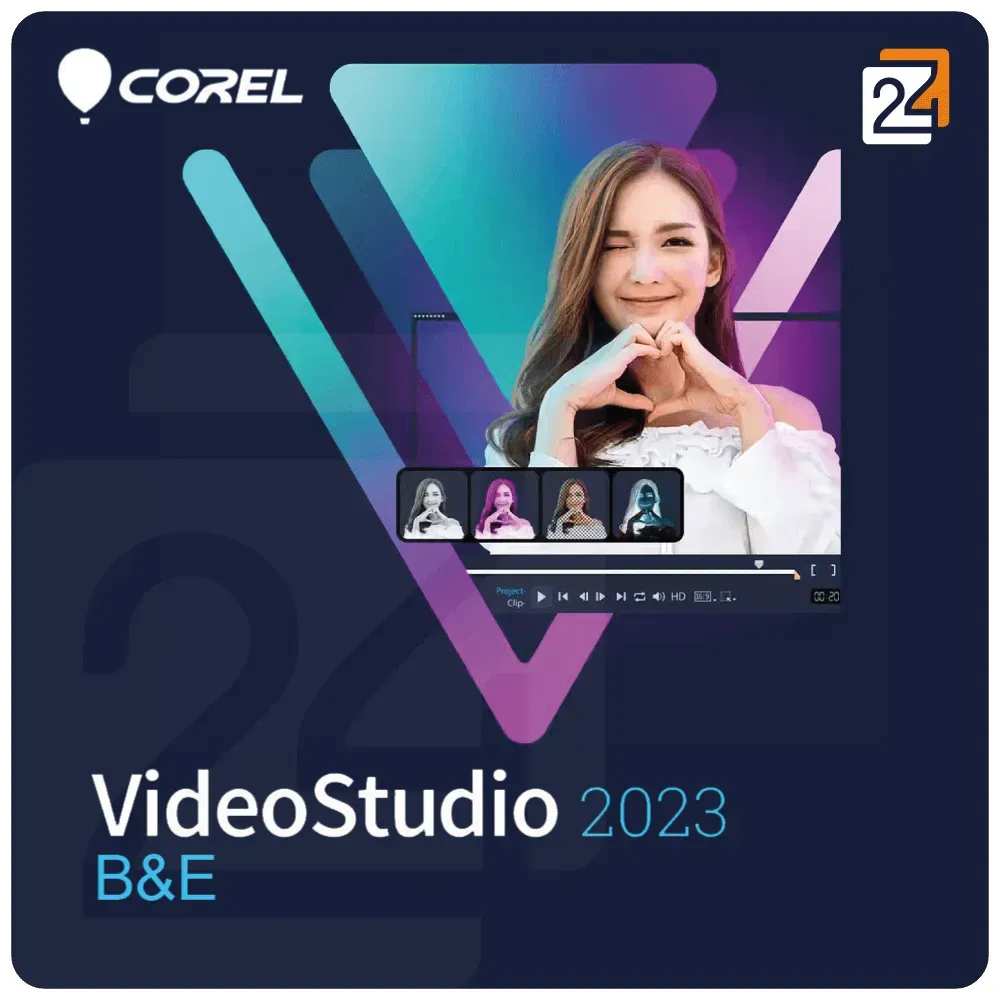
Corel VideoStudio 2023 B&E
Vendor: Blitzhandel24.de GB Price: 48.95 £Corel VideoStudio 2023 Business & Education Corel Video Studio 2023 Business & Education Edition is a comprehensive video editing solution designed specifically for corporate and educational use. With a variety of powerful tools and features, this software allows you to efficiently and creatively design your video projects. Let's take a closer look at the outstanding features of this software. Key features of Corel VideoStudio 2023 Business & Education Intuitive user interface Corel VideoStudio 2023's user-friendly interface makes video editing accessible to all users, regardless of their level of experience. The clearly structured interface makes it easy to find and use the various tools and functions. Video editing and timeline Edit your videos on an intuitive timeline. Cut, trim and arrange clips simply by dragging and dropping. The multitrack timeline allows you to edit multiple video tracks simultaneously and manage complex projects effortlessly. Professional video effects Add stunning effects to your videos. Corel VideoStudio 2023 offers a wide range of video effects, transitions and filters to take your video projects to the next level. Experiment with creative effects to realize your vision. 360° video editing Edit and export 360° videos with specialized tools designed for this type of content. Seamlessly customize and share your 360° videos across multiple platforms. Motion tracking and keyframing Use powerful motion tracking to follow objects in your videos and apply special effects. Keyframing allows you to create precise controls and animations to make your videos more dynamic. Titles and text Create engaging titles and text for your videos. With a variety of templates and customization options, you can personalize your video content and present it professionally. Audio editing Optimize the sound of your videos with powerful audio tools. Add background music, edit sound effects and adjust the volume to create the perfect sound experience. Multi-camera editing Edit recordings from multiple cameras simultaneously. This function is ideal for events, interviews and other situations where you want to combine different perspectives. Screen recording Record your screen and create tutorials, presentations or training videos. Corel VideoStudio 2023's screen recording feature is easy to use and offers high quality. Export and sharing options Export your finished videos in a variety of formats and resolutions. Share your projects directly to popular platforms such as YouTube, Vimeo and Facebook or save them locally on your computer. Additional functions of the Business & Education Edition The Business & Education Edition of Corel VideoStudio 2023 offers additional features specifically designed for use in professional and educational environments: Advanced license management: manage your software licenses efficiently and keep track of your installations. Training materials: Use special training materials and tutorials to get the most out of your video editing software. Technical support : Get priority access to technical support for quick help with problems. System requirements for Corel VideoStudio 2023 B&E Before using Corel VideoStudio 2023 B&E, make sure your system meets the following requirements: Component Requirement Operating system Windows 10 (64-bit) or higher Processor Intel Core i3 or higher RAM At least 4 GB RAM (8 GB recommended) Graphics card At least DirectX 10 compatible graphics card Hard disk space At least 10 GB free hard disk space for the installation Internet connection An Internet connection is required for online activation, updates and access to certain functions.
-

Corel VideoStudio Pro 2023 Key
Vendor: Cjs-cdkeys.com Price: 200.00 £This product is a brand new and unused Corel VideoStudio Pro 2023 Key
-

Corel VideoStudio B&E Maintenance
Vendor: Blitzhandel24.de GB Price: 21.17 £Corel VideoStudio B&E Maintenance Corel VideoStudio B&E Maintenance Edition is a comprehensive video editing solution designed specifically for corporate and educational use. With a variety of powerful tools and features, as well as regular updates and technical support, this software allows you to be efficient and creative with your video projects. Let's take a closer look at the outstanding features of this software. Key features of Corel VideoStudio B&E Maintenance Intuitive user interface Corel VideoStudio B&E Maintenance's user-friendly interface makes video editing accessible to all users, regardless of their level of experience. The clearly structured interface makes it easy to find and use the various tools and functions. Video editing and timeline Edit your videos on an intuitive timeline. Cut, trim and arrange clips simply by dragging and dropping. The multitrack timeline allows you to edit multiple video tracks simultaneously and manage complex projects effortlessly. Professional video effects Add stunning effects to your videos. Corel VideoStudio B&E Maintenance offers a wide range of video effects, transitions and filters to take your video projects to the next level. Experiment with creative effects to realize your vision. 360° video editing Edit and export 360° videos with specialized tools designed for this type of content. Seamlessly customize and share your 360° videos across multiple platforms. Motion tracking and keyframing Use powerful motion tracking to follow objects in your videos and apply special effects. Keyframing allows you to create precise controls and animations to make your videos more dynamic. Titles and text Create engaging titles and text for your videos. With a variety of templates and customization options, you can personalize your video content and present it professionally. Audio editing Optimize the sound of your videos with powerful audio tools. Add background music, edit sound effects and adjust the volume to create the perfect sound experience. Multi-camera editing Edit recordings from multiple cameras simultaneously. This function is ideal for events, interviews and other situations where you want to combine different perspectives. Screen recording Record your screen and create tutorials, presentations or training videos. Corel VideoStudio B&E Maintenance's screen recording feature is easy to use and offers high quality. Export and sharing options Export your finished videos in a variety of formats and resolutions. Share your projects directly to popular platforms such as YouTube, Vimeo and Facebook or save them locally on your computer. Additional functions of the B&E Maintenance Edition The B&E Maintenance Edition of Corel VideoStudio offers additional features specifically designed for use in professional and educational environments: Regular updates: stay up-to-date with the latest features and security updates. Technical support : Get priority access to technical support for quick assistance in case of problems. Advanced license management : Manage your software licenses efficiently and keep track of your installations. Training materials: Use specialized training materials and tutorials to get the most out of your video editing software. Advantages of Corel VideoStudio B&E Maintenance Edition Corel VideoStudio B&E Maintenance Edition offers numerous benefits for businesses and educational institutions. Here are some reasons why you should buy Cor el VideoStudio B&E Maintenance: Comprehensive video editing: create, edit and manage your video projects with a single software solution. Ease of use : The intuitive interface makes it easy to get started and use on a daily basis. Professional effects: Use a wide range of effects, transitions and filters for stunning videos. Flexibility : Edit different types of video content, including 360° videos and multi-camera projects. Regular updates and support : CorelSure Maintenance keeps you up to date and provides technical support when you need it. Efficient license management : Manage your licenses efficiently and keep track of your installations. Training support: Benefit from special training materials and technical support. System requirements for Corel VideoStudio 2023 B&E Before using Corel VideoStudio 2023 B&E, make sure your system meets the following requirements: Component Requirement Operating system Windows 10 (64-bit) or higher Processor Intel Core i3 or higher RAM At least 4 GB RAM (8 GB recommended) Graphics card At least DirectX 10 compatible graphics card Hard disk space At least 10 GB free hard disk space for the installation Internet connection An Internet connection is required for online activation, updates and access to certain functions.
-

Kinguin Corel VideoStudio Pro X10 CD Key
Vendor: Kinguin.net Price: 13.08 £ (+2.65 £)Turn your best moments and life experiences into unique movies with intuitive tools, creative effects, smart features, and optimized performance. What can I do with VideoStudio? Create stunning movies with easy-to-learn, fun-to-explore video editing software, packed with powerful tools and exclusive effects. Capture Import your own clips, record your screen, or capture multi-camera videos with built-in tools, to create your most engaging productions yet! Edit Access a wide selection of basic ...
-

Corel VideoStudio Pro X9 Key (Lifetime / 3 PCs)
Vendor: Cjs-cdkeys.com Price: 7.72 £This product is a brand new and unused Corel VideoStudio Pro X9 CD Key (Lifetime / 3 PCs)
-

Corel VideoStudio 2023 Ultimate
Vendor: Primelicense.com Price: 85.90 £Corel VideoStudio is a feature-packed and intuitive consumer video editing program with fun ways to create stop motion, edit faces, make GIFs, generate speech-to-text captions, and more. Corel VideoStudio key functionality: Capture. Import your own clips, record your screen, or capture multi-camera videos with built-in tools. Edit. Make quick corrections with basic tools, play with color, add creative filters, titles, and transitions. Share. Export your projects to popular formats and devices, share online, or burn to disc with a custom menu. Key new features of VideoStudio Ultimate 2023 : Title motion options. With new Enter/Middle/Exit title motions, assign different title effects to the various stages of the title animation. Title effects. Make your animated titles look unique and impressive with new title effects: Parallax Titles leverage speed to create a dragging effect on text and characters Kinetic Titles apply variable speed with acceleration on text to create diverse title animations. Transition effectsGet mesmerizing 3D-like effect with new Parallax Transitions that deliver layers with varying speeds attached to the foreground and background movements. Extra song selectionsMore than 500 new songs are added to the ScoreFitter music library. Rendering performanceThe Intel OneVPL and Deep Link Hyper Encode integration has been leveraged to optimize performance and make the CPU and multiple GPUs work much more efficiently. 8K Video DecodeWith a rapidly increasing number and variety of devices supporting 8K recording, VideoStudio has been optimized for 8K to enable you to import 8K videos for further editing. UI enhancementsWith multiple enhancements made to select features and general usability, leverage customization options and achieve incredible results more quickly and efficiently! Key new Ultimate features: Color GradingOnly in Ultimate, access complete Color Grading tools to set the mood of every scene. Easily shift colors, and fine-tune your changes with a variety of video scopes and intuitive controls. Brighten landscapes, introduce accent colors, and augment ambience in every production. Mask CreatorMask Creator is a powerful video editing tool designed for everything from basic fixes to Hollywood-level enhancements. Video masking delivers the power to replace generic screens, apply effects to masked areas only, clone and overlay objects, remove distractions from your clips, reveal text, and so much more—all to achieve truly remarkable transformations. Face IndexingSave hours of time manually searching through video content by using Face Indexing that analyzes video using facial recognition. It automatically identifies and extracts footage for each person in your video. Audio CuesSynergize your sound and picture! Set audio cue points on your music clip manually or automatically and match the timeline of your video to these markers to adjust each clip duration and make your video match the beats. AOMedia Video 1 (AV1) Decode...
51 results in 0.471 seconds
Related search terms
© Copyright 2026 shopping.eu