17175 products were found matching your search for desktop in 21 shops:
-
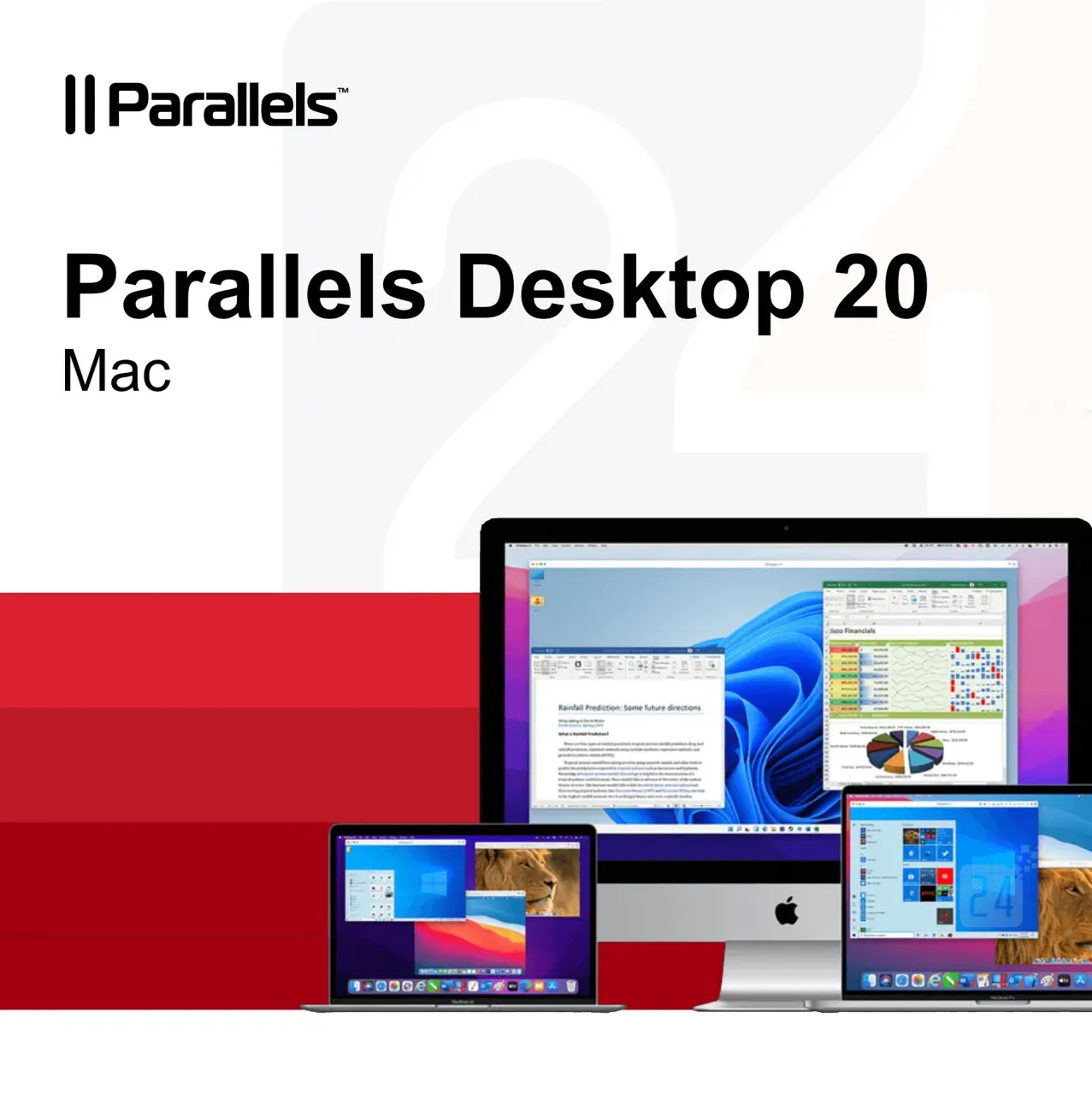
Parallels Desktop 20 Mac
Vendor: Blitzhandel24.de GB Price: 63.57 £Parallels Desktop 20 MAC: The perfect virtualization solution for your Mac Who wouldn't want the ultimate freedom to run both macOS and Windows on a Mac at the same time, without the hassle of rebooting? That's exactly what Parallels Desktop 20 MAC offers - the powerful and easy-to-use virtualization solution for all Mac users who need to run Windows. In this article, we'll dive deep into the features and benefits of Parallels Desktop 20 MAC and show you why it's a great investment for your productivity. Parallels Desktop 20 MAC is a virtualization software that allows you to run Windows, Linux and other operating systems in parallel with your macOS. The latest version, optimized for macOS Sequoia, brings even better performance and ease of use. Whether you run Windows, play games or need a cross-platform development environment, Parallels Desktop 20 MAC makes it possible to do it all without rebooting and in a seamless user experience. Key features of Parallels Desktop 20 MAC Here are some of the outstanding features that Parallels Desktop 20 MAC has to offer: Optimized for macOS Sequoia: The software is fully optimized for the latest version of macOS so you get the best performance on your Mac. UseWindows without rebooting: Open Windows right alongside your native macOS apps without having to restart your computer. Copy and paste text: Move or copy text, files or even entire apps between the two operating systems using drag-and-drop. RunWindows and 3D applications: With improved graphics support, Parallels Desktop 20 MAC also allows you to play Windows on your Mac or run 3D applications. Migrate data from PC to Mac: Transfer all your data from PC to Mac and continue using it in your familiar environment. Cross-platform resources: Share files, Devices and other resources seamlessly between macOS and Windows. Support for multiple operating systems: Install multiple operating systems, including different Windows, Linux distributions and even more copies of macOS - all in a single virtual environment. Benefits of Parallels Desktop 20 MAC Why should you buy Parallels Desktop 20 MAC? Here are some of the specific benefits that set it apart from the competition: Ease of use: the intuitive user interface makes it easy to switch between and manage different operating systems. High performance: Thanks to optimization for the latest Mac processors and support for macOS Sequoia, even demanding applications such as graphic design programs or games run smoothly. Cost efficiency: No need to buy a separate Windows because you can do everything on your Mac. Flexibility: Parallels Desktop 20 MAC allows you to run multiple operating systems simultaneously, which is especially useful for developers or IT professionals who need to work across platforms. Regular updates: Parallels provides regular updates to ensure compatibility with new macOS and Windows. The difference to other virtualization solutions Compared to other virtualization tools on the market, Parallels Desktop 20 MAC offers an unparalleled user experience. While other solutions are often cumbersome to set up and impact Mac performance, Parallels Desktop emphasizes ease of use and high performance. In addition, Parallels scores with a strong integration into the macOS system, making switching between Windows and Mac seamless and without delays. Who is Parallels Desktop 20 MAC suitable for? This software is aimed at a broad target group: Business professionals: those who need both macOS and Windows for their daily work. Developers : Developers who need to test and deploy applications to multiple platforms. Gamers: Mac users who want to benefit from the large selection of Windows. Education: Students and teachers who use cross-platform software. Parallels Desktop 20 MAC - A worthwhile investment Whether you're a creative professional who needs to use Windows alongside macOS, a gamer looking for a powerful solution, or simply a user who doesn't want to choose between the best features of Windows and Mac, Parallels Desktop 20 MAC is the answer. Buy Parallels Desktop 20 MAC to experience the best of both worlds and optimize your workflow. Parallels Desktop 20 MAC has everything you need to run Windows and other operating systems on your Mac with ease. With its powerful performance, intuitive user interface and seamless integration between macOS and Windows, it's the perfect solution for anyone who wants to get the best out of both operating systems. Buying Parallels Desktop 20 MAC is an investment that will increase your productivity and give you more flexibility in your day-to-day work. Try it out and see the outstanding performance of this software for yourself. Features Standard Edition Pro Edition Business Edition Basics: Run thousands of Windows(e.g. Microsoft Office, accounting software, SAP) ✔️ ✔️ ✔️ Ensure comprehensive updates: Support for new versions of macOS, Windows, Linux and Mac models Subscription only ✔️ ✔️ Run graphics-heavy Windows and powerfu...
-

Canon CanoScan LiDE 300 - flatbed scanner - desktop - USB 2.0
Vendor: A1techdeals.com Price: 71.52 £Canon CanoScan LiDE 300 - Flatbed scanner - Contact Image Sensor (CIS) - A4/Letter - 2400 dpi x 2400 dpi - USB 2.0
-

HP Desktop Mini v4+ VESA Sleeve Mounting Kit for HP Desktop Mini PCs
Vendor: Box.co.uk Price: 24.99 £ (+4.95 £)HP Desktop Mini v4+ VESA Sleeve Mounting Kit for HP Desktop Mini PCs
-

Parallels Desktop 20 Mac
Vendor: Blitzhandel24.de GB Price: 29.21 £Parallels Desktop 20 MAC: The perfect virtualization solution for your Mac Who wouldn't want the ultimate freedom to run both macOS and Windows on a Mac at the same time, without the hassle of rebooting? That's exactly what Parallels Desktop 20 MAC offers - the powerful and easy-to-use virtualization solution for all Mac users who need to run Windows. In this article, we'll dive deep into the features and benefits of Parallels Desktop 20 MAC and show you why it's a great investment for your productivity. Parallels Desktop 20 MAC is a virtualization software that allows you to run Windows, Linux and other operating systems in parallel with your macOS. The latest version, optimized for macOS Sequoia, brings even better performance and ease of use. Whether you run Windows, play games or need a cross-platform development environment, Parallels Desktop 20 MAC makes it possible to do it all without rebooting and in a seamless user experience. Key features of Parallels Desktop 20 MAC Here are some of the outstanding features that Parallels Desktop 20 MAC has to offer: Optimized for macOS Sequoia: The software is fully optimized for the latest version of macOS so you get the best performance on your Mac. UseWindows without rebooting: Open Windows right alongside your native macOS apps without having to restart your computer. Copy and paste text: Move or copy text, files or even entire apps between the two operating systems using drag-and-drop. RunWindows and 3D applications: With improved graphics support, Parallels Desktop 20 MAC also allows you to play Windows on your Mac or run 3D applications. Migrate data from PC to Mac: Transfer all your data from PC to Mac and continue using it in your familiar environment. Cross-platform resources: Share files, Devices and other resources seamlessly between macOS and Windows. Support for multiple operating systems: Install multiple operating systems, including different Windows, Linux distributions and even more copies of macOS - all in a single virtual environment. Benefits of Parallels Desktop 20 MAC Why should you buy Parallels Desktop 20 MAC? Here are some of the specific benefits that set it apart from the competition: Ease of use: the intuitive user interface makes it easy to switch between and manage different operating systems. High performance: Thanks to optimization for the latest Mac processors and support for macOS Sequoia, even demanding applications such as graphic design programs or games run smoothly. Cost efficiency: No need to buy a separate Windows because you can do everything on your Mac. Flexibility: Parallels Desktop 20 MAC allows you to run multiple operating systems simultaneously, which is especially useful for developers or IT professionals who need to work across platforms. Regular updates: Parallels provides regular updates to ensure compatibility with new macOS and Windows. The difference to other virtualization solutions Compared to other virtualization tools on the market, Parallels Desktop 20 MAC offers an unparalleled user experience. While other solutions are often cumbersome to set up and impact Mac performance, Parallels Desktop emphasizes ease of use and high performance. In addition, Parallels scores with a strong integration into the macOS system, making switching between Windows and Mac seamless and without delays. Who is Parallels Desktop 20 MAC suitable for? This software is aimed at a broad target group: Business professionals: those who need both macOS and Windows for their daily work. Developers : Developers who need to test and deploy applications to multiple platforms. Gamers: Mac users who want to benefit from the large selection of Windows. Education: Students and teachers who use cross-platform software. Parallels Desktop 20 MAC - A worthwhile investment Whether you're a creative professional who needs to use Windows alongside macOS, a gamer looking for a powerful solution, or simply a user who doesn't want to choose between the best features of Windows and Mac, Parallels Desktop 20 MAC is the answer. Buy Parallels Desktop 20 MAC to experience the best of both worlds and optimize your workflow. Parallels Desktop 20 MAC has everything you need to run Windows and other operating systems on your Mac with ease. With its powerful performance, intuitive user interface and seamless integration between macOS and Windows, it's the perfect solution for anyone who wants to get the best out of both operating systems. Buying Parallels Desktop 20 MAC is an investment that will increase your productivity and give you more flexibility in your day-to-day work. Try it out and see the outstanding performance of this software for yourself. Features Standard Edition Pro Edition Business Edition Basics: Run thousands of Windows(e.g. Microsoft Office, accounting software, SAP) ✔️ ✔️ ✔️ Ensure comprehensive updates: Support for new versions of macOS, Windows, Linux and Mac models Subscription only ✔️ ✔️ Run graphics-heavy Windows and powerfu...
-

Ryzen 5 9600X AMD CPU R5 9600X 5.4GHz 6-Core 12-Thread 4NM 38M Desktop Processor Socket AM5 CPU Gaming Processo but no fan
Vendor: Aliexpress.com Price: 170.04 £Ryzen 5 9600X AMD CPU R5 9600X 5.4GHz 6-Core 12-Thread 4NM 38M Desktop Processor Socket AM5 CPU Gaming Processo but no fan
-

FiiO Non-Slip Desktop Mat
Vendor: Advancedmp3players.co.uk Price: 9.99 £ (+3.99 £)A perfect accessory for FiiO lovers; an elegantly designed mousemat. Measures 800 x 300mm. With the launch of FiiO HiFi desktop experience, the FiiO design team combined design solutions with a desktop mouse pad, presenting various FiiO device highlights from over the years.
-
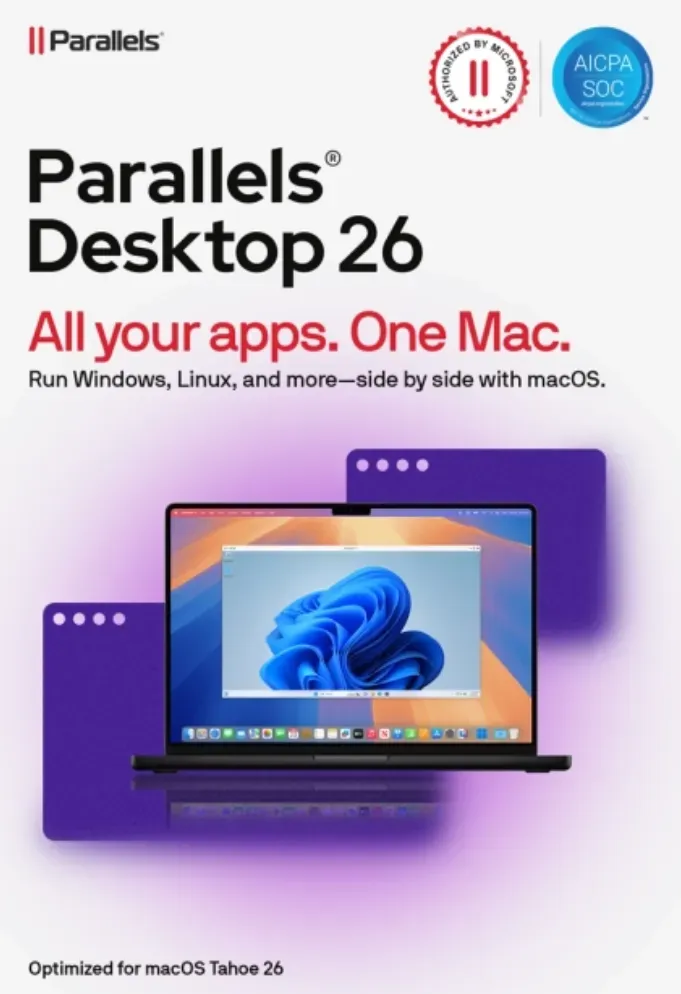
Parallels Desktop 26 MAC
Vendor: Blitzhandel24.de GB Price: 93.54 £Parallels Desktop 26 for Mac - use Windows seamlessly on your Mac Get the best of both worlds with Parallels Desktop 26 for Mac : run Windows applications effortlessly on your Mac without rebooting and enjoy maximum flexibility for work, study and play. Simple, powerful and seamless - just the way you need it. Thanks to authorized Microsoft integration, you can access over 200,000 Windows apps. Whether it's Office programs, development software or games, you can work with Windows applications just as smoothly as with native Mac apps. Parallels Desktop 26 is optimized for the latest Apple Silicon chips (M1, M2, M3) and Intel Macs. Benefit from faster boot times, better graphics and stable performance, even with computing-intensive applications. Installation is child's play: a wizard guides you through the process step by step. Your virtual Windows environment is ready within a few minutes - immediately ready for work, learning or gaming. Discover how Parallels Desktop 26 makes your everyday life easier For home Run thousands of Windows applications on your Mac, including Windows-exclusive games. For school Get your education up to speed. Access the Windows apps and other software you need on your Mac. For work Get the full power of the Microsoft Office 365 suite and other business-critical apps. For powerUser(s) Advanced features and improved functionality for developers, creators and power-User(s). Additional features of Parallels Desktop 26 Easy Windows installation With just two clicks, you can download, install and configure Windows 11 on your Mac - no additional images or complicated setup required. Comprehensive device integration Use your camera, microphone, trackpad, keyboard and other Mac hardware directly in Windows. Even Windows-exclusive Devices such as printers, scanners or smartphones are supported. Seamless integration Work more productively thanks to the perfect integration of Windows and macOS. Content can be moved effortlessly and Windows apps run in parallel with your Mac applications. Optimized user experience Benefit from high performance and an intuitive design. Included in the subscription: Parallels Toolbox and 24/7 Premium support from the manufacturer. Comparison: Parallels Desktop 26 Standard vs. Pro Features Standard Easy home use Pro Power-User(s) & developers Core components Maximum virtual RAM & CPUs 8 GB vRAM, 4 vCPUs 128 GB vRAM, 32 vCPUs Supports macOS, Windows & Linux ✔ ✔ Microsoft authorized & SOC 2 certified ✔ ✔ 3D acceleration - DirectX & OpenGL ✔ ✔ Access to thousands of Windows apps ✔ ✔ Advanced features Windows-Apps with high graphics & computing load - ✔ Multiple virtual machines simultaneously - ✔ Command line tools - ✔ Integrated developer tools - ✔ System tools Disk & Memory Cleanup - ✔ System & performance monitoring - ✔ Multimedia download & conversion - ✔ Productivity & data protection booster - ✔ Screen capture & recording - ✔ Teams & small businesses Central administration & license management - ✔ Automation of CI/CD workflows - ✔ Advanced deployment tools - ✔ Volume licenses - ✔ Why buy from Blitzhandel24? Fast delivery You will receive your software conveniently by e-mail in just a few minutes - with no waiting times. 100% original licenses Guaranteed tested and legally compliant licenses - for a secure user experience. Fair prices Benefit from permanently favorable conditions and exclusive offers. Personal support Our competent team will help you with installation, activation and questions about the product. System requirements for Parallels Desktop 26 Component Recommended for graphics-intensive applications, development & high loads Processor Apple Silicon Chip (M series) or Intel Core i5, i7, i9 or Xeon RAM 16 GB RAM or more Hard disk SSD drive Graphics Apple Silicon Chip (M-series) or AMD Radeon Pro graphics card Operating system macOS Ventura 13.7 or newer Support 24/7 Premium Support from the manufacturer
-

Corsair Vengeance LPX 16GB (2 x 8GB) DDR4 3200MHz C16 Desktop Memory Kit – Black (CMK16GX4M2Z3200C16)
Vendor: Gadcet.com Price: 249.00 £Overview Boost your system’s performance with the Corsair Vengeance LPX 16GB DDR4 3200MHz Memory Kit. Designed for high-performance computing and optimised for AMD Ryzen systems, this dual-channel kit delivers fast speeds, low latency, and reliable stability. With its low-profile heat spreader and sleek black design, it’s perfect for both compact builds and high-performance gaming rigs. Key Features 16GB Dual-Channel Kit (2 x 8GB) – Improved bandwidth and multitasking performance 3200MHz High-Speed DDR4 – Faster data transfer for gaming and productivity CL16 Low Latency – Responsive performance with reduced lag XMP 2.0 Support – Easy overclocking with one-click BIOS configuration Optimised for AMD Ryzen – Enhanced compatibility and performance tuning Low-Profile Heat Spreader – Efficient heat dissipation and fits compact builds Premium Build Quality – Aluminium heat spreader for durability and cooling Sleek Black Design – Matches modern PC builds Benefits The Corsair Vengeance LPX 16GB kit is ideal for users looking to maximise their PC’s performance. With high-speed 3200MHz memory and low latency, it enhances gaming performance, speeds up workflows, and improves system responsiveness. The dual-channel configuration boosts efficiency, while XMP 2.0 support makes setup quick and hassle-free. Its compact design ensures compatibility with a wide range of systems, including small form factor builds. Specifications Specification Details Brand Corsair Model Vengeance LPX (CMK16GX4M2Z3200C16) EAN 843591031110 Capacity 16GB (2 x 8GB) Memory Type DDR4 Speed 3200MHz (PC4-25600) Latency CL16 Form Factor DIMM (Desktop) Voltage 1.35V XMP Support XMP 2.0 Compatibility AMD Ryzen & DDR4 Desktop Systems Heat Spreader Aluminium, Low Profile Colour Black
-

HP Desktop Mini v4+ VESA
Vendor: Onbuy.com Price: 44.60 £HP Desktop Mini v4+ VESA
-
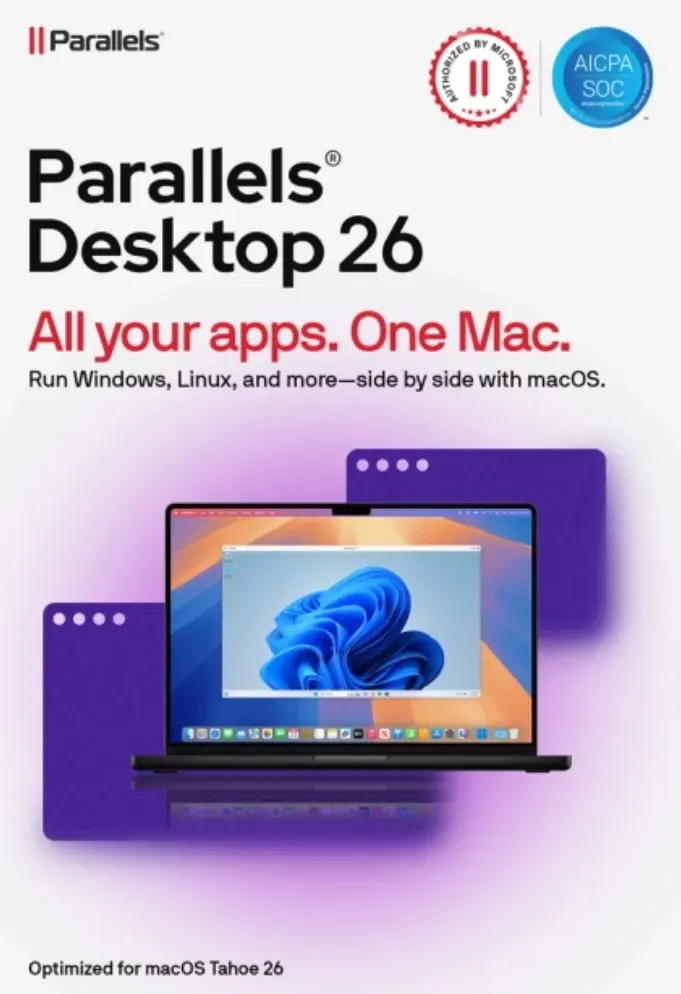
Parallels Desktop 26 MAC
Vendor: Blitzhandel24.de GB Price: 71.61 £Parallels Desktop 26 for Mac - use Windows seamlessly on your Mac Get the best of both worlds with Parallels Desktop 26 for Mac : run Windows applications effortlessly on your Mac without rebooting and enjoy maximum flexibility for work, study and play. Simple, powerful and seamless - just the way you need it. Thanks to authorized Microsoft integration, you can access over 200,000 Windows apps. Whether it's Office programs, development software or games, you can work with Windows applications just as smoothly as with native Mac apps. Parallels Desktop 26 is optimized for the latest Apple Silicon chips (M1, M2, M3) and Intel Macs. Benefit from faster boot times, better graphics and stable performance, even with computing-intensive applications. Installation is child's play: a wizard guides you through the process step by step. Your virtual Windows environment is ready within a few minutes - immediately ready for work, learning or gaming. Discover how Parallels Desktop 26 makes your everyday life easier For home Run thousands of Windows applications on your Mac, including Windows-exclusive games. For school Get your education up to speed. Access the Windows apps and other software you need on your Mac. For work Get the full power of the Microsoft Office 365 suite and other business-critical apps. For powerUser(s) Advanced features and improved functionality for developers, creators and power-User(s). Additional features of Parallels Desktop 26 Easy Windows installation With just two clicks, you can download, install and configure Windows 11 on your Mac - no additional images or complicated setup required. Comprehensive device integration Use your camera, microphone, trackpad, keyboard and other Mac hardware directly in Windows. Even Windows-exclusive Devices such as printers, scanners or smartphones are supported. Seamless integration Work more productively thanks to the perfect integration of Windows and macOS. Content can be moved effortlessly and Windows apps run in parallel with your Mac applications. Optimized user experience Benefit from high performance and an intuitive design. Included in the subscription: Parallels Toolbox and 24/7 Premium support from the manufacturer. Comparison: Parallels Desktop 26 Standard vs. Pro Features Standard Easy home use Pro Power-User(s) & developers Core components Maximum virtual RAM & CPUs 8 GB vRAM, 4 vCPUs 128 GB vRAM, 32 vCPUs Supports macOS, Windows & Linux ✔ ✔ Microsoft authorized & SOC 2 certified ✔ ✔ 3D acceleration - DirectX & OpenGL ✔ ✔ Access to thousands of Windows apps ✔ ✔ Advanced features Windows-Apps with high graphics & computing load - ✔ Multiple virtual machines simultaneously - ✔ Command line tools - ✔ Integrated developer tools - ✔ System tools Disk & Memory Cleanup - ✔ System & performance monitoring - ✔ Multimedia download & conversion - ✔ Productivity & data protection booster - ✔ Screen capture & recording - ✔ Teams & small businesses Central administration & license management - ✔ Automation of CI/CD workflows - ✔ Advanced deployment tools - ✔ Volume licenses - ✔ Why buy from Blitzhandel24? Fast delivery You will receive your software conveniently by e-mail in just a few minutes - with no waiting times. 100% original licenses Guaranteed tested and legally compliant licenses - for a secure user experience. Fair prices Benefit from permanently favorable conditions and exclusive offers. Personal support Our competent team will help you with installation, activation and questions about the product. System requirements for Parallels Desktop 26 Component Recommended for graphics-intensive applications, development & high loads Processor Apple Silicon Chip (M series) or Intel Core i5, i7, i9 or Xeon RAM 16 GB RAM or more Hard disk SSD drive Graphics Apple Silicon Chip (M-series) or AMD Radeon Pro graphics card Operating system macOS Ventura 13.7 or newer Support 24/7 Premium Support from the manufacturer
-

Refurbished Lenovo ThinkCentre M710q Tiny Desktop PC - Intel Core i5-7400T - 8GB - 256GB SSD - WiFi - Windows 11 Pro
Vendor: MicroDream.co.uk Price: 14.99 £Lenovo ThinkCentre M710q Tiny Desktop PC with Intel Core i5-7400T, 8GB DDR4 RAM, 256GB SSD, WiFi and Windows 11 Pro. A compact business mini PC ideal for office work, home use, web browsing, emails, study and everyday productivity.
-

Rode DS1 Desktop Stand
Vendor: Wexphotovideo.com Price: 27.00 £ (+3.99 £)The Rode DS1 is a table top desk stand for your Rode microphones. The DS1 gives you the ability to mount your microphone on a desktop for interview, dictation and other related uses.
-
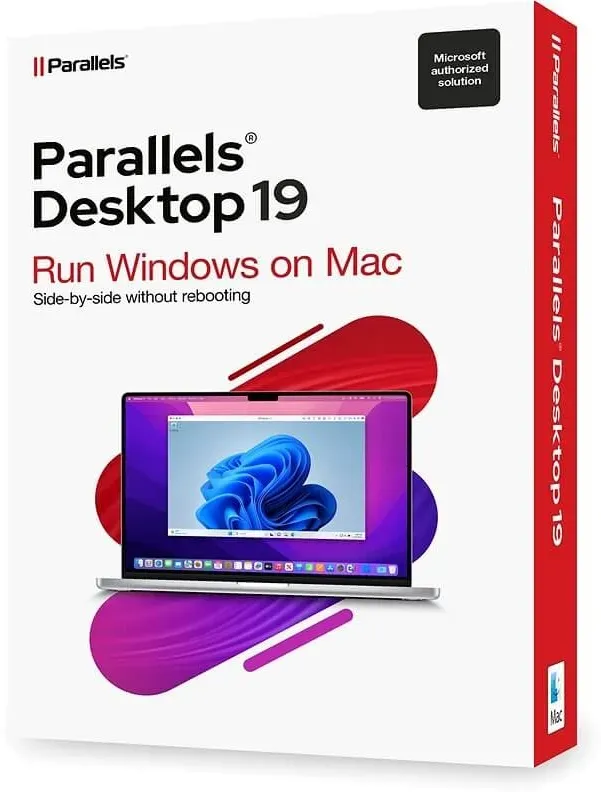
Parallels Desktop 19 MAC
Vendor: Blitzhandel24.de GB Price: 40.17 £Parallels Desktop 19 MAC: The Ultimate Choice for Smooth Mac Virtualization Introduction Parallels Desktop 19 MAC is undoubtedly one of the most remarkable products from the renowned manufacturer Parallels. This powerful software has revolutionized the way Mac users experience their virtual environment. With a wealth of features and a seamless user interface, Parallels Desktop 19 MAC allows Mac users to enjoy the best of both worlds: the robustness of macOS and the versatility of other operating systems. But what makes this product so exceptional? Let's dive in and explore the benefits. Advantages of Parallels Desktop 19 MAC Here are some of the compelling reasons why Parallels Desktop 19 MAC is the ultimate choice for Mac virtualization: 1. Effortless installation and use With Parallels Desktop 19 MAC, you're not just buying software, you're buying a whole new user experience. Installation is a breeze and guides you through every step without the need for technical expertise. You can seamlessly run Windows or other operating systems on your Mac as if they were native applications. 2. Perfect integration Parallels Desktop 19 MAC integrates harmoniously into your Mac environment. You can launch Windows applications directly from the dock and switch between operating systems without feeling like you're working on a virtual desktop. The seamless integration extends to files, folders and even the clipboard. 3. Highest performance When you buy Parallels Desktop 19 MAC, you are investing in impressive performance. The software utilizes the latest hardware acceleration technology to ensure your virtual machines run smoothly. Whether you want to run resource-intensive applications or play graphics-intensive games, this software delivers the performance you need. 4. Buy Parallels Desktop 19 MAC for flexibility Buying Parallels Desktop 19 MAC means having access to a wide range of possibilities. You can run different operating systems simultaneously, which is particularly useful if you are working on cross-platform projects or need certain applications that are only available on a specific operating system. This flexibility is invaluable and allows you to get the most out of your Mac. 5. Seamless security Security is an essential aspect of any virtualization software, and Parallels Desktop 19 MAC does not disappoint. By integrating the highest level of security features, you can rest assured that your data is protected as you move between operating systems. Your virtual machines are isolated in a secure environment. 6. Innovative design The design of Parallels Desktop 19 MAC is thoughtful and easy to use. The user interface is intuitive and allows users to effortlessly access features and navigate between different operating systems. The appealing aesthetics add to the overall positive experience. The question of investment: Is buying Parallels Desktop 19 MAC the right choice? With all these impressive benefits, the question is: Should you buy Parallels Desktop 19 MAC? The answer depends on your individual needs and priorities. If you are looking for a way to take advantage of multiple operating systems on your Mac without compromising on performance and ease of use, then this investment is undoubtedly worthwhile. Summary In the world of Mac virtualization, Parallels Desktop 19 MAC is at the forefront. With seamless integration, impressive performance and flexibility, this software offers a first-class experience for Mac users. The (product name) purchase opens up a world of limitless possibilities, whether for business projects, educational purposes or simply to try out different operating systems. If you want to get the most out of your Mac, Parallels Desktop 19 MAC is undoubtedly the answer. Parallels Desktop 19 MAC: System requirements Before you decide to purchase Parallels Desktop 19 MAC, it is important to make sure that your Mac system meets the following requirements: System requirements: Mac model: Supported models from 2012 Operating system: macOS 12.6 or higher Processor: Intel Core i3, i5, i7 or i9 or comparable processor Memory: 4 GB RAM Storage space: 500 MB free space on the hard disk Recommended system requirements: Mac model: Latest model for optimal performance Operating system: macOS 12.6 or higher Processor: Intel Core i5, i7, i9 or comparable processor Memory: 8 GB RAM or more Disk space: 1 GB free space on the hard disk (for the installation of guest operating systems)
-

Exerz World Globe With A Metal Base, Metallic Black Earth Globe Geographic English Modern Map Desktop Decoration 38cm H x 30.5cm W x 38.5cm D
Vendor: Wayfair.co.uk Price: 51.96 £ (+4.99 £)Every family needs a globe – Have you thought of, or have you ever played games with a globe Close our eyes and let’s rotate it, whichever the spot we put our finger tips on, is the next place we are going on a holiday to. You and your family need a good quality and reliable globe for everyday use, something you may teach your children about the planet, let them see what it is really like to see the distance between Antarctica and the North Pole. Kids may play with their friends and show off the knowledge they have learnt about the planet. Actually Fine and Clear – We probably all have been through the awkward moment trying to read what’s on a globe, now you may actually read the name of the continent, nation states, and cities on our globe without popping your eyes out. Exerz’s high quality printed globe guarantees it. Care and other information – To maintain the globe in its best condition as long as possible, wipe clean only, avoid dropping from a high place or scratch with sharp objects. Children under 3 years old requires adult supervision when using the globe. EXERZ Size: 38cm H x 30.5cm W x 38.5cm D
-

REFURBISHED Acer Aspire XC-840 Desktop PC 4GB RAM, 256GB SSD Desktop PC - Black
Vendor: Onbuy.com Price: 377.00 £ (+24.89 £)Acer Aspire XC-840 Desktop PC 4GB RAM, 256GB SSD Desktop PC - Black
-
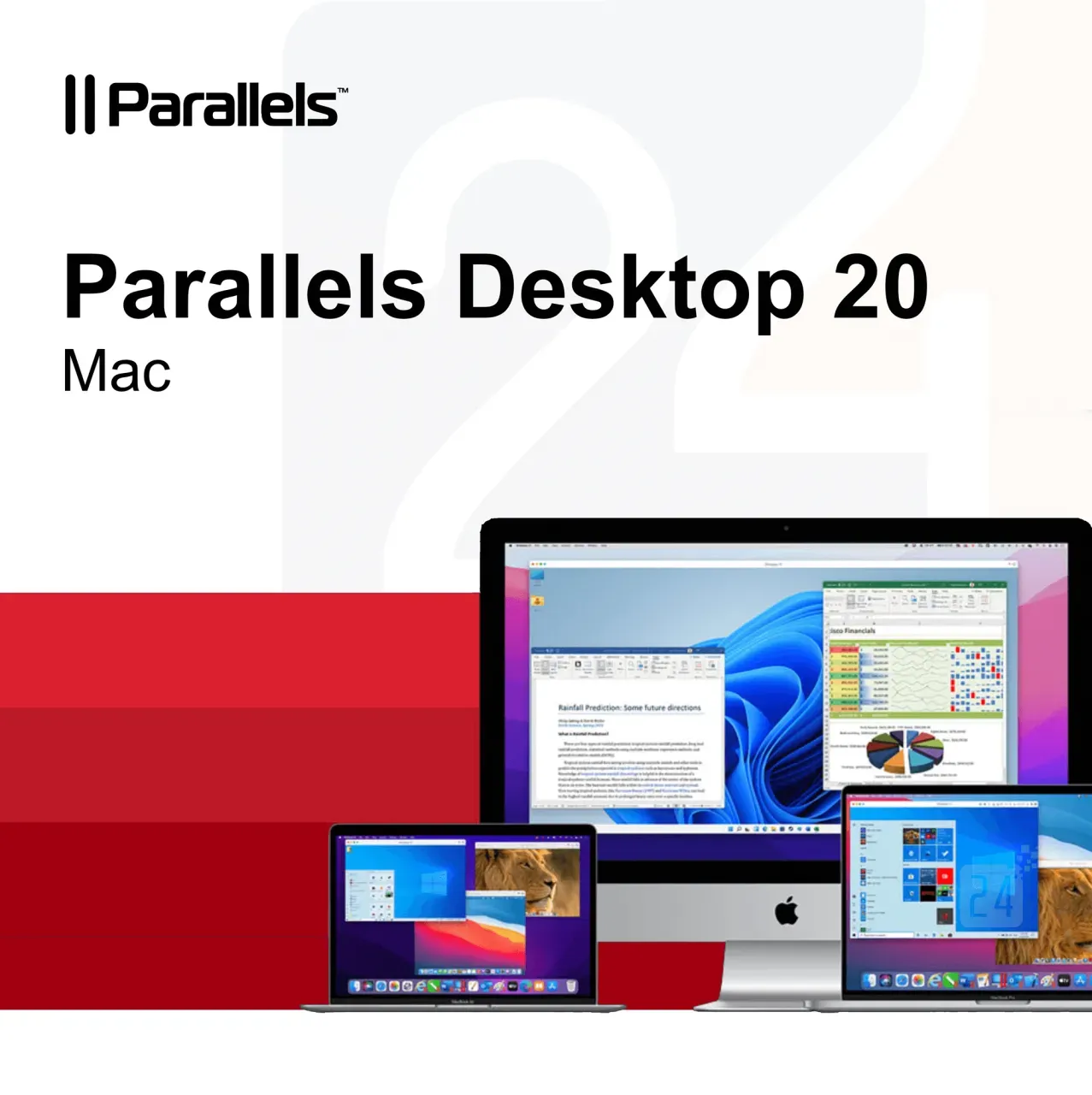
Parallels Desktop 20 Mac
Vendor: Blitzhandel24.de GB Price: 40.17 £Parallels Desktop 20 MAC: The perfect virtualization solution for your Mac Who wouldn't want the ultimate freedom to run both macOS and Windows on a Mac at the same time, without the hassle of rebooting? That's exactly what Parallels Desktop 20 MAC offers - the powerful and easy-to-use virtualization solution for all Mac users who need to run Windows. In this article, we'll dive deep into the features and benefits of Parallels Desktop 20 MAC and show you why it's a great investment for your productivity. Parallels Desktop 20 MAC is a virtualization software that allows you to run Windows, Linux and other operating systems in parallel with your macOS. The latest version, optimized for macOS Sequoia, brings even better performance and ease of use. Whether you run Windows, play games or need a cross-platform development environment, Parallels Desktop 20 MAC makes it possible to do it all without rebooting and in a seamless user experience. Key features of Parallels Desktop 20 MAC Here are some of the outstanding features that Parallels Desktop 20 MAC has to offer: Optimized for macOS Sequoia: The software is fully optimized for the latest version of macOS so you get the best performance on your Mac. UseWindows without rebooting: Open Windows right alongside your native macOS apps without having to restart your computer. Copy and paste text: Move or copy text, files or even entire apps between the two operating systems using drag-and-drop. RunWindows and 3D applications: With improved graphics support, Parallels Desktop 20 MAC also allows you to play Windows on your Mac or run 3D applications. Migrate data from PC to Mac: Transfer all your data from PC to Mac and continue using it in your familiar environment. Cross-platform resources: Share files, Devices and other resources seamlessly between macOS and Windows. Support for multiple operating systems: Install multiple operating systems, including different Windows, Linux distributions and even more copies of macOS - all in a single virtual environment. Benefits of Parallels Desktop 20 MAC Why should you buy Parallels Desktop 20 MAC? Here are some of the specific benefits that set it apart from the competition: Ease of use: the intuitive user interface makes it easy to switch between and manage different operating systems. High performance: Thanks to optimization for the latest Mac processors and support for macOS Sequoia, even demanding applications such as graphic design programs or games run smoothly. Cost efficiency: No need to buy a separate Windows because you can do everything on your Mac. Flexibility: Parallels Desktop 20 MAC allows you to run multiple operating systems simultaneously, which is especially useful for developers or IT professionals who need to work across platforms. Regular updates: Parallels provides regular updates to ensure compatibility with new macOS and Windows. The difference to other virtualization solutions Compared to other virtualization tools on the market, Parallels Desktop 20 MAC offers an unparalleled user experience. While other solutions are often cumbersome to set up and impact Mac performance, Parallels Desktop emphasizes ease of use and high performance. In addition, Parallels scores with a strong integration into the macOS system, making switching between Windows and Mac seamless and without delays. Who is Parallels Desktop 20 MAC suitable for? This software is aimed at a broad target group: Business professionals: those who need both macOS and Windows for their daily work. Developers : Developers who need to test and deploy applications to multiple platforms. Gamers: Mac users who want to benefit from the large selection of Windows. Education: Students and teachers who use cross-platform software. Parallels Desktop 20 MAC - A worthwhile investment Whether you're a creative professional who needs to use Windows alongside macOS, a gamer looking for a powerful solution, or simply a user who doesn't want to choose between the best features of Windows and Mac, Parallels Desktop 20 MAC is the answer. Buy Parallels Desktop 20 MAC to experience the best of both worlds and optimize your workflow. Parallels Desktop 20 MAC has everything you need to run Windows and other operating systems on your Mac with ease. With its powerful performance, intuitive user interface and seamless integration between macOS and Windows, it's the perfect solution for anyone who wants to get the best out of both operating systems. Buying Parallels Desktop 20 MAC is an investment that will increase your productivity and give you more flexibility in your day-to-day work. Try it out and see the outstanding performance of this software for yourself. Features Standard Edition Pro Edition Business Edition Basics: Run thousands of Windows(e.g. Microsoft Office, accounting software, SAP) ✔️ ✔️ ✔️ Ensure comprehensive updates: Support for new versions of macOS, Windows, Linux and Mac models Subscription only ✔️ ✔️ Run graphics-heavy Windows and powerfu...
-

Microsoft Remote Desktop Services (RDS) 2022
Vendor: Primelicense.com Price: 10.29 £PLEASE NOTE: RDS CAL licences require technical activation in Server Manager. These licences are not the CAL versions required for Microsoft audits – a serial number is provided for activating user or device CALs in Windows Server environments. Windows Server Remote Desktop Services (RDS) 2022 is a powerful server-based virtualization technology that enables users to access Windows desktops, applications, and data remotely from various devices. It allows organizations to deliver a rich virtual desktop infrastructure (VDI) or session-based desktops to end-users, providing a flexible and secure remote computing solution. Key Features of Windows Server Remote Desktop Services 2022: Virtual Desktop Infrastructure (VDI): Windows Server RDS 2022 allows administrators to create and manage virtual desktops that can be accessed remotely by end-users. VDI enables personalized desktop experiences and allows users to access their virtual desktops from different devices, providing a consistent and productive environment. Session-based Desktops: In addition to VDI, RDS 2022 supports session-based desktops. Session-based desktops enable multiple users to share a single server operating system while maintaining separate user sessions. This allows efficient utilization of server resources and enables cost-effective desktop delivery. RemoteApp: With RemoteApp, administrators can virtualize and deliver individual applications from a server to end-user devices. RemoteApp provides a seamless application experience, allowing users to access specific applications without the need to access an entire desktop. This feature enhances flexibility and simplifies application management. RemoteFX: RemoteFX is a technology included in Windows Server RDS 2022 that enhances the remote desktop experience by providing high-quality multimedia and graphics capabilities. It enables smooth video playback, USB redirection, and multi-monitor support, making the remote desktop experience feel more like a local desktop environment. Remote Desktop Gateway: The Remote Desktop Gateway (RD Gateway) component in RDS 2022 allows secure remote access to internal network resources over the internet. It acts as a gateway server that provides a single point of entry for remote desktop connections, ensuring encrypted and authenticated access to virtual desktops or session-based desktops. Remote Desktop Web Access: RDS 2022 includes a web-based portal called Remote Desktop Web Access (RD Web Access) that allows users to access their virtual desktops, RemoteApp programs, and published resources through a web browser. It provides a convenient and platform-independent way for users to connect to their remote desktops and applications. Scalability and Load Balancing: Windows Server RDS 2022 supports scaling and load balancing to optimize resource utilization and ensure high availability. Administrators can distribute user sessions across multiple servers, ensuring efficient use of hardware resources and...
-

Rode DS2 Desktop Studio Arm
Vendor: Wexphotovideo.com Price: 75.00 £The Rode DS2 is a versatile and user-friendly Desktop Studio Arm compatible with mics, cameras, smartphones and lights up to 900g with 3/8"" or 1/4"" threads. Thanks to its balance-friendly design, its heavy base stand eliminates the need for clamps or mounts, suitable for desks or flat surfaces. It offers two pivot points for swift repositioning and integrated cable management for a tidy workspace.
-
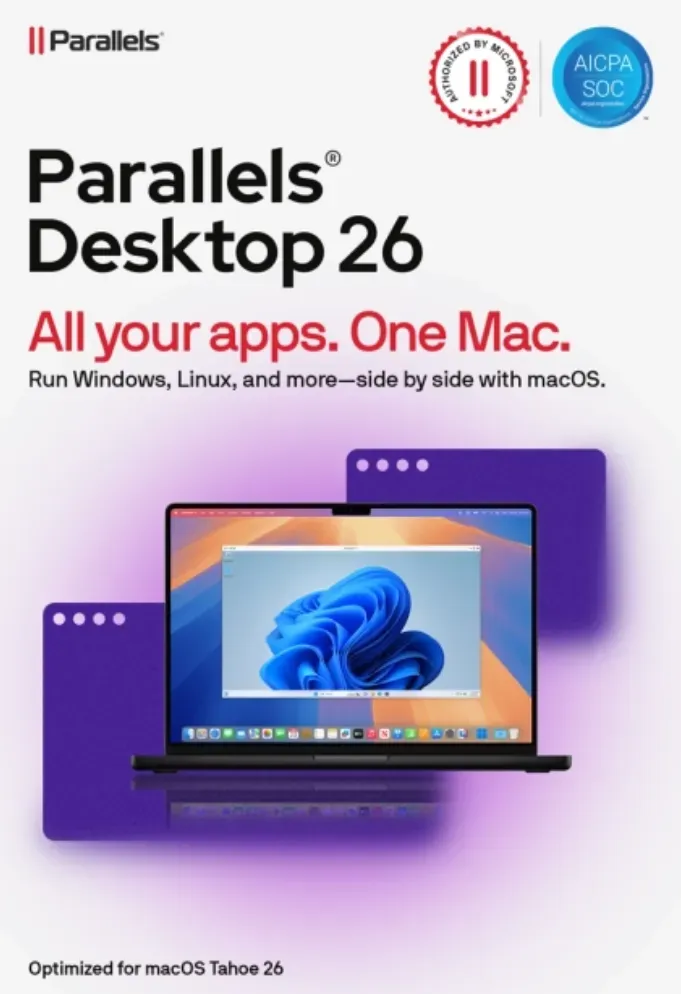
Parallels Desktop 26 MAC
Vendor: Blitzhandel24.de GB Price: 54.80 £Parallels Desktop 26 for Mac - use Windows seamlessly on your Mac Get the best of both worlds with Parallels Desktop 26 for Mac : run Windows applications effortlessly on your Mac without rebooting and enjoy maximum flexibility for work, study and play. Simple, powerful and seamless - just the way you need it. Thanks to authorized Microsoft integration, you can access over 200,000 Windows apps. Whether it's Office programs, development software or games, you can work with Windows applications just as smoothly as with native Mac apps. Parallels Desktop 26 is optimized for the latest Apple Silicon chips (M1, M2, M3) and Intel Macs. Benefit from faster boot times, better graphics and stable performance, even with computing-intensive applications. Installation is child's play: a wizard guides you through the process step by step. Your virtual Windows environment is ready within a few minutes - immediately ready for work, learning or gaming. Discover how Parallels Desktop 26 makes your everyday life easier For home Run thousands of Windows applications on your Mac, including Windows-exclusive games. For school Get your education up to speed. Access the Windows apps and other software you need on your Mac. For work Get the full power of the Microsoft Office 365 suite and other business-critical apps. For powerUser(s) Advanced features and improved functionality for developers, creators and power-User(s). Additional features of Parallels Desktop 26 Easy Windows installation With just two clicks, you can download, install and configure Windows 11 on your Mac - no additional images or complicated setup required. Comprehensive device integration Use your camera, microphone, trackpad, keyboard and other Mac hardware directly in Windows. Even Windows-exclusive Devices such as printers, scanners or smartphones are supported. Seamless integration Work more productively thanks to the perfect integration of Windows and macOS. Content can be moved effortlessly and Windows apps run in parallel with your Mac applications. Optimized user experience Benefit from high performance and an intuitive design. Included in the subscription: Parallels Toolbox and 24/7 Premium support from the manufacturer. Comparison: Parallels Desktop 26 Standard vs. Pro Features Standard Easy home use Pro Power-User(s) & developers Core components Maximum virtual RAM & CPUs 8 GB vRAM, 4 vCPUs 128 GB vRAM, 32 vCPUs Supports macOS, Windows & Linux ✔ ✔ Microsoft authorized & SOC 2 certified ✔ ✔ 3D acceleration - DirectX & OpenGL ✔ ✔ Access to thousands of Windows apps ✔ ✔ Advanced features Windows-Apps with high graphics & computing load - ✔ Multiple virtual machines simultaneously - ✔ Command line tools - ✔ Integrated developer tools - ✔ System tools Disk & Memory Cleanup - ✔ System & performance monitoring - ✔ Multimedia download & conversion - ✔ Productivity & data protection booster - ✔ Screen capture & recording - ✔ Teams & small businesses Central administration & license management - ✔ Automation of CI/CD workflows - ✔ Advanced deployment tools - ✔ Volume licenses - ✔ Why buy from Blitzhandel24? Fast delivery You will receive your software conveniently by e-mail in just a few minutes - with no waiting times. 100% original licenses Guaranteed tested and legally compliant licenses - for a secure user experience. Fair prices Benefit from permanently favorable conditions and exclusive offers. Personal support Our competent team will help you with installation, activation and questions about the product. System requirements for Parallels Desktop 26 Component Recommended for graphics-intensive applications, development & high loads Processor Apple Silicon Chip (M series) or Intel Core i5, i7, i9 or Xeon RAM 16 GB RAM or more Hard disk SSD drive Graphics Apple Silicon Chip (M-series) or AMD Radeon Pro graphics card Operating system macOS Ventura 13.7 or newer Support 24/7 Premium Support from the manufacturer
-

Apple iMac 2017 21.5" i5-7360U 16 GB 1 TB HDD compatible accessories US - Refurbished
Vendor: Refurbed.co.uk Price: 190.00 £The refurbed Apple iMac 2017 with a 21.5" display has a resolution of 1920 x 1080 pixels, also known as Full HD. The iMac is an all-in-one desktop computer with a display with built-in speakers and camera, and with the mouse and keyboard included, you'll have the perfect workspace and won't regret your choice! The completely refreshed Apple iMac 2017 has a range of ports including four USB 3.0 ports, two Thunderbolt 3 ports and a 3.5mm audio jack, and it also runs via the macOS operating system. With original Apple accessories or universal matching accessories You decide: original Apple keyboard in your desired layout and Apple mouse Apple compatible Bluetooth keyboard in your desired layout and Bluetooth mouse
17175 results in 0.376 seconds
Related search terms
© Copyright 2026 shopping.eu